
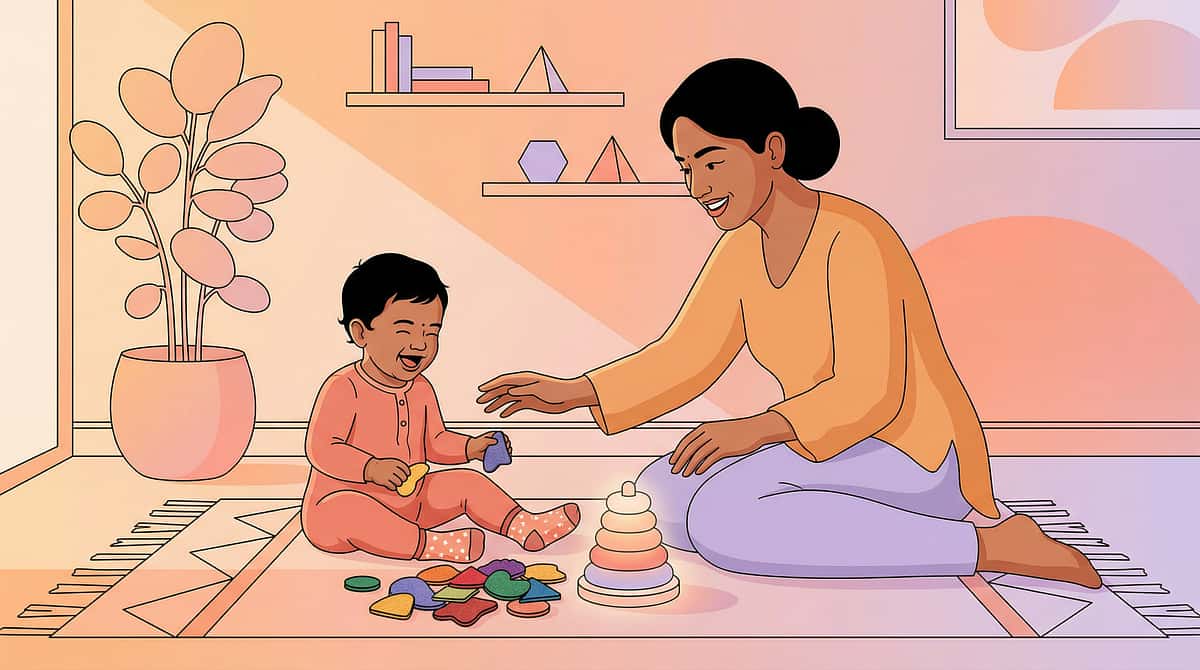
When your child walks into a busy room — and you watch them drown.
Not in water. In information. In everything their eyes can't stop seeing.
Pinnacle Blooms Consortium
Visual Processing
Age 3–12
Home + School + Community

It's a Saturday morning at the grocery store. You've been three times this week — quick trips, nothing dramatic. But today Arjun is with you. At the entrance, he slows down. His eyes go wide, then squint. His hands come up toward his face. By aisle three, he's staring at the floor, walking into your cart, unable to answer your question about which juice he wants.
It's not the lights — you fixed that with tinted lenses six months ago. It's the labels on every shelf. The promotional banners hanging from the ceiling. The patterns on the floor. The other carts and people and colours moving in every direction. Everything competing for his visual attention at exactly equal volume. His brain cannot decide what matters, so everything does.
He's not being difficult. He's drowning.
There are 9 materials that help. They exist. They work. You can use them today.
"You are not failing your child. Their visual system is working — just differently. This is a wiring difference, not a behaviour problem."

Millions of families. One shared daily reality.
80%
Sensory Co-occurrence
Of children diagnosed with autism experience sensory processing difficulties including visual overload
1 in 6
Children Affected
Experience sensory processing differences significant enough to affect daily function
40M+
Indian Children
Under 12 currently experiencing some degree of sensory processing challenge
When your child struggles in busy visual environments while others appear fine, it can feel like your family is uniquely broken. You are not. Visual sensory modulation difficulty — the inability to filter visual information the way most brains do automatically — is one of the most common and most misunderstood challenges in childhood development. The teacher who says "he just needs to pay attention" is describing a system, not the child. The system isn't working. We fix the system.
Across Pinnacle Blooms Network's 70+ centres treating children from 70+ countries, visual overload presentations are among the top three sensory referrals. Indian classrooms — often visually rich with colourful teaching materials, multi-purpose spaces, and high child density — can be particularly challenging for children with visual filtering difficulties. This is a population-scale reality, not an individual family's failure.
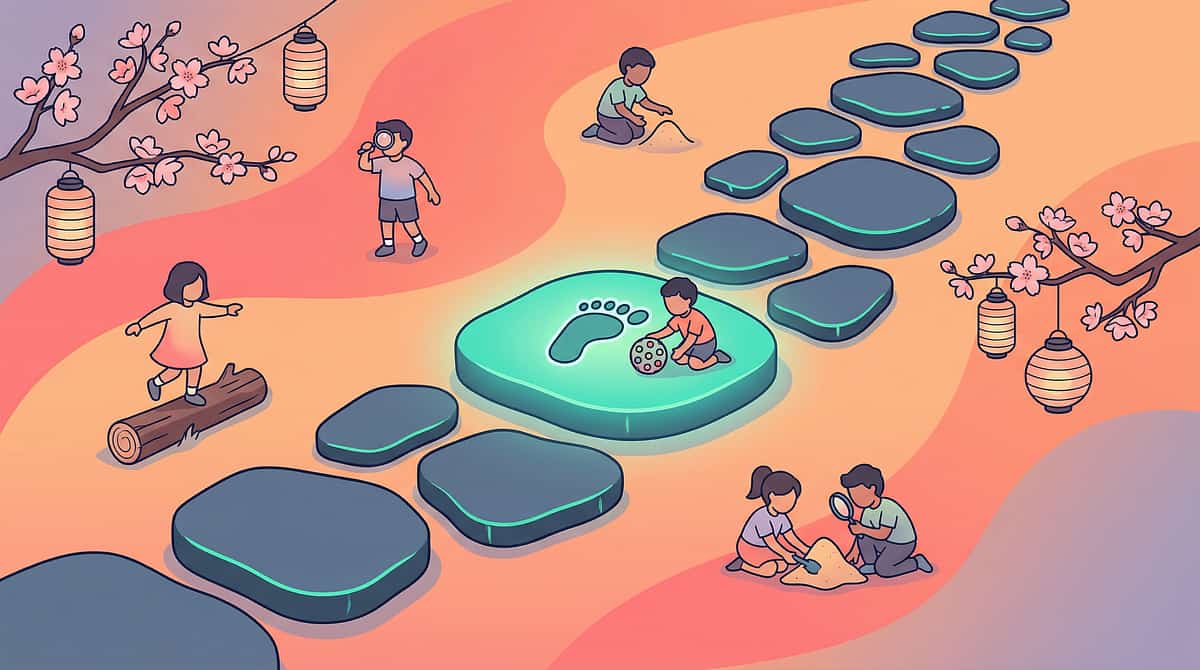
The neuroscience, in plain English.
What's Happening in the Brain
Visual Cortex (V1–V4): Receives all visual input simultaneously
Figure-Ground Filter: Separates relevant (figure) from irrelevant (ground)
Frontal Attention Networks: Direct focus to what matters
For children with visual overload: The filter is inefficient. Everything arrives at equal volume.
When your child looks at a crowded classroom, their eyes work perfectly. Every poster, movement, book spine, and floor pattern reaches their visual cortex clearly. The difference is what happens next.
In a typically-developing brain, the visual system automatically applies a filter: the worksheet on the desk rises to the foreground (figure), and the posters on the walls fade to background (ground). This happens in milliseconds, unconsciously, effortlessly.
In your child's brain, this filter is less efficient. The worksheet and the posters arrive with similar priority. The movement of another child and the number on the page compete. The alphabet chart on the wall and the question being asked — same visual urgency.
This is called Figure-Ground Visual Processing difficulty. It is a neurological difference in how the visual cortex prioritises competing stimuli — not a behaviour, not defiance, not laziness.
"This is a wiring difference. Not a character flaw. Not a parenting failure. A genuine neurological difference that responds to the right supports."

This challenge has a location on the developmental map — and a path forward.
1
Birth – 24 Months
Visual system developing. Sensory differences may not yet be apparent in unstructured environments.
2
3–5 Years
Challenge zone begins. Entry into preschool environments introduces structured visual complexity.
3
5–8 Years
Peak challenge window. School classrooms designed for group learning, not individual sensory profiles.
4
8–12 Years
With support, children build adaptive strategies and begin self-advocacy.
5
Adolescence+
Environmental adaptation independence — using portable tools and requesting accommodations independently.
Visual sensory modulation difficulties typically become most apparent when children enter structured learning environments — preschool, school classrooms — where the visual complexity of the space is designed for group learning, not individual sensory profiles. The challenge emerges not because the child has changed, but because the environment has.
Commonly co-occurs with: Autism Spectrum Disorder | ADHD | Sensory Processing Disorder | Visual Processing Disorders | Anxiety (secondary to chronic overload)
Your child is navigating an environment designed for a different visual system. The goal is not to change their brain — it's to match their environment to their brain, and to build the tools they need for environments that can't be modified.

Visual Environment Modification for Sensory Overload
Creating Visually Calm Spaces
Sensory Processing
Visual Domain
Code: SEN-VIS-BUSY
Age 3–12
Home + School + Community
Definition: Visual Environment Modification is the systematic practice of reducing, organising, and filtering the visual information in a child's environment to match their visual processing capacity. It is the primary evidence-based intervention for children whose brains cannot efficiently filter competing visual stimuli — a condition where every poster, pattern, colour, and movement is processed at equal intensity, without the automatic figure-ground sorting that typical visual systems perform unconsciously.
This is not a single technique but a toolkit of 9 complementary approaches — from physical barriers that limit visual input, to organisational systems that create predictable patterns within necessary complexity, to recovery spaces that reset an overloaded system. Used consistently, these approaches reduce meltdowns, improve focus, enable school participation, and — over time — build the child's own capacity to manage visually complex environments.
"Change the environment, not the child — and watch what your child can do when the visual world stops fighting them."
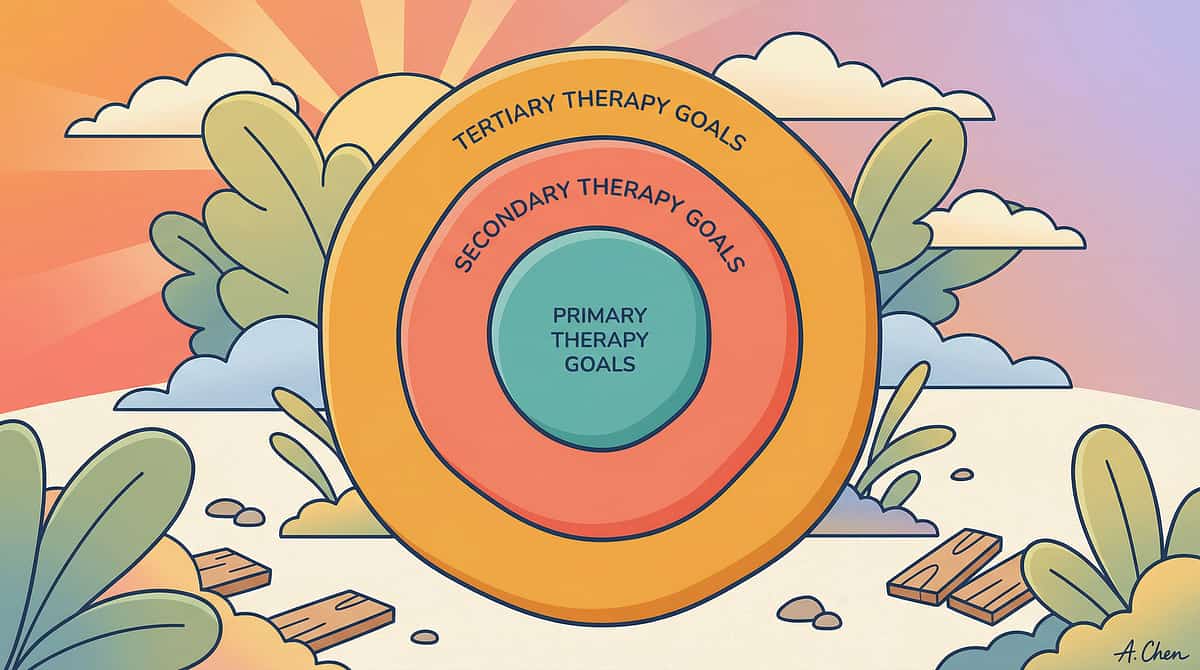
Every member of your therapy team uses these strategies — in their own way.
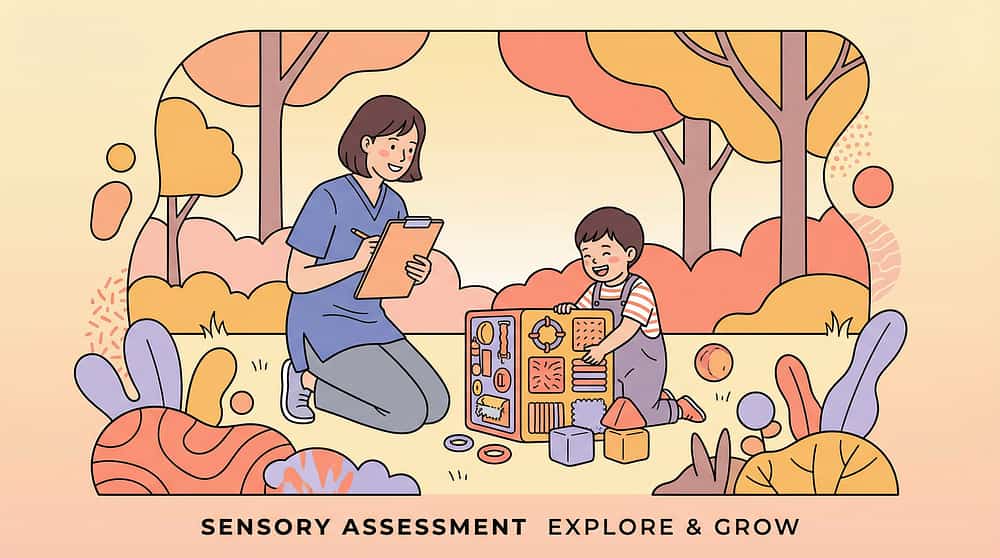
Occupational Therapist (Primary Lead)
The OT leads environmental assessment and modification. They conduct sensory processing evaluations, recommend specific materials and placements, train parents in implementation, and monitor visual processing outcomes.

Behavioural Analyst / BCBA
Uses environmental modification as antecedent intervention — reducing visual triggers that precede dysregulation. Visual organisation systems support ABA programming by making reinforcement systems clearer and more accessible.
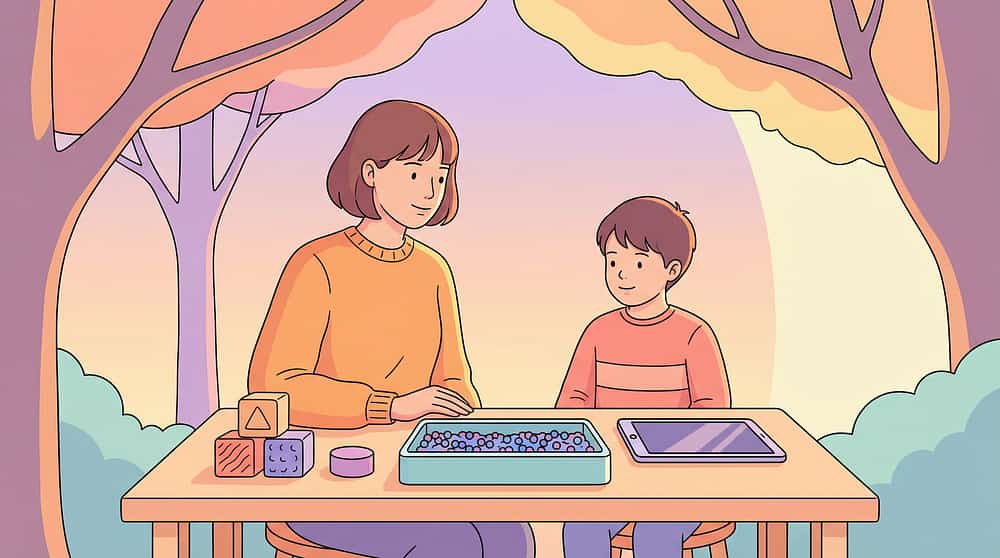
Special Educator
Applies simplified materials and visual organisation systems to academic content. Decluttered worksheets, reading guides, and organised study environments are direct accommodations that improve academic access.
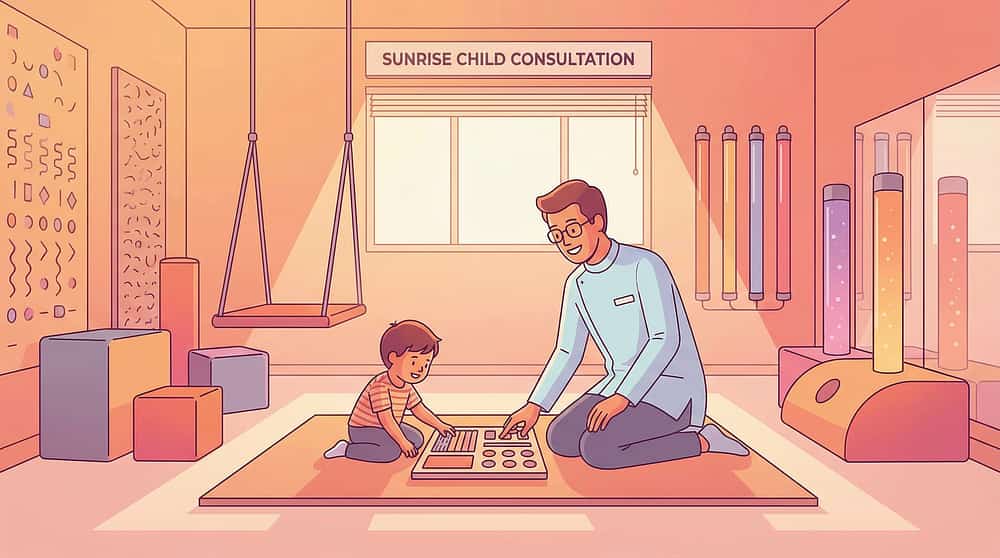
Neuro-Developmental Paediatrician
Oversees the diagnostic framework — distinguishing visual sensory modulation difficulties from attention deficits, anxiety, or visual acuity problems. Coordinates referrals and integrates recommendations into the child's broader medical management.
"The brain doesn't organise by therapy type. A visually overwhelming classroom disrupts behaviour, learning, sensory regulation, and development. The solution crosses all four disciplines."
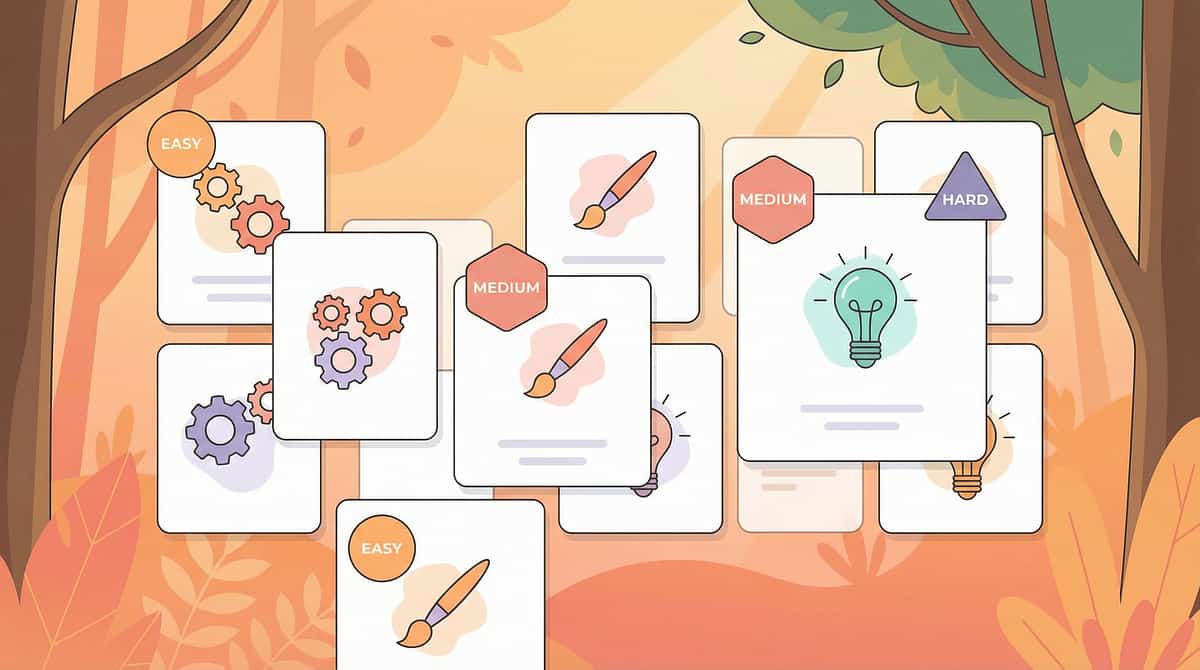
9 materials. Each targeting a different layer of visual overload.
Together, they transform any environment. Here is a complete overview of all nine materials — their function, approximate cost, and the clinical principle behind each one.
1
Visual Barriers & Study Carrels
Create a physical pocket of visual calm — blocking peripheral clutter. Rs 200–2,000 | DIY: Yes
2
Decluttered Workspaces
Remove all non-essential visual items from the work surface before each session. Rs 0–1,500 | DIY: Free
3
Reading Guides & Line Isolators
Mask surrounding text, showing only the current line. Rs 100–800 | DIY: Yes
4
Simplified Visual Materials
Strip decorative visual clutter from academic materials. Rs 0–500 | DIY: Yes
5
Peripheral Vision Blockers
Limit side vision to protect forward focus from peripheral movement. Rs 300–2,500 | DIY: Yes
6
Coloured Overlays & Lenses
Filter specific light wavelengths to reduce baseline visual processing stress. Rs 200–15,000 | DIY: Yes (trial)
7
Visual Organisation Systems
Create predictable colour-coded patterns within necessary complexity. Rs 500–3,000 | DIY: Yes
8
Digital Focus Tools
Reader mode, distraction blockers, and minimal desktop settings. Rs 0–2,000 | DIY: Yes (free)
9
Visual Breaks & Recovery Spaces
Designated low-stimulation spaces and scheduled recovery time. Rs 0–5,000 | DIY: Yes
Total Investment Range: Rs 0–15,000 | Essential Starters (begin today): Decluttered workspace (Rs 0) + DIY study carrel (Rs 50) + DIY reading guide (Rs 20)
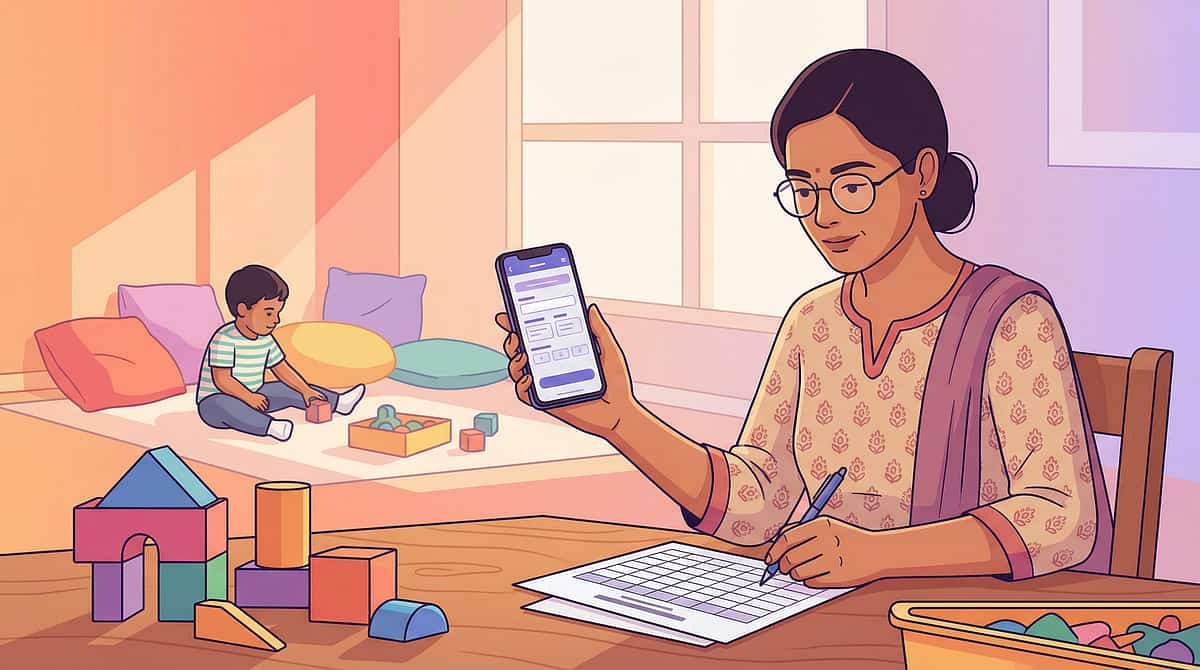
Every single material on this list has a free or near-free version you can make right now.
The therapeutic principle is not in the price tag — it's in the principle. A cardboard carrel blocks peripheral clutter just as effectively as a commercial one. The brain responds to the sensory input, not the brand.
Material | Commercial Option | DIY Version (Today) | |
Study Carrel | Rs 800–2,000 commercial carrel | Three-sided cardboard box, open front. Tri-fold presentation board or taped cereal boxes. | |
Decluttered Workspace | Rs 300–800 desk mat | Plain bedsheet or kitchen towel covering everything except the current task. Free. | |
Reading Guide | Rs 200–500 commercial guide | Rectangle cut from index card. Two rulers above and below. Sweet wrapper strip. Rs 0–5. | |
Simplified Worksheet | Reformatting services | Retype in plain Arial, remove borders and graphics. 5 minutes. Free. | |
Peripheral Blocker | Rs 500–2,500 focus glasses | Baseball cap with wide brim worn forward. Add cardboard side pieces. Rs 50. | |
Coloured Overlay | Rs 500–1,500 kit | Coloured transparent plastic report covers. Try yellow, blue, pink. Rs 20–50. | |
Organisation System | Rs 500–3,000 full system | Coloured masking tape + pen labels on existing containers. Rs 30. | |
Digital Focus Tools | Rs 500–2,000 apps | Browser reader mode (built-in, free). Full-screen mode. Disable notifications. Rs 0. | |
Visual Break Space | Rs 2,000–5,000 sensory tent | Corner of room with plain walls. Plain throw over a chair. Rs 0–200. |
WHO/UNICEF Equity Statement: This page is designed in accordance with the WHO Nurturing Care Framework's equity principle: every family, regardless of economic status, should be able to implement evidence-based support for their child. The DIY alternatives ensure zero-cost access to every technique on this page.
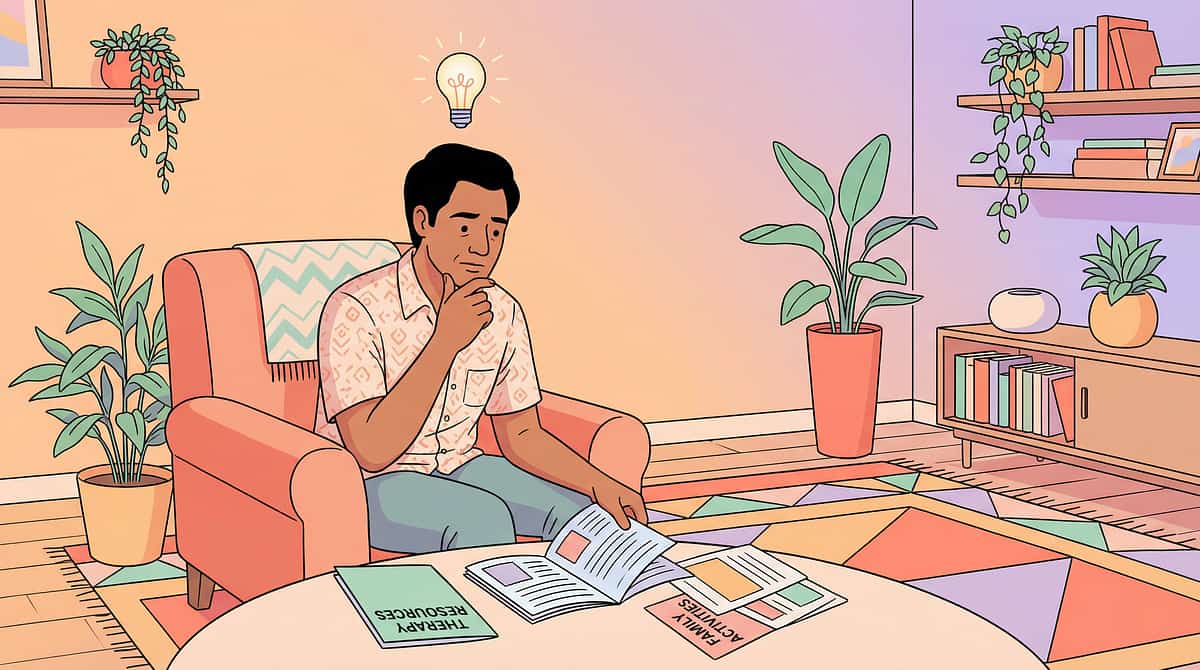
Read this before your first session. It takes 2 minutes and it matters.
🔴 RED — Do Not Proceed If:
- Child is currently in meltdown or actively dysregulated
- Child has fever, illness, or is overtired
- Child shows signs of eye pain, vision changes, or headaches — refer to ophthalmologist before proceeding
- Coloured overlays: do NOT use if child has colour blindness affecting safety without specialist assessment
- Peripheral vision blockers: NEVER use during movement, walking, PE, or any setting where side-vision is a safety requirement
🟡 AMBER — Modify If:
- Child is mildly dysregulated — begin with minimal intervention (just clearing the desk) rather than full setup
- Child resists the study carrel — introduce gradually, 2 minutes then remove, increasing slowly over days
- Coloured overlays cause complaints of dizziness — stop and try a different colour
- Digital focus tools cause frustration — reintroduce gradually with explanation
🟢 GREEN — Proceed When:
- Child is calm, fed, rested, and in a baseline regulated state
- Environment is set up BEFORE the child enters
- You have explained the purpose in age-appropriate terms
- You have 15–30 uninterrupted minutes for the first introduction
⚠ Critical Safety Note — Peripheral Vision Blockers: Peripheral vision is a safety mechanism. Extended-brim caps reduce awareness of lateral hazards. Use ONLY in stationary, enclosed, safe settings (seated at desk). Remove before ANY movement, transitions, outdoor activities, or settings with unpredictable hazards.
Professional Referral Triggers: Seek developmental optometrist assessment if: child complains of eye pain in visually complex environments | child shows significant improvement with coloured overlays | visual difficulties persist despite environmental modification.
The right environment is 80% of the session. Set it up before your child enters.
Remove From Space:
- All non-task items from desk surface
- Unnecessary visual decorations from immediate eyeline
- Busy-patterned tablecloths or desk mats (replace with plain neutral)
- Open shelves with multiple visible items (cover with solid-colour fabric)
- Screens displaying content (turn off or face away)
Space Layout:
- Child's chair — facing plain wall or study carrel, away from windows
- Desk — completely cleared, neutral mat in place
- Parent position — to the side, not in child's forward visual field
- Study carrel — positioned with open side facing child
- Session materials — in a bag or drawer, out of sight until needed
- Recovery corner — accessible, visually plain, marked
Environment Go / No-Go Checklist:
- ✅ Desk surface is clear
- ✅ Child faces a calm surface or carrel is in place
- ✅ Session materials are hidden until needed
- ✅ Lighting is steady and warm (not fluorescent flicker)
- ✅ Recovery space is accessible and visible to child
- ✅ You are calm and unhurried
Lighting Note: Use warm-toned natural light or warm LED (2700–3000K) rather than cool fluorescent. Reduce artificial lighting complexity where possible.

60 seconds now prevents 30 minutes of distress later.
Is Your Child Ready? — Readiness Check
1
Child has eaten within the last 2 hours
2
Child has not had a significant emotional event in the last 30 minutes
3
Child's eyes appear calm — not squinting, watering, or avoiding light
4
Child can respond to their name or show another engagement signal
5
Child is in a physically calm state. No illness signs present.
6
You have time — no external time pressure rushing this session
5–6 Checked → GO
Proceed to Step 1: The Invitation
3–4 Checked → MODIFY
Use minimal version — just clear the desk and sit together
0–2 Checked → POSTPONE
Do a calming activity instead and try tomorrow
"The best session is the one that starts right. A 5-minute successful session builds more than a 30-minute forced one."
STEP 1 OF 6
Time: 1–2 minutes
The Invitation
You're not telling your child what to do. You're inviting them to discover something that helps them.
"I've set up our special quiet desk for you. I made it calm — no extra stuff, just what we need. Want to come see it? You don't have to do anything — just come sit for a minute."
Body Language Guidance
- Speak at child's eye level
- Calm, quiet voice — not artificially bright
- Move slowly toward the space
- Do not pull or guide — let the child approach
- If they don't move immediately, wait 30 seconds silently
Acceptance Cues
- Child moves toward the space (even slowly)
- Child looks at the space with interest or reduced tension
- Child's body language softens
- Child sits or touches the desk surface
If Child Resists
"That's okay. I'll be here when you're ready." Do not push. Return to the invitation after 10–15 minutes.
If child engages briefly then leaves: count it as success for today. 30 seconds in the calm space is progress in week one.
Pairing Note: This step builds positive association with the modified environment before any demand is placed. This investment in weeks 1–2 makes all future sessions easier.

STEP 2 OF 6
Time: 2–3 minutes
The Engagement
Now introduce the first material — gently, without demand.
"I have this card thing that some kids find really helpful. It goes here — see? Covers the rest of the page so we can see just this bit." Do not ask the child to use it yet. Show it. Let them examine it.
Ideal Response
Child shows curiosity, touches or picks up the material, allows it to be positioned
Acceptable Response
Child ignores the material but continues sitting in the calm space
Monitor
Child looks away but doesn't show distress
Modify
Child shows distress — remove the material, return to just the calm space
Reinforcement Cue: When the child allows the material in the space — any positive response — deliver immediate, specific, calm praise: "You're trying something new. That takes courage."

STEP 3 OF 6
Time: 5–15 minutes
The Therapeutic Action
The visual environment is now modified. Now let the child work within it.
With the environmental modification in place, invite the child to attempt a real task — something they would normally do. This is the therapeutic moment: the same task, the same child — but in a visually supportive environment. The goal is to demonstrate the difference.
Visual Barrier / Study Carrel
Place the carrel on the desk before the child sits. Introduce one task only. Observe: Can the child engage longer than in a busy environment? Even 2 minutes additional focus is measurable progress. Note task completion percentage.
Decluttered Workspace
Clear surface, single task material only, neutral mat. Begin the task naturally. Observe posture relaxation, eye contact with materials, reduced visual scanning across the environment.
Reading Guide
Place reading guide on the text. "This special strip shows us just the line we're reading. Try reading with it." Observe: fewer line-loses, less re-reading the same line, reduced visible distress with text-dense pages.
Simplified Worksheet
Present the reformatted (plain) version alongside the original decorated version. "Which one feels easier to look at?" Let the child's response guide future material preparation.
Peripheral Vision Blockers
In stationary seated activity ONLY. Place cap on child's head. Observe: reduced visual scanning, maintained forward focus. Remove immediately if child shows any distress.

STEP 3 OF 6 CONTINUED
Remaining Materials
The Therapeutic Action — Materials 6–9
Coloured Overlay
Place selected colour overlay on text or page. Ask: "Does this make the words feel easier or harder to see?" The child's preference response is diagnostically significant. Note which colour produces visible relaxation or improved tracking.
Visual Organisation System
Introduce in the context of a routine — "Today we're going to organise your book bag with colours. Math = blue, Reading = green." Involve the child in sorting. Observe reduced search time, calmer access to materials.
Digital Focus Tools
Enable reader mode on the device together with the child. "See how it takes away all the extra stuff?" Observe: longer screen engagement without distress, reduced visual agitation.
Visual Break
Introduce during a busy activity period rather than after crisis. "You've been working hard. Let's take a 2-minute eye rest." Guide child to calm corner. Time the break. Observe state before and after.
Duration Guidance: Start with 5 minutes of task engagement in the modified environment. Build toward 15–20 minutes over weeks 2–4. Quality of engagement matters far more than duration in the early weeks.
STEP 5 OF 6
Time: 30 seconds to 1 minute
Reinforce and Celebrate
The timing of your praise matters more than the magnitude. Deliver reinforcement within 3 seconds of the target behaviour.
"You just worked in the quiet space for 5 whole minutes. That is amazing."
"You used the reading guide the whole way down the page. Did you notice you didn't lose your place?"
"You went to the calm corner when you needed it. That was you taking care of your brain. Brilliant."
Reinforcement Menu
- Verbal: Specific, immediate praise (scripts above)
- Tangible: 1–2 minutes of preferred activity as natural reinforcer
- Token: Add a sticker or point to a visual chart
- Physical: High five, fist bump, preferred gesture (if child accepts touch)
What NOT to Say
- "See, you CAN pay attention when you try." (implies wilful inattention)
- "Why can't you do this all the time?" (undermines the success)
- "Good boy/girl." (non-specific — won't reinforce the target behaviour)
"Celebrate the Attempt" Principle: In the first 2 weeks, reinforce any tolerance of the modified environment — even if the task wasn't completed. The environment is new. Tolerance is progress.
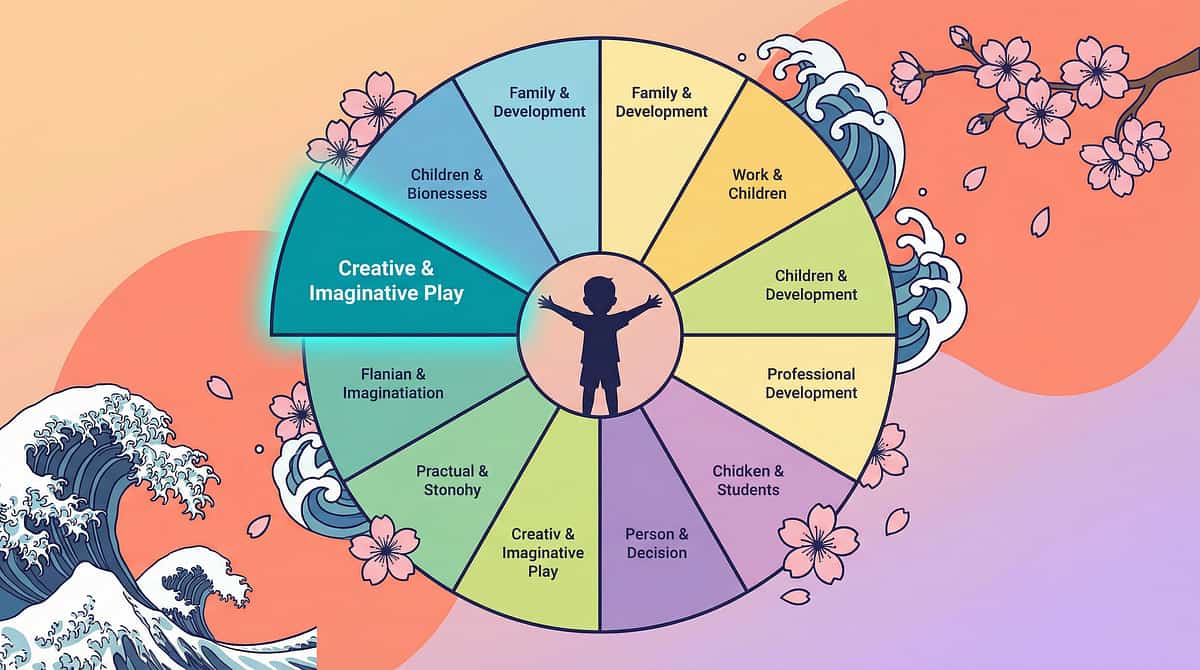
STEP 6 OF 6
Time: 2–3 minutes
The Cool-Down
No session ends abruptly. The transition IS part of the therapy.
After the focused session, allow 2 minutes of free, low-demand activity in the same calm space (drawing, quiet preferred toy, looking at a favourite book) before transitioning to a busier environment. This prevents the abrupt contrast shock of going directly from visual calm to visual complexity.
For Visual Break Recovery Spaces
Use graded re-entry: calm space → corridor or hallway → busy space. Never directly from recovery corner to middle of an active classroom.
Material Put-Away Ritual
Invite the child to help put materials away consistently: "Study carrel goes in the same place every time — on the shelf, like this." Predictable storage reduces visual searching anxiety in future sessions.
If Child Resists Ending
"I know — the quiet space feels good. We can do it again tomorrow. Let's count to 5 together, then we're done for today."
Do not extend indefinitely but do not force abruptly. The calm space should always carry positive association — the ending should feel safe, not forced.
60 seconds of data now saves hours of guessing later.
Record these 3 things within 60 seconds of session end. Your data, collected across sessions, feeds the GPT-OS progression model — revealing patterns invisible to memory alone.
1
Duration in Modified Environment
How many minutes did the child remain in the modified space without significant distress? Even 2 minutes counts — write it down.
2
Task Engagement Level
1 = Would not engage | 2 = Engaged briefly (under 2 min) | 3 = Engaged with prompts | 4 = Engaged with minimal prompting | 5 = Engaged independently for target duration
3
Overload Indicators
Did the child show any overload signs? Yes / No. If yes, what triggered it? (one word: movement / text / noise / transition)
Tracking Sheet (PDF)
Download the Pinnacle Visual Environment Tracking Sheet — techniques.pinnacleblooms.org/downloads/A062-tracker
GPT-OS App
Log directly to your child's AbilityScore profile — tracks Sensory Processing Index progression across all sessions automatically.
Paper Notebook
Date | Duration | Engagement 1–5 | Notes. Simple, portable, always available. The format matters less than the consistency.
"You are not just a parent doing activities. You are a data-informed co-therapist. Your observations are clinical evidence."

Most sessions don't go perfectly. Here's what to do for the 7 most common challenges.
1
Child refused to enter the modified space at all
Why: The modification is new and unfamiliar. Fix: Spend 3 days making the calm space available but not required. Eat a snack there. Read a book there. Let the child come and go. Familiarity precedes therapeutic use.
2
Child used the study carrel for 2 minutes then removed it
Why: The visual restriction may have felt confining rather than calming. Fix: Try a lower-profile barrier first (a large book or thin folder as a side screen). Build up to the full carrel gradually. Never force it in place.
3
The coloured overlay made the child more agitated
Why: Colour preference is individual. The wrong colour can worsen visual stress. Fix: Try a different colour systematically (2–3 sessions per colour). If all colours worsen function, remove overlays and note for OT assessment.
4
Child did the session fine but had a meltdown 30 minutes after
Why: Accumulated overload from earlier in the day released post-session. Fix: Schedule the modified workspace session earlier in the day when total visual load is lower. Implement visual breaks between demanding activities throughout the day.

Troubleshooting, continued — Challenges 5–7
1
Child's teacher says the study carrel "separates them from the class"
Why: Teacher may be interpreting the accommodation as social exclusion. Fix: Share this page with the teacher. Position the carrel so the child can still see and participate. Many children use carrels voluntarily in well-managed inclusive classrooms.
2
Child won't use the focus cap at school — other children tease them
Why: Peer awareness is real and valid. Fix: Reframe as a "concentration tool." Work with the teacher to normalise it. If peer reaction is significantly negative, pivot to less visible tools (reading guide, desk clearing) for school use.
3
Everything helps at home but nothing changes at school
Why: Home modifications are parent-controlled. School modifications require teacher collaboration and formal accommodation planning. Fix: Request a meeting using the Teacher Communication Template in Card 37. Bring the data from the session tracker. If needed, Pinnacle school advocacy support: 9100 181 181.
Session Abandonment Reframe: "A session you stopped because your child was distressed is not a failed session. It is a successful data collection session. You learned something. Write it down."
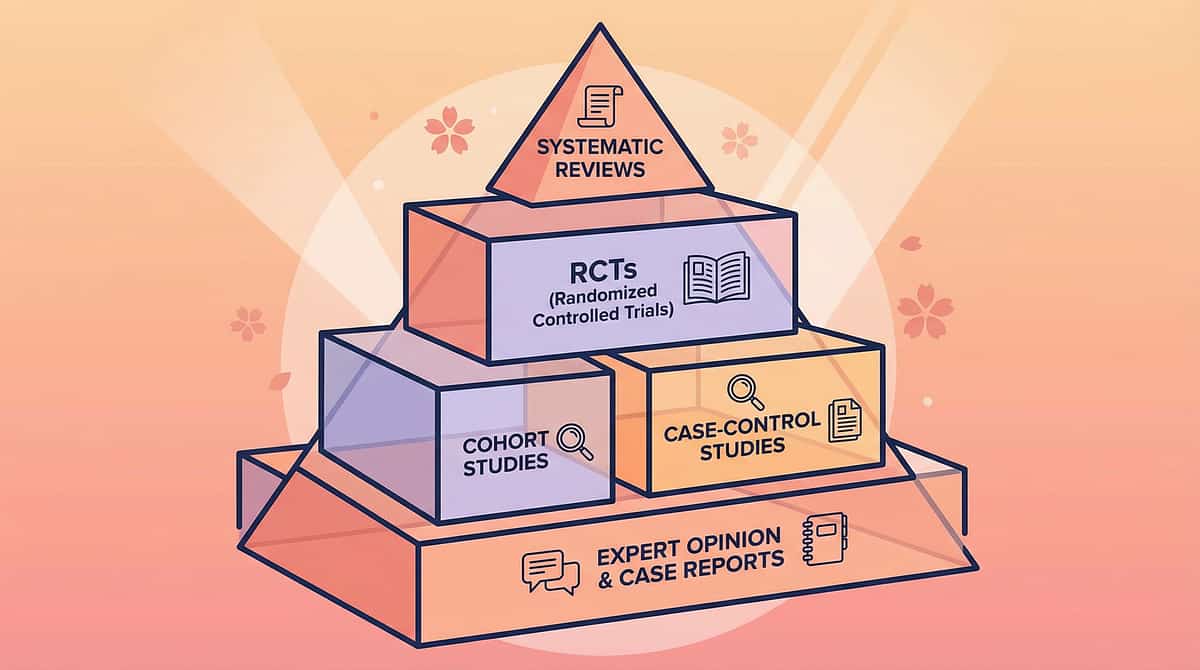
Your child is not a template. Here is how to make these materials fit them exactly.
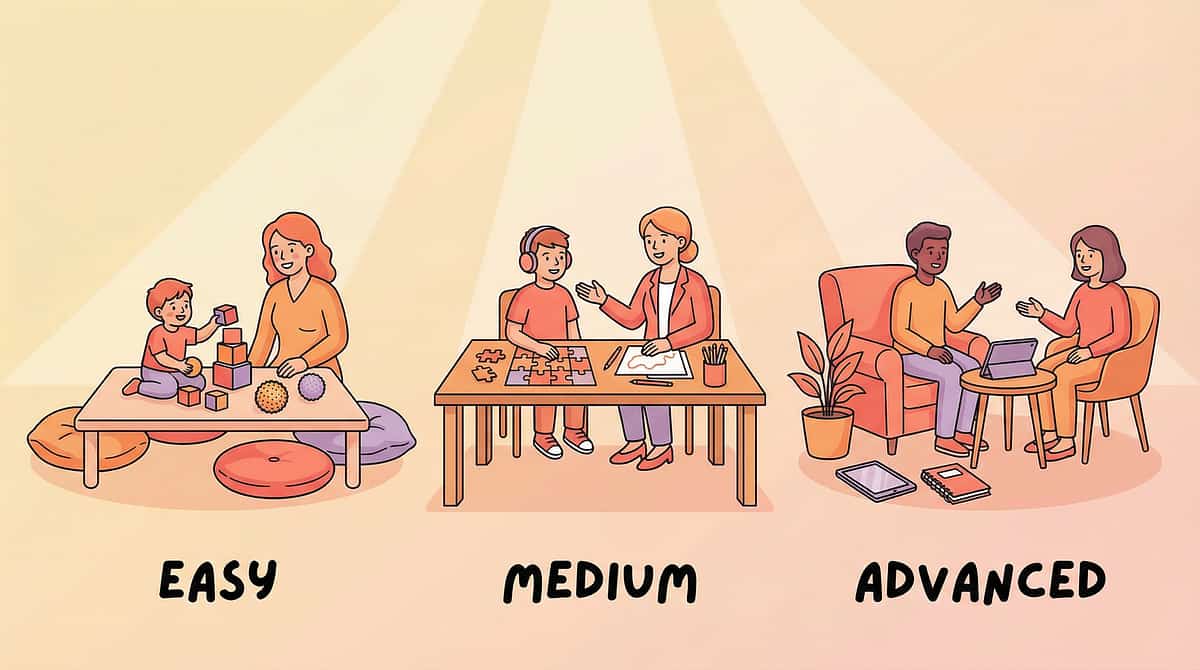
Easier Adaptations (Bad Days / Early Stages)
- Start with ONLY decluttering — no new materials
- Reduce session duration to 3–5 minutes
- Allow child to hold a preferred comfort object during the session
- Introduce one modification at a time — never stack multiple new materials
- Stay in the calm space yourself — your regulated presence is a co-regulation tool
Harder Adaptations (Consolidation / Good Days)
- Combine 2–3 materials simultaneously (carrel + reading guide + cleared desk)
- Extend session duration toward 20 minutes
- Introduce task completion requirement, not just presence in the space
- Begin generalisation: same tool in a different room, then a different setting
- Gradually reduce the level of environmental modification to build tolerance
Ages 3–5 Years
All modifications framed as play. "The special quiet table." Duration 3–8 minutes. Parent always present in the space.
Ages 6–9 Years
Child can understand a simple explanation. "Some people's brains find busy places hard to think in. This helps your brain." Duration 10–15 minutes. Parent nearby.
Ages 10–12 Years
Full explanation appropriate. Involve child in choosing and setting up their own modifications. Duration 15–20 minutes. Building toward independent self-management.

Weeks 1–2: You're planting seeds. Don't look for the flower yet.
15%
Foundation Building Phase
Weeks 1–2 are about building the neural association between this modified environment and safety
What You Will See
- Child tolerates the modified space for longer than day one
- Reduced resistance to entering the calm environment by day 5–7
- Your own perception: "It does seem calmer" — this is a valid data point
- One moment per session where the child appears visibly less tense
- First successful task completion within the modified space (any task, any duration)
What You Will NOT See Yet (and that's fine)
- Spontaneous use of modifications without prompting
- Transfer to school without explicit advocacy
- Reduced overload in unmodified busy environments
- Child explaining their own needs independently
- Consistent 15-minute focus sessions
Weeks 1–2 feel slow. The careful setups, the gentle invitations, the 3-minute sessions — all building the neural association between this modified environment and safety. You are teaching the nervous system that this space is different. Your consistency in these weeks determines everything that follows.
Weeks 3–4: The brain is learning. Watch for these specific signs.
40%
Consolidation Phase
Synaptic strengthening is underway — the brain is building the pathway
Child moves toward the modified space with less resistance — sometimes voluntarily
A reduction in daily negotiation time is itself a measurable therapeutic outcome.
Session duration has increased from week 1 without forcing
Task engagement level trending from 2–3 toward 3–4 on the tracking scale.
Child begins to reference the calm space: "Can we do the quiet desk?"
This is a breakthrough moment. When the child begins to anticipate the modified environment — asking for it, moving toward it — this signals synaptic strengthening. The brain is building the pathway.
Overload responses in modified environment are less intense or less frequent
You feel more confident in the setup and delivery. That confidence transfers to the child.
When to Increase: If by week 3, child consistently engages for 10+ minutes AND task completion is at level 4–5 → increase session duration, add a second material, or begin school-based advocacy.

Weeks 5–8: Mastery is not perfection. It's consistent function with support.
75%
Mastery Phase
Consistent function with support — and the beginning of generalisation
Mastery Criteria
- Child engages in modified environment for 15–20 minutes across 4+ days/week with minimal prompting
- Task completion consistently at level 4–5 on tracking scale
- Child uses at least one portable tool in a setting outside the home
- Child can identify "that space helps my brain" or shows equivalent self-awareness
- Overload-triggered meltdowns in modified environments have measurably reduced
- School reports improvement in focus or task completion with accommodations
Generalisation Checklist
- Modified workspace at home → Library study area
- Study carrel at home → Study carrel at school
- Calm corner at home → Designated break space at school
- Simplified home worksheets → Request simplified versions from teacher
Mastery criteria not fully met by week 8 does NOT mean failure — it means this technique needs more time, which is normal. Stay, strengthen, and check in with your OT.

Stop for a moment. Look at what you did.
You committed to learning a clinical skill and delivering it at home, daily, across 5–8 weeks. You set up spaces, cleared desks, cut reading guides from cardboard, and sat patiently through sessions that sometimes lasted 3 minutes. You tracked data when you were tired. You asked the teacher to please declutter his desk, and probably explained it three times. You did this.
Your child can work in a space they previously couldn't tolerate. That is a measurable neurological change, driven by you.
From
Unable to function in visually busy environments without overload
To
Functioning with environmental supports and beginning to self-advocate
Timeline
5–8 weeks of consistent home-based application
Family Milestone Suggestion: Take a photo of your child working calmly in their modified space. Show them. "This is your brain doing better. Look at you."
Journal Prompt: "Week 1, [child name] couldn't sit at the desk for 2 minutes without [specific behaviour]. Today, they [specific achievement]. The difference is real."

Trust your instincts. These specific signs mean pause and seek guidance.
🚩 Red Flag 1 — Worsening overload despite modifications
After 3+ weeks of consistent implementation, overload responses are more frequent or intense than at baseline. Action: Teleconsult with Pinnacle OT before proceeding.
🚩 Red Flag 2 — Eye pain or headaches triggered by overlays or visual work
Child complains of eye pain, headaches behind the eyes, or nausea when using overlays or during close visual work. Action: Developmental optometry referral immediately. Do not continue overlay work until assessed.
🚩 Red Flag 3 — Complete visual shutdown persisting beyond the busy environment
Child shows complete visual avoidance or shutdown that does not resolve in the calm recovery space within 20–30 minutes. Action: Clinical review — 9100 181 181 for urgent guidance.
🚩 Red Flag 4 — New or increasing physical self-harm during visual overload
Child begins hitting their own head, pressing on their eyes, or showing new self-injurious behaviour. Action: Immediate clinical consultation. Do not manage at home alone.
🚩 Red Flag 5 — No tolerance for any modification after 4 weeks
Despite systematic gentle introduction across 4 weeks, child shows complete refusal or distress for ALL modifications. Action: OT assessment for sensory defensiveness protocol.
Escalation Pathway: Self-resolve (minor) → Pinnacle Teleconsult (persistent) → Centre Visit (any red flag above) → Emergency: 9100 181 181 (24x7, 16+ languages)

You are not at the end of a technique. You are in the middle of a journey.
Prerequisites
A-060: Materials for Light Sensitivity | A-061: Materials for Pattern and Contrast Sensitivity
You Are Here
A-062: 9 Materials for Visually Busy Environments
Next Level
A-063: Visual Tracking | A-064: Motion Sensitivity | K-980: Classroom Advocacy
Long-Term Goal: Independence in managing personal visual environments — requesting accommodations, using portable tools, self-regulating overload — connected to school readiness, vocational readiness, and community participation.

Visual sensory challenges rarely come alone. These techniques work alongside A-062.

A-060: Materials for Light Sensitivity
Core | Tinted lenses, lighting controls
"When the brightness itself is the problem"
"When the brightness itself is the problem"
A-061: Pattern and Contrast Sensitivity
Core | Muted patterns, contrast control
"When high-contrast patterns trigger visual stress"
"When high-contrast patterns trigger visual stress"

A-063: Visual Tracking Difficulties
Core | Tracking tools, eye movement supports
"When the eyes struggle to follow moving targets"
"When the eyes struggle to follow moving targets"
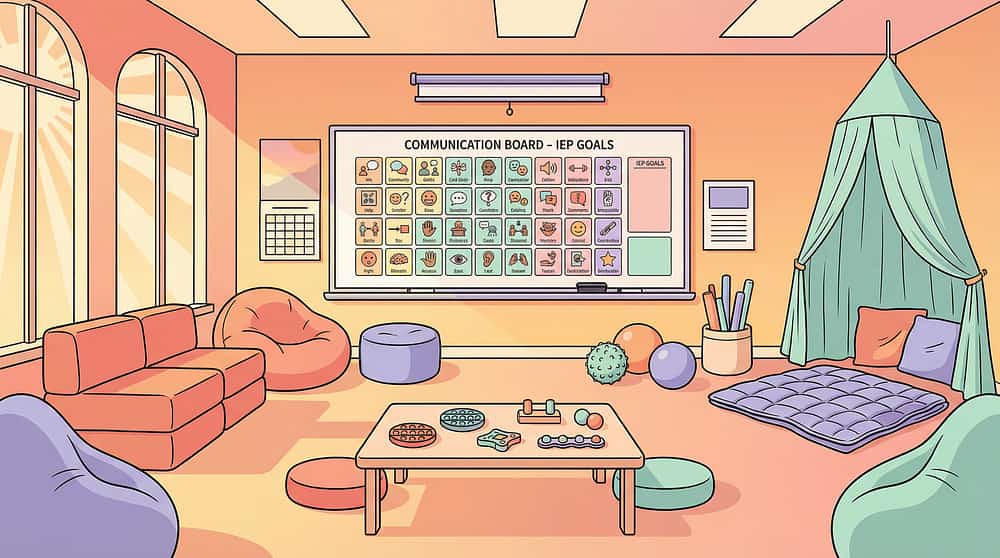
K-980: Advocating for Classroom Accommodations
Practical | Communication templates, IEP guides
"How to get the school environment changed"
"How to get the school environment changed"
"You Already Own" Note: If you've implemented A-062 materials, you already have the foundation for A-061 (coloured overlays overlap), A-063 (reading guides overlap), and K-980 (your tracking data is your school advocacy evidence).

Visual environment work is one piece. Here is the whole picture.
This technique lives in Domain A (Sensory Processing) — the foundational domain. A child whose visual system is overwhelmed cannot fully access communication, emotional regulation, learning, or social participation. Addressing visual environment first often creates cascading improvements across multiple domains.
Sensory Processing Index
Primary tracking domain for A-062 outcomes. Measures visual modulation and environmental adaptation over time.
Environmental Adaptation Index
Secondary tracking — measures the child's ability to function across modified and unmodified settings.
Attention and Focus Index
Tertiary tracking — measures sustained task engagement as visual support reduces overload burden.
"This technique is not a side project. It is foundational architecture. When the visual system can rest, the rest of the brain has space to grow."

They were where you are. Here's where they are now.
Family Vignette 1
Hyderabad
"The Classroom That Was His Enemy"
Before: Rohan, 7, Hyderabad. Daily meltdowns entering school. Teacher reports: "scattered, unfocused, can't find his worksheet even when it's right in front of him." Walls covered with student work, mobiles hanging, busy carpet patterns. Parents told he "just needs to try harder."
Intervention: OT sensory processing evaluation identified visual figure-ground difficulty. School given accommodation list. Study carrel for desk work. Simplified worksheets without decorative borders. Calm corner access via visual pass. Home: decluttered workspace, bedtime reading with guide.
After (8 weeks): Rohan completes classroom tasks with 70% less prompting. Has not had a school-based meltdown in 3 weeks. Asks for his study carrel independently.
"Rohan's reading ability was never the issue. Neither was his intelligence. His visual system was processing the decorated classroom as equal-priority information. The carrel didn't help him focus. It removed the competition. That's all it took." — Pinnacle Therapist

Family Vignette 2
Bengaluru
"The Grocery Store Breakthrough"
Before: Priya, 9, Bengaluru. Refuses all public spaces with visual complexity. Grocery trips impossible. Covers face entering shopping centres. Parents have stopped taking her to family events — too unpredictable.
Intervention: Focus cap (extended brim) for public outings. Visual break protocol: 5 minutes of calm in the car before entering any complex space. Digital shopping list showing one item at a time. Amber coloured overlay for schoolwork.
After (6 weeks): First successful 20-minute grocery shop. One meltdown (down from every visit). Priya asked to use her "thinking cap" at the school library — independently requested an accommodation.
"I kept being told she just needed to 'get used to it.' No one told me we could change what she was seeing. This is not the same child. This is my daughter, finally free to be in the world." — Parent, Pinnacle Blooms Network (anonymised)
Outcomes vary; illustrative cases. Individual results depend on child's profile, consistency of implementation, and professional support.

You don't have to figure this out alone. 40 million Indian families are navigating sensory challenges.
Visual Sensory Parent WhatsApp Group
Join families specifically navigating visual overload and busy environment challenges. Real questions, real answers, from parents who have been exactly where you are.
Pinnacle Parent Forum
Online community — ask questions, share what's working, get peer support. Moderated by Pinnacle specialists. Active across all sensory domains.
Local Parent Meetups
Pinnacle centres host monthly parent support meetings. Find a meetup near you — meet other parents navigating similar challenges in your city.
Peer Mentoring
Connect with a parent who has navigated this specific challenge — and come out the other side. Lived experience is irreplaceable guidance.
"Your experience is expertise. What you're learning in these 5–8 weeks — the setups that work, the scripts that land, the modifications that reached your specific child — this knowledge can change another family's life."

Home + clinic = maximum impact. Your professional team is here.
What a Pinnacle OT Can Do That This Page Cannot
- Comprehensive Sensory Processing Measure or Sensory Profile assessment
- Direct observation in your home or child's school
- Irlen/visual stress evaluation referral if coloured overlays show strong response
- School IEP and accommodation documentation support
- Ongoing calibration of modifications as the child's profile evolves
Primary Discipline for A-062: Occupational Therapist — lead professional for visual environment assessment, sensory processing evaluation, and environmental modification planning.
Professional Support Options
In-Centre Assessment and Therapy
70+ Pinnacle centres across India | GPT-OS governed | Measurable outcomes
70+ Pinnacle centres across India | GPT-OS governed | Measurable outcomes
Teleconsultation
Expert OT guidance from home | 16+ languages | 24x7
Expert OT guidance from home | 16+ languages | 24x7
FREE National Autism Helpline
Immediate guidance | Free | 24x7 | 16+ languages
Immediate guidance | Free | 24x7 | 16+ languages
9100 181 181
"Every session you run at home using these materials is more effective when it's calibrated by a professional assessment. Not instead of — alongside."
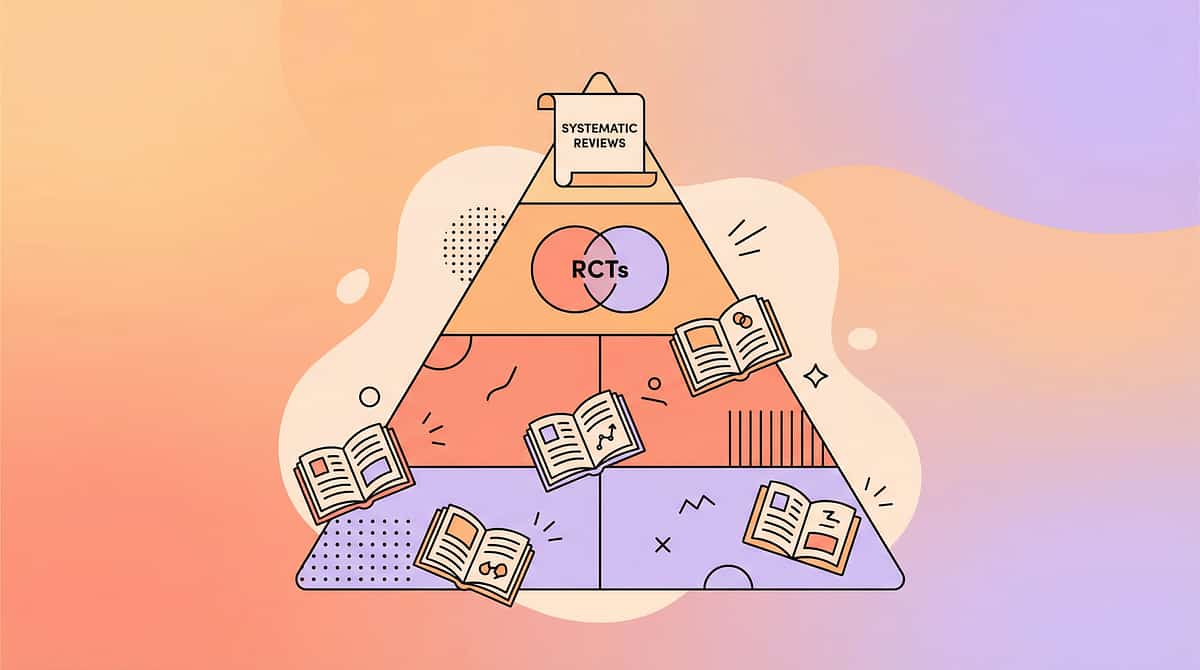
For the parent who wants the science. This is where it comes from.
"Every claim on this page has a source. Pinnacle does not build on opinion — it builds on evidence, then translates that evidence into your hands."

Every session you run contributes to something larger than one child.
What GPT-OS Learns from A-062 Data
- Which of the 9 materials produces the best engagement outcomes for which child profiles
- Optimal session duration for children at different severity levels
- Which visual modifications transfer to school settings most effectively
- When visual overload co-occurs with other challenges, which sequencing produces best outcomes
Privacy Statement
All data is pseudonymised, stored under ISO/IEC 27001 information security standards, and used only for therapeutic improvement. Pinnacle does not sell data.
Full privacy policy: pinnacleblooms.org/privacy
"Your data helps every child like yours. When 10,000 families track A-062 sessions, the algorithm learns what works for visual overload in 6-year-old Indian children. That specificity doesn't exist in any global database. It exists here, because of families like yours."

See the materials in action. Hear it from the therapist.
Reel A-062
Sensory Solutions Series — Episode 62 of 999
75–85 seconds
A Pinnacle Blooms therapist introduces all 9 materials — showing what each looks like in practice, how to use each one, and the visible difference in a child working with and without environmental support. The same child. The same task. Two completely different outcomes.
"Some children can't filter visual clutter. Every poster, pattern, colour, and movement hits their brain with equal force. It's not distraction — it's overwhelm. These 9 materials help." — Pinnacle Blooms Therapist
Multi-Modal Learning Note: Research confirms multi-modal learning (visual + text + live demonstration) improves parent skill acquisition significantly over text alone. This page + this Reel = complete learning.
Consistency across caregivers multiplies impact. Share this page.
Share With Your Family
Downloadable Resources
- Family Guide — A-062 (1-page PDF): The 9 materials, at-a-glance. Print and stick on the fridge. techniques.pinnacleblooms.org/downloads/A062-family-guide
- Session Tracking Sheet: The 3-field tracker from Card 20, printable. techniques.pinnacleblooms.org/downloads/A062-tracker
For Grandparents (Simplified Version)
"[Child name]'s brain finds it hard to focus when there's too much to look at. It's like trying to hear one voice in a very loud room. We're using special tools to help: a quiet desk area, a reading guide, and a calm corner for breaks. Please help by: keeping the room calm when they're doing schoolwork, not hanging lots of pictures in their main area, and encouraging them to use their tools."
Teacher and School Communication Template
"[Child name] has been identified with visual sensory modulation difficulty — a neurological difference affecting their ability to filter competing visual stimuli. Evidence-based environmental accommodations include: (1) A study carrel or cleared workspace for focused tasks. (2) Simplified worksheets without decorative borders or graphics. (3) Access to a calm break space when visual overload builds. (4) Preferential seating away from high-movement or high-decoration areas. These are evidence-based occupational therapy accommodations. Further information: techniques.pinnacleblooms.org/sensory-processing/visually-busy-environments-A062 | Pinnacle Blooms Network: 9100 181 181."

You have everything you need. The only step left is the first one.
Clear your child's desk surface right now. That's step one.
Start This Technique Today
Clear your child's desk surface right now. That's step one. No equipment needed. No setup required. Free. Today.
Book a Professional Consultation
Get your OT assessment, environmental audit, and personalised modification plan tailored to your child's specific sensory profile.
Explore the Next Technique
Ready for the next step on your child's visual processing journey — A-063: Materials for Visual Tracking Difficulties.
FREE National Autism Helpline: 9100 181 181 | Free | 24x7 | 16+ Languages
"Call now if you have any question about starting."
"Call now if you have any question about starting."
"Every day in an unmodified visually overwhelming environment is a day your child's nervous system is working harder than it needs to. The first step is free. The first step is today."
Preview of 9 materials that help in visually busy environments Therapy Material
Below is a visual preview of 9 materials that help in visually busy environments therapy material. The pages shown help educators, therapists, and caregivers understand the structure and content of the resource before use. Materials should be used under appropriate professional guidance.


Link copied!

From fear to mastery. One technique at a time.
— The Pinnacle Blooms Consortium
About Pinnacle Blooms Network
India's largest consortium of paediatric developmental specialists — 70+ centres, 20M+ exclusive 1:1 therapy sessions, 97%+ measured improvement, serving children from 70+ countries. Built on the GPT-OS Therapeutic Operating System — end-to-end governing diagnosis, prognosis, therapy design, execution, and outcome measurement in paediatric development.
Disciplines
Occupational Therapy | Speech-Language Pathology | Applied Behaviour Analysis | Special Education | Neuro-Developmental Paediatrics | Clinical Research | Developmental Optometry
Platform
pinnacleblooms.org | materials.pinnacleblooms.org | techniques.pinnacleblooms.org | GPT-OS App
By the Numbers
20M+ exclusive 1:1 therapy sessions
97%+ measured improvement
70+ centres across India
70+ countries represented
16+ languages on the helpline
9100 181 181
Free | 24x7 | National Autism Helpline
Free | 24x7 | National Autism Helpline
Medical Disclaimer: This content is educational and is produced by the Pinnacle Blooms Consortium of licensed paediatric specialists. It does not replace assessment or treatment by a qualified occupational therapist, developmental optometrist, or healthcare provider. Persistent visual processing and sensory modulation difficulties should be evaluated through comprehensive professional assessment. Individual results vary. This page is part of the techniques.pinnacleblooms.org knowledge base — 70,000+ evidence-linked paediatric intervention technique pages.
© 2025 Pinnacle Blooms Network, unit of Bharath Healthcare Laboratories Pvt. Ltd. All rights reserved. Content developed under GPT-OS Consortium Specification v2.0.
CIN: U74999TG2016PTC113063 | DPIIT: DIPP8651 | MSME: TS20F0009606 | GSTIN: 36AAGCB9722P1Z2