
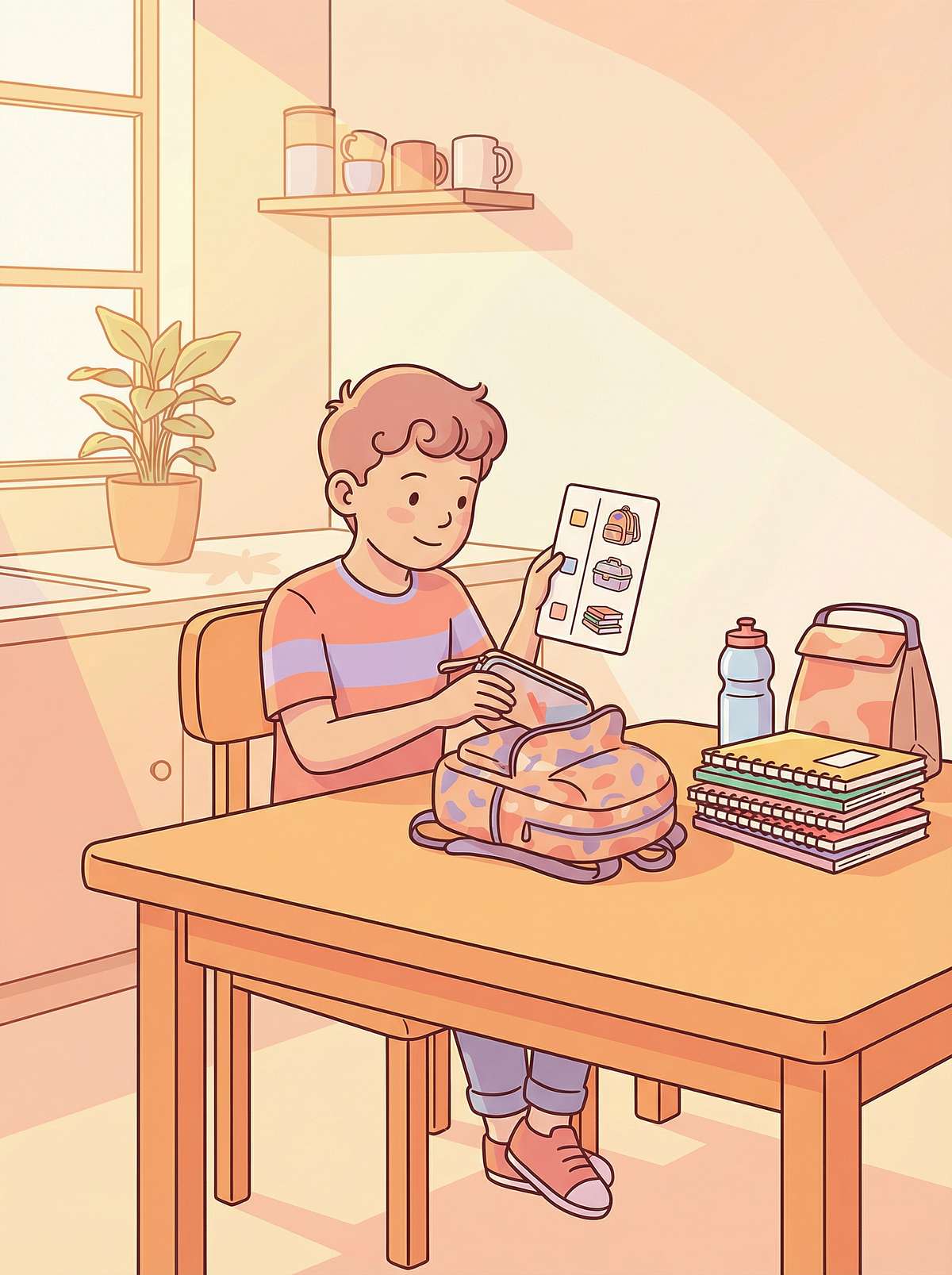
He Follows Picture Instructions Perfectly. He Just Can't Hold Onto Your Words.
Some children's brains are wired to learn through what they see — not through what they hear. This is not a flaw. This is a learning language. And we have the tools to speak it.
"My son taught himself to build complex LEGO sets at age 5 by following the visual steps. He remembers every road on every map he has ever looked at. But when his teacher gives a three-step verbal instruction, by the time she finishes speaking, he has already forgotten the first step — not because he wasn't trying, but because his brain processes the world through pictures, not words. School keeps calling it 'attention problems.' We call it his language waiting to be understood."— Parent, Pinnacle Blooms Network®
H-753
Learning Styles & Academic Supports
Episode 753 of 999
Age 4–14 Years
9 Materials That Help With Visual Learning Supports
Domain: Learning Styles & Academic Supports | Age Band: 4–14 years | Setting: Home + School + Therapy
You are not failing your child. Their brain speaks in images. Your job is to provide that vocabulary.
🔵 OT
Occupational Therapy
🟢 SLP
Speech-Language Pathology
🟡 ABA/BCBA
Behaviour Analysis
🔴 SpEd
Special Education
🟣 NeuroDev
Neurodevelopmental Paediatrics
Pinnacle Blooms Network® Consortium — 70+ Centres | India's Largest Paediatric Therapy Network

Act I — Recognition
Your Child Is Among Millions. The Research Is Clear.
When verbal instruction doesn't land and visual input unlocks understanding — this isn't a rare quirk. This is one of the most documented patterns in child development science.
65%
Visual Learners
of all humans are predominantly visual learners — making visual processing the most common learning modality on Earth
80%
Autism + Visual Strength
of children diagnosed with autism demonstrate significant visual processing strengths, with visual supports classified as a Tier-1 evidence-based practice
1 in 36
On the Spectrum
children in India are on the autism spectrum — a population that disproportionately benefits from visual learning accommodations
You are navigating this alongside approximately 420 million visual learners worldwide — and among them, every child with autism, ADHD, or auditory processing differences who has learned to thrive through visual support.
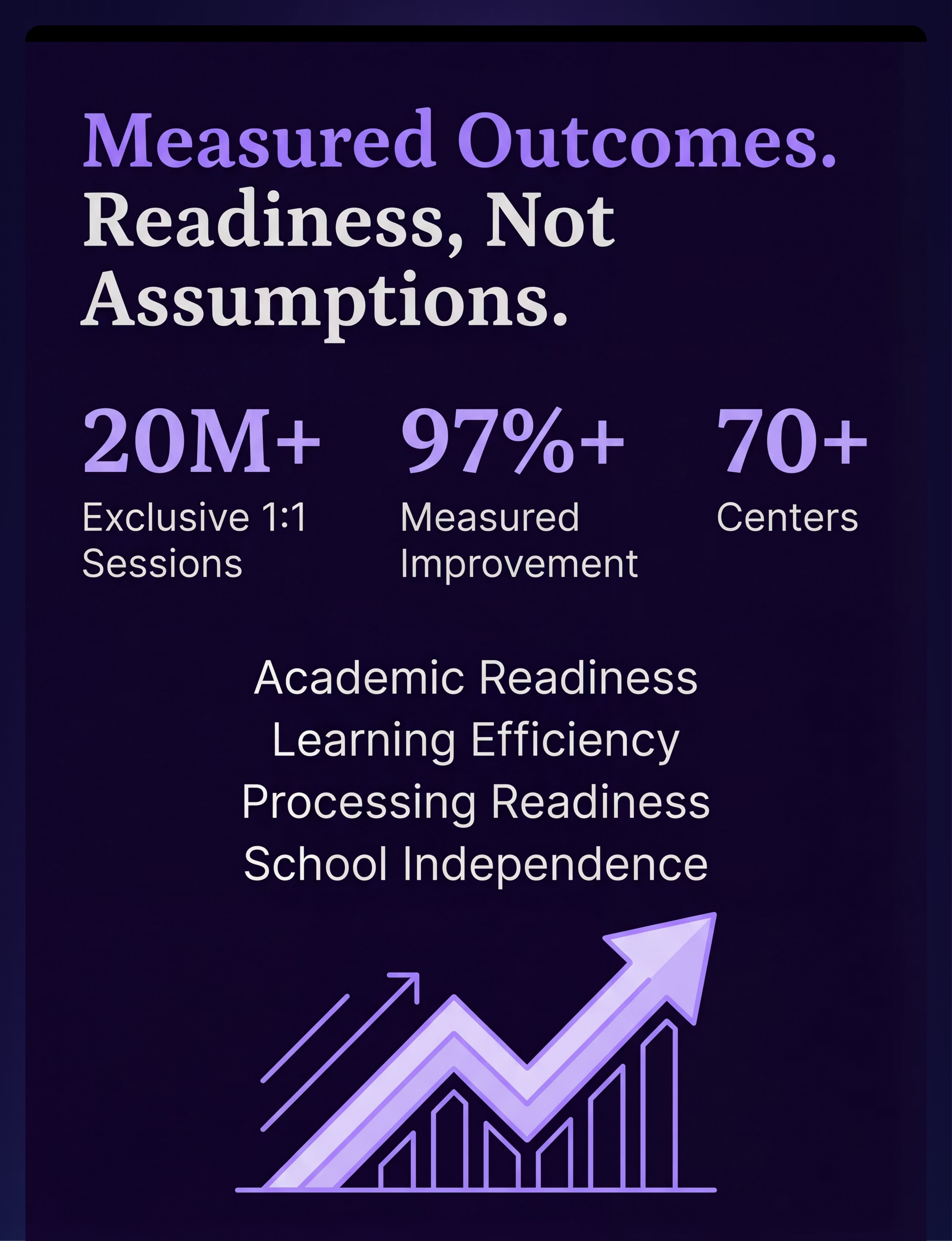
India Context: India has approximately 18 million children with autism spectrum disorder. Auditory processing difficulties affect an estimated 5–7% of school-age children. Less than 12% of children with learning differences in India currently receive formal visual accommodation support at school. Pinnacle Blooms Network® has delivered 20M+ therapy sessions across 70+ centres, demonstrating 97%+ measurable improvement in developmental readiness outcomes.
The question is not: "Why does my child struggle with verbal instruction?" The question is: "Why haven't we provided visual supports yet?"
📚 PRISMA Systematic Review (2024) — PMC11506176 | WHO NCF (2018) | Meta-analysis: World J Clin Cases (2024) — PMC10955541

Act I — Recognition
This Is a Wiring Difference. Not a Behaviour Problem.
The Neuroscience
The visual cortex — the largest sensory processing region in the human brain — occupies approximately 30% of the cerebral cortex. In children with strong visual learning profiles, this region shows heightened activation and more efficient neural pathways.
- The occipital lobe and parietal lobe show enhanced connectivity
- The temporal lobe processes images 60,000× faster than verbal information
- The prefrontal cortex retains visual information more efficiently than sequential auditory input
- When auditory processing is relatively weaker, the brain routes more cognitive resources to visual channels
What This Means for Your Child
When a teacher says "First, open your book to page 42, then write the date, then complete problems 1 through 5" — your child's brain processes this as a fast-fading auditory stream. By problem 5, the book page is gone.
When you show your child a picture sequence — Book → Page 42 → Write Date → Problems 1–5 — that information enters through the visual cortex and is processed with full depth and retention.
This is not laziness. This is not defiance. This is neurobiology.
The brain's visual processing system is faster, higher-capacity, and more persistent than auditory working memory in visual learners. We are not fighting the brain — we are working with it.
"Visual learners think in pictures the way verbal learners think in words. Temple Grandin, who has autism and is one of the world's leading animal behaviour scientists, describes her thinking as 'full-colour movies running in her head.' Her visual processing wasn't a limitation — it was her superpower."
📚 Dual Coding Theory (Paivio, 1971) | Multimedia Learning Principles (Mayer, 2001) | Frontiers in Integrative Neuroscience (2020) — DOI:10.3389/fnint.2020.556660

Act I — Recognition
Your Child Is Here. Here Is Where We're Heading.
Per the WHO Care for Child Development Package (implemented in 54 countries) and the UNICEF Nurturing Care Framework, children demonstrate distinct learning style preferences emerging from age 3–4, with visual processing strengths identifiable through structured observation by age 5–6.
Visual learning strength is the primary learning profile for:
- ✅ Autism Spectrum Disorder (ASD) — ~80% visual processors
- ✅ ADHD — visual supports dramatically reduce working memory load
- ✅ Auditory Processing Disorder (APD) — visual channel compensates
- ✅ Language and Communication Disorders — visual bypasses verbal processing barriers
- ✅ Dyslexia — visual spatial strengths are frequently intact
📚 WHO CCD Package (2023) — PMC9978394 | UNICEF MICS Developmental Indicators (2024) | WHO NCF Progress Report (2023)

Act I — Recognition
Clinically Validated. Home-Applicable. Parent-Proven.
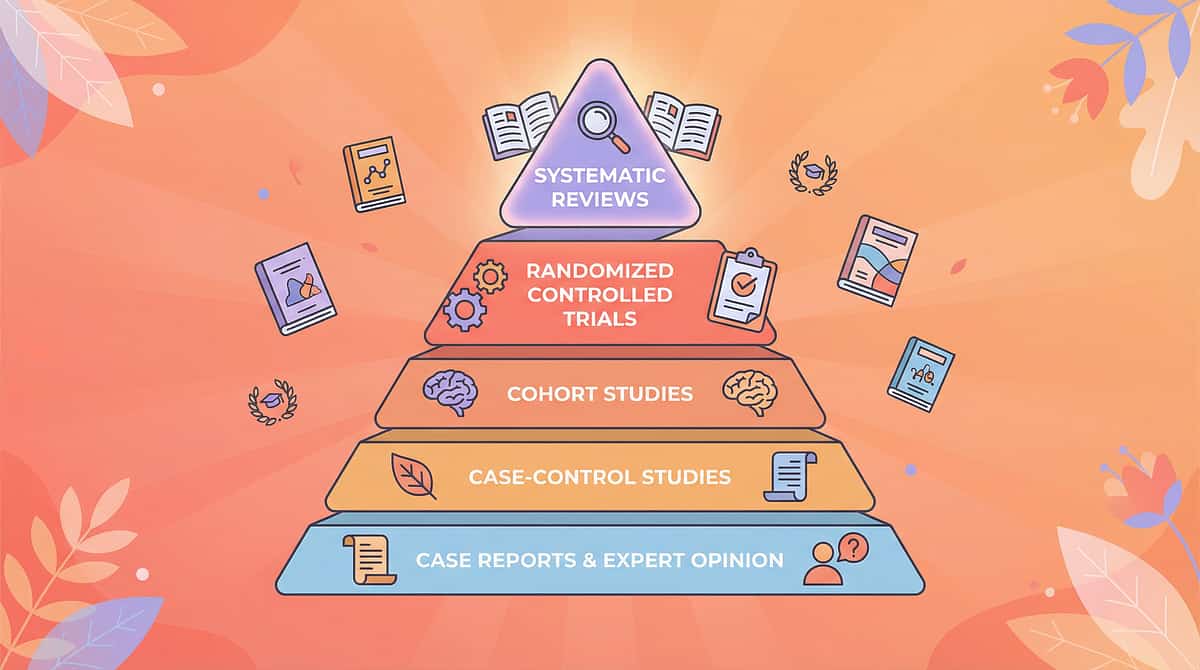
The evidence for visual learning supports is not emerging — it is established. Visual supports are not accommodations of last resort — they are first-line evidence-based tools endorsed by NCAEP, WHO, and UNICEF.
Study | Finding | Strength | |
NCAEP Evidence-Based Practices Report (2020) | Visual supports classified as a full Evidence-Based Practice for autism across 27 included studies | Level I | |
PRISMA Systematic Review (Children, 2024) — PMC11506176 | Structured visual intervention meets EBP criteria across 16 studies (2013–2023) | Level I | |
Meta-analysis (World J Clin Cases, 2024) — PMC10955541 | Visual and structured supports promote social skills, adaptive behaviour, sensory processing, and academic readiness across 24 studies | Level I | |
WHO CCD Package (54 LMICs, 2023) — PMC9978394 | Visual-format caregiver instruction achieves significant child developmental outcomes in low-resource settings | Level II | |
Padmanabha et al., Indian J Pediatr (2019) — DOI:10.1007/s12098-018-2747-4 | Home-based structured visual intervention RCT in India demonstrates significant developmental improvement | Level II RCT |
Pinnacle Real-World Evidence: 20,000,000+ exclusive 1:1 therapy sessions across 70+ Pinnacle centres demonstrate that integrated visual support protocols consistently generate Academic Readiness Index and Learning Efficiency Index improvements at scale.

Act II — Knowledge Transfer
Visual Learning Support Protocol | H-753
Formal Identity
Formal Name: Visual Learning Support Systems — Multi-Modal Visual Accommodation Protocol
Parent-Friendly Alias: "The Visual Language Toolkit"
Reel ID: H-753 | Learning Styles & Academic Supports Series | Episode 753
Age: 4–14 years | Per Session: 10–20 min | Frequency: Daily integration
Setting: Home + School + Therapy
Definition
Visual Learning Support is the systematic use of visual materials, tools, and environmental modifications to present information through the visual channel — rather than or in addition to the auditory channel. For children who process visual information more efficiently than auditory information, visual supports are not compensatory tools — they are the primary instruction modality.
This protocol introduces 9 evidence-selected visual materials that together constitute a comprehensive home-based visual learning environment capable of supporting academic learning, daily living, time management, vocabulary development, and independent skill execution across the 4–14 year developmental range.
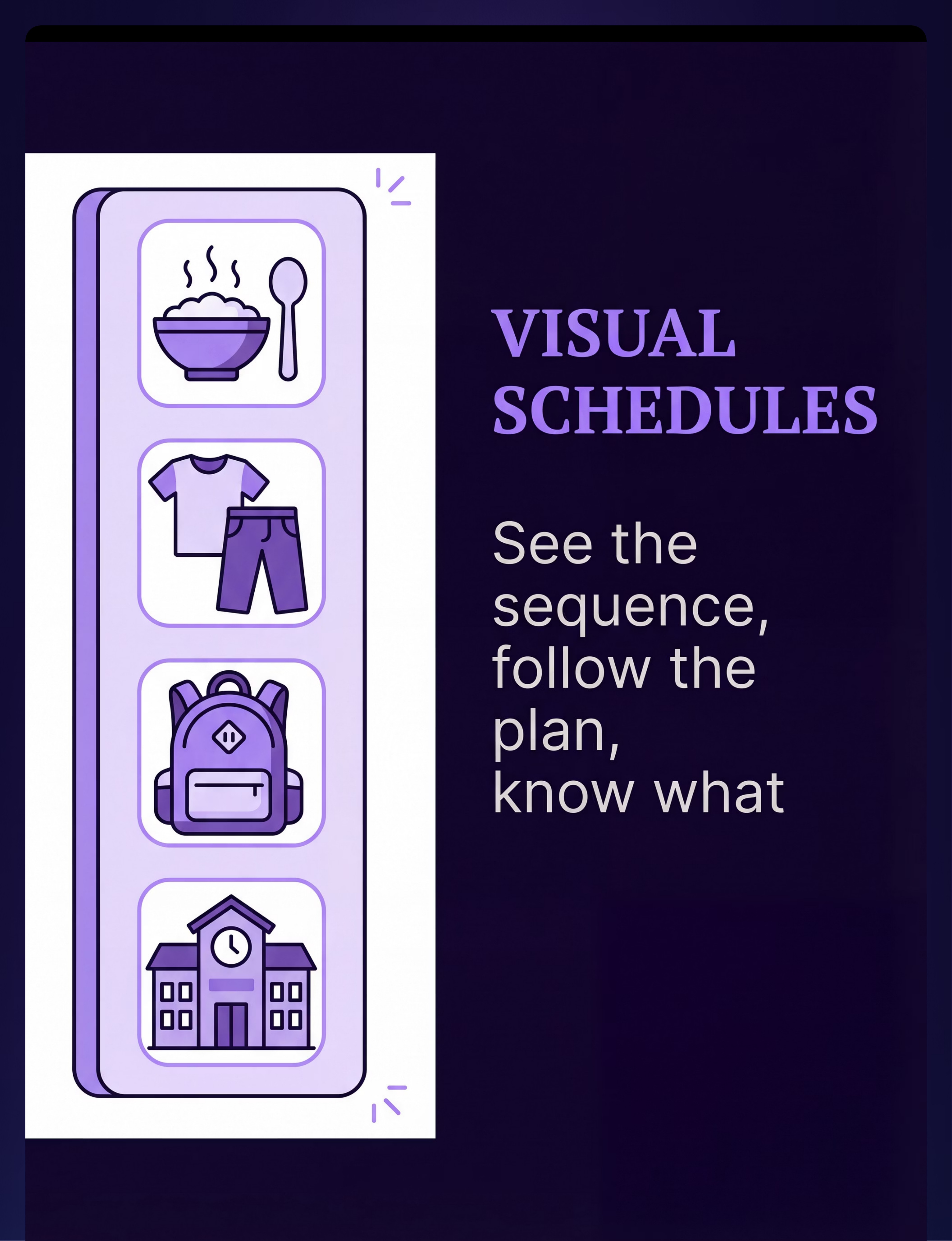
📦 Visual Schedules
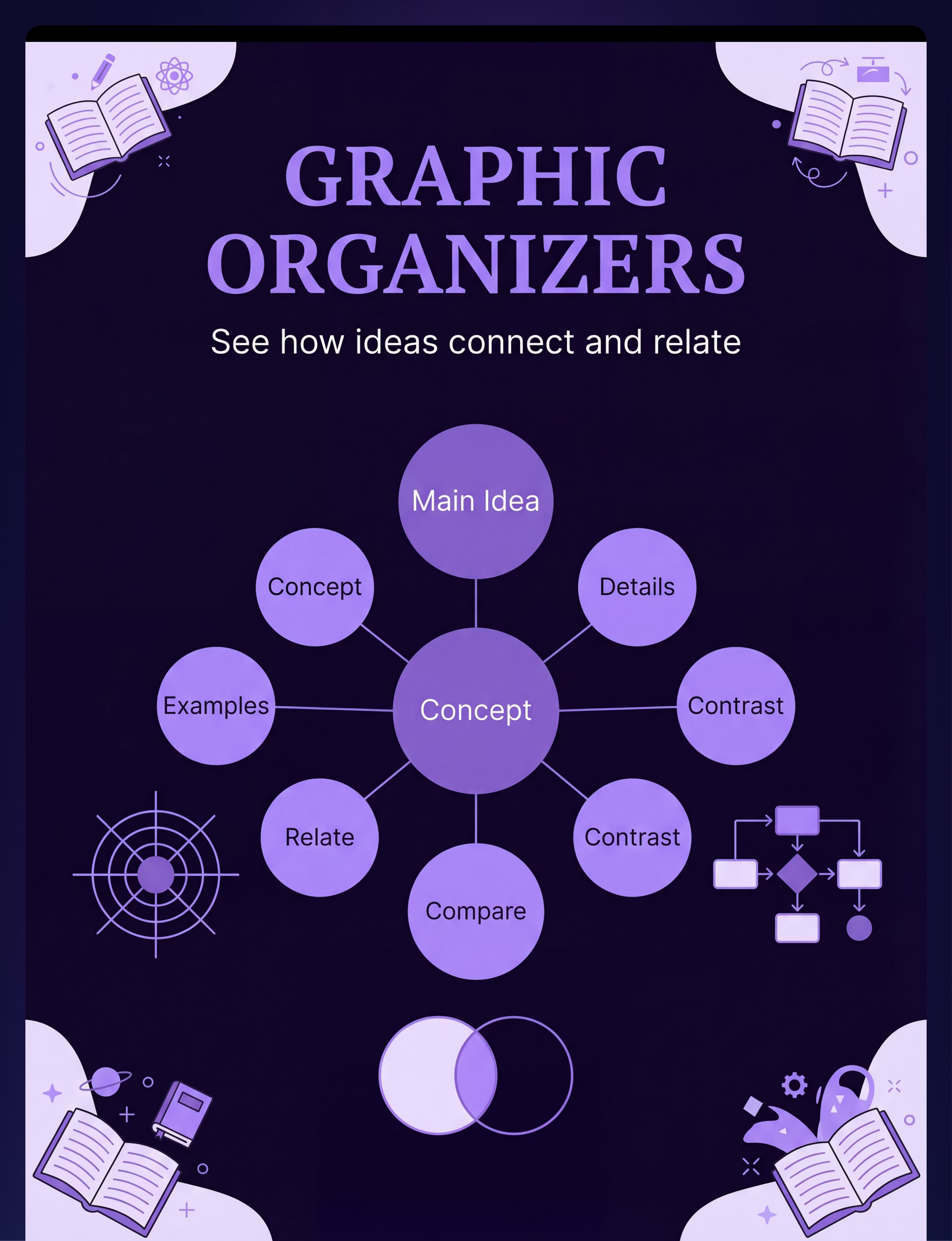
📦 Graphic Organizers
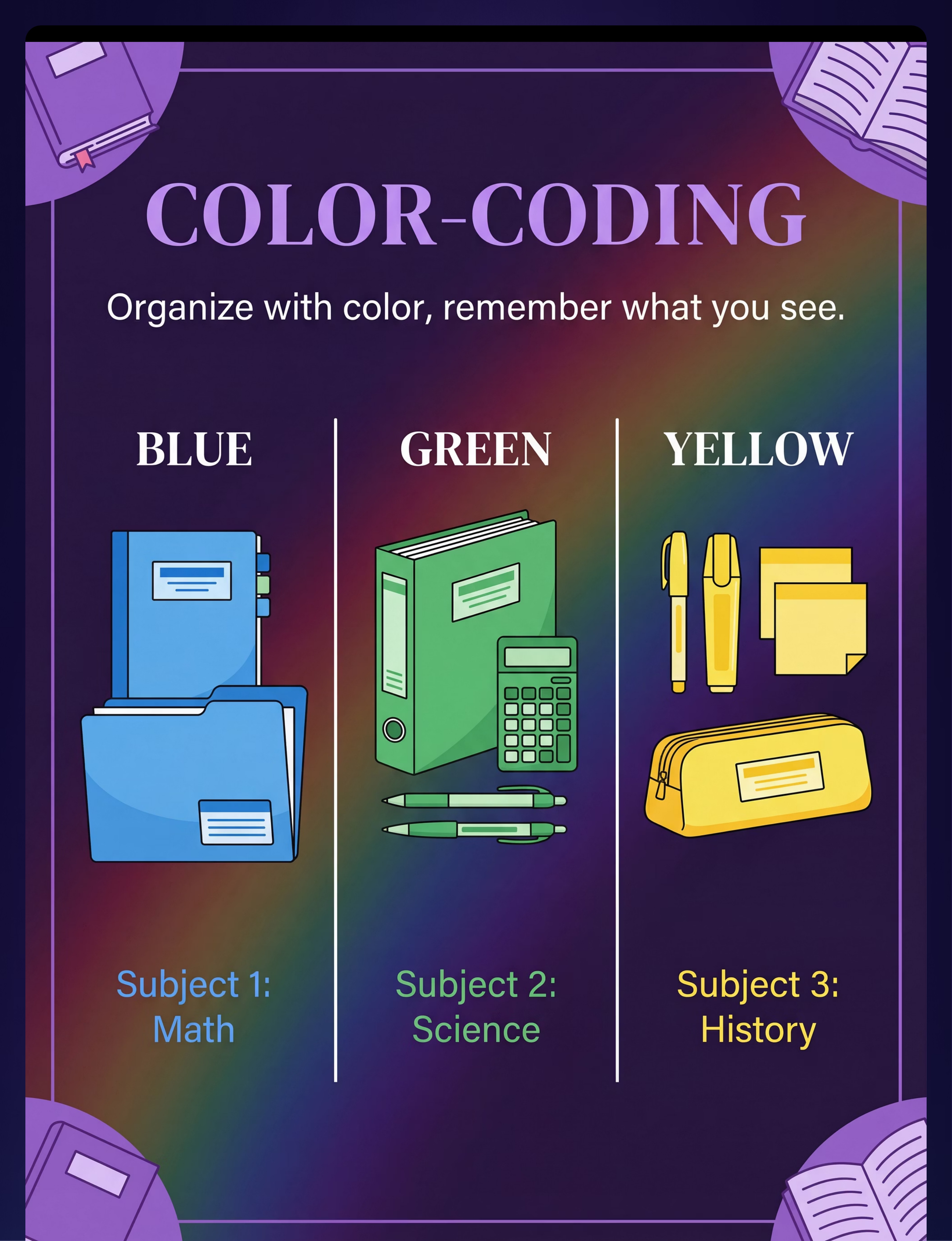
📦 Colour-Coding
📦 Manipulatives
📦 Picture Communication
📦 Visual Timers
📞9100 181 181 — Ask our specialists which visual supports suit your child's profile
Act II — Knowledge Transfer
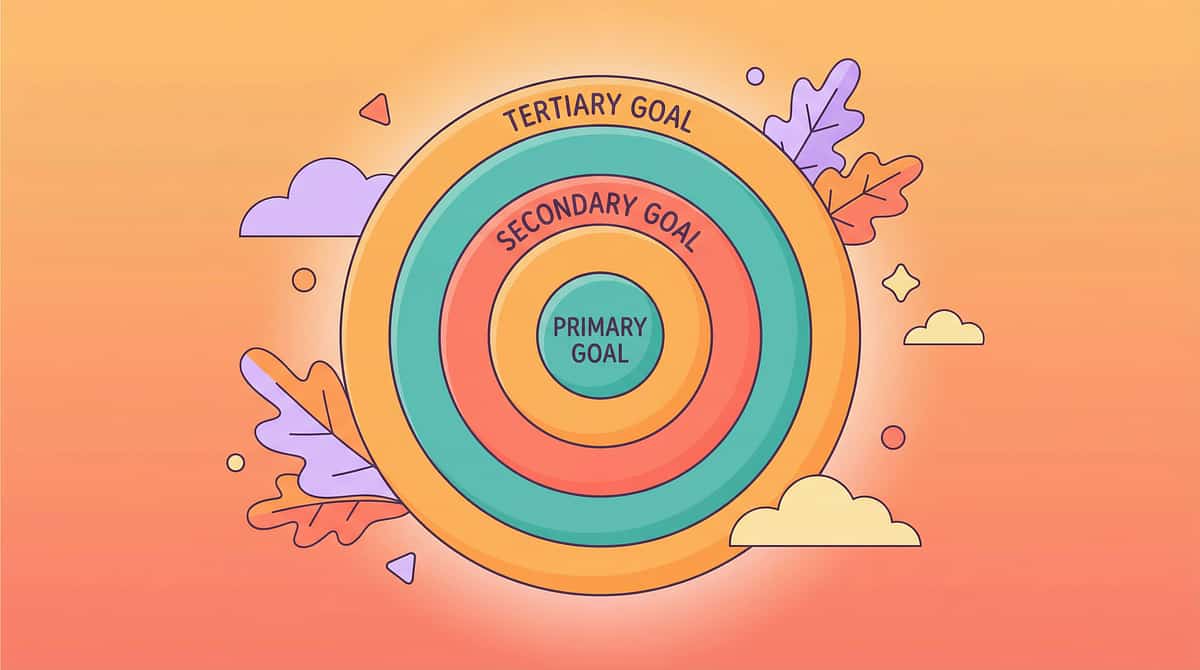
Five Disciplines. One Visual Language.
🔵 Occupational Therapist (Primary Lead)
Visual Perceptual Skills, Visual Motor Integration, Sensory Processing. Visual schedules, visual timers, and visual instruction cards are core OT tools for building daily living independence. OTs use them to support ADL routines, reduce sensory overwhelm through predictability, and scaffold fine motor tasks through visual step-by-step guides.
🟢 Special Educator (Co-Lead)
Academic Visual Supports, Universal Design for Learning. Graphic organizers, colour-coding systems, visual note-taking, and educational video libraries are the SpEd toolkit for classroom accommodation — applying the UDL Multiple Means of Representation principle.
🟡 Speech-Language Pathologist
Visual Vocabulary, Picture Communication, AAC. Picture vocabulary systems and visual instruction cards are SLP tools for building receptive and expressive language. For children with limited verbal output, visual vocabulary systems create the bridge between image meaning and word form.
🔴 ABA/BCBA Practitioner
Visual Behaviour Supports, Schedule Systems, Reinforcement Menus. Visual schedules reduce transition-related meltdowns by providing visual predictability. Visual timers support wait training and activity duration awareness. Token boards make the reward system legible to the child.
🟣 Neurodevelopmental Paediatrician
Learning Profile Assessment, Prescription of Visual Accommodations. NeuroDev Paediatricians provide the formal learning profile assessment that identifies visual processing strengths and auditory processing relative weaknesses — generating the clinical documentation needed for school accommodation requests.
Act II — Knowledge Transfer
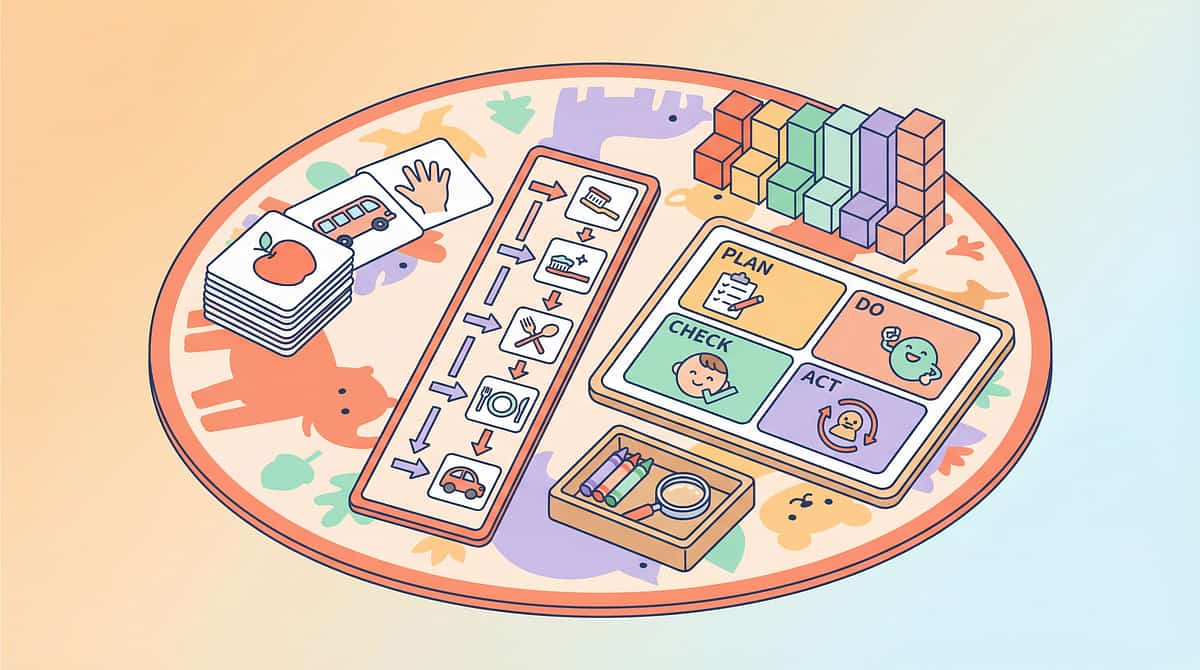
9 Primary Materials
9 Visual Learning Materials — Clinically Selected, Home-Ready
Each material below has been selected by the Pinnacle Blooms Consortium for evidence-based utility, accessibility in the Indian home, and alignment with GPT-OS® learning support protocols. Total starter investment: ₹2,050–₹8,400 for the complete toolkit. Zero-cost versions available for every material.
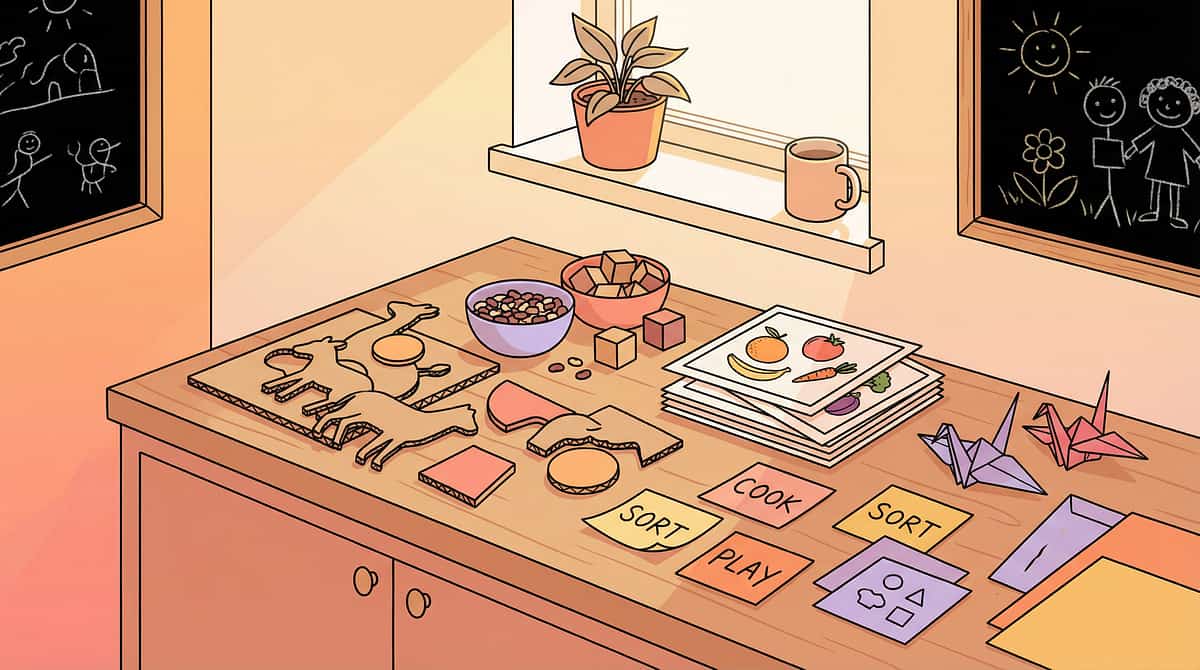
Material 1 of 9
Visual Schedule Systems and Picture Sequences
Material Details
📦Canon Category: Visual Schedules / Picture Supports
💰Price Range: ₹300–₹1,200
🏷Pinnacle Recommends: Magnetic Visual Schedule Board with velcro picture card strips
Why This Material Works
Transforms abstract time and sequence into visible, permanent information. Eliminates the verbal memory requirement for daily routines entirely.
The visual schedule is often the first and most impactful visual support a family introduces. When a child can see their entire morning as a sequence of pictures — rather than a stream of verbal reminders — the routine becomes navigable independently. Research consistently shows visual schedules as the single highest-impact visual support for children with autism and ADHD.
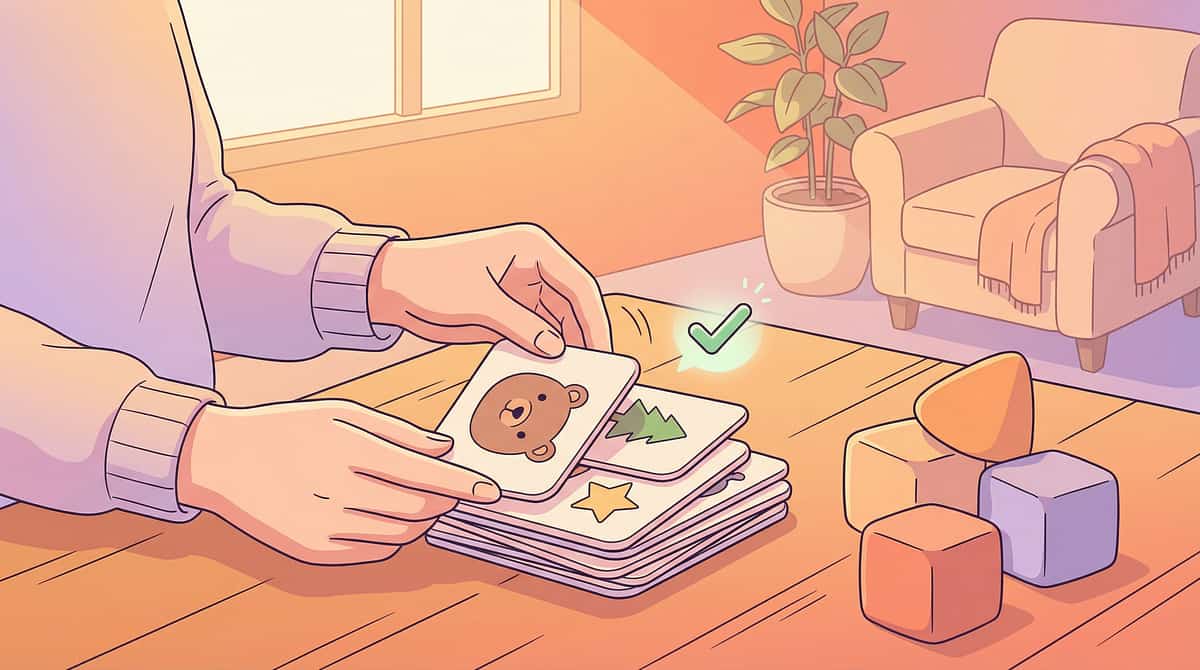
Material 2 of 9
Graphic Organizers and Visual Thinking Maps
Material Details
📦Canon Category: Graphic Organizers / Learning Materials
💰Price Range: ₹200–₹800
🏷Pinnacle Recommends: Thinking Maps template set (8 map types)
Why This Material Works
Makes abstract relationships between ideas spatially visible. Allows the visual brain to see how concepts connect — not just hear about them.
Graphic organizers externalise the invisible. When a child can see a web of connected ideas on paper, they can interact with it, add to it, and refer back to it. For visual learners tackling reading comprehension, science concepts, and writing tasks, the graphic organizer is the difference between struggling with invisible mental organisation and mastering visible spatial thinking.
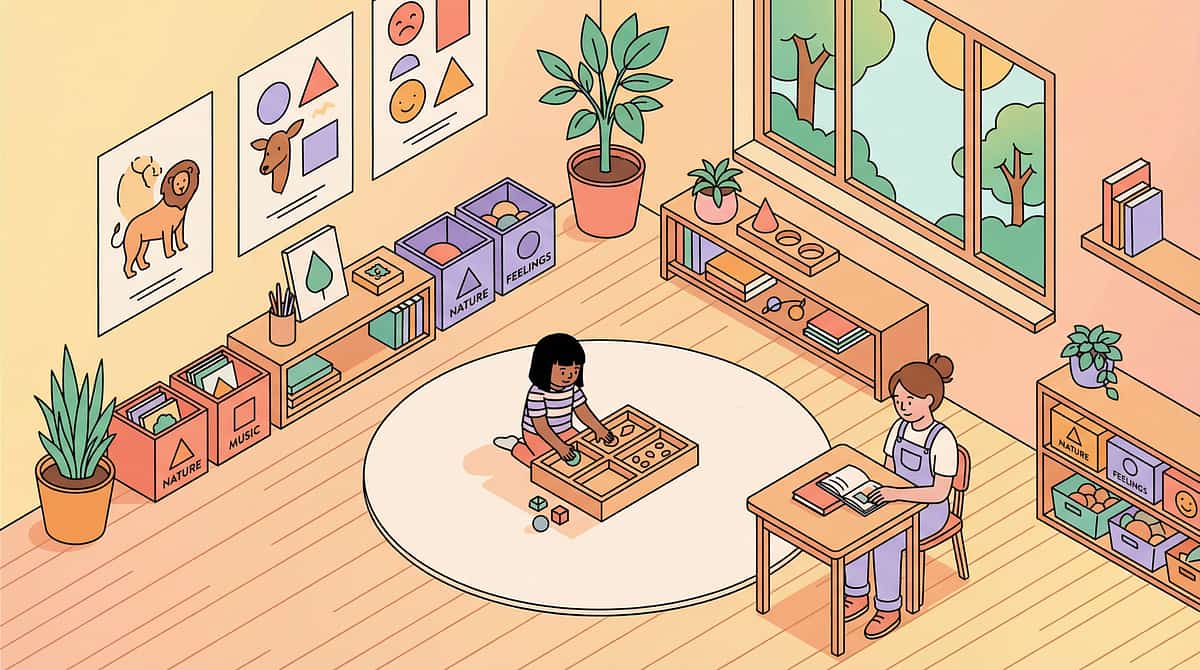
Material 3 of 9
Colour-Coding Systems and Highlighting Tools
Material Details
📦Canon Category: Matching Games / Colour Recognition / Learning Aids
💰Price Range: ₹150–₹600
🏷Pinnacle Recommends: Multi-colour highlighter set + colour-coded folder system
Why This Material Works
Colour creates instant visual distinction — the visual brain processes colour 60× faster than shape or text. Colour IS organisation for visual learners.
Assigning a consistent colour to each subject (blue = maths, green = English) gives the child an instant visual anchor that travels with them to every notebook, folder, and desk. This simple system reduces the cognitive load of locating and organising materials — freeing attention for the actual learning. The physical act of colour-coding a new material is itself the learning event.
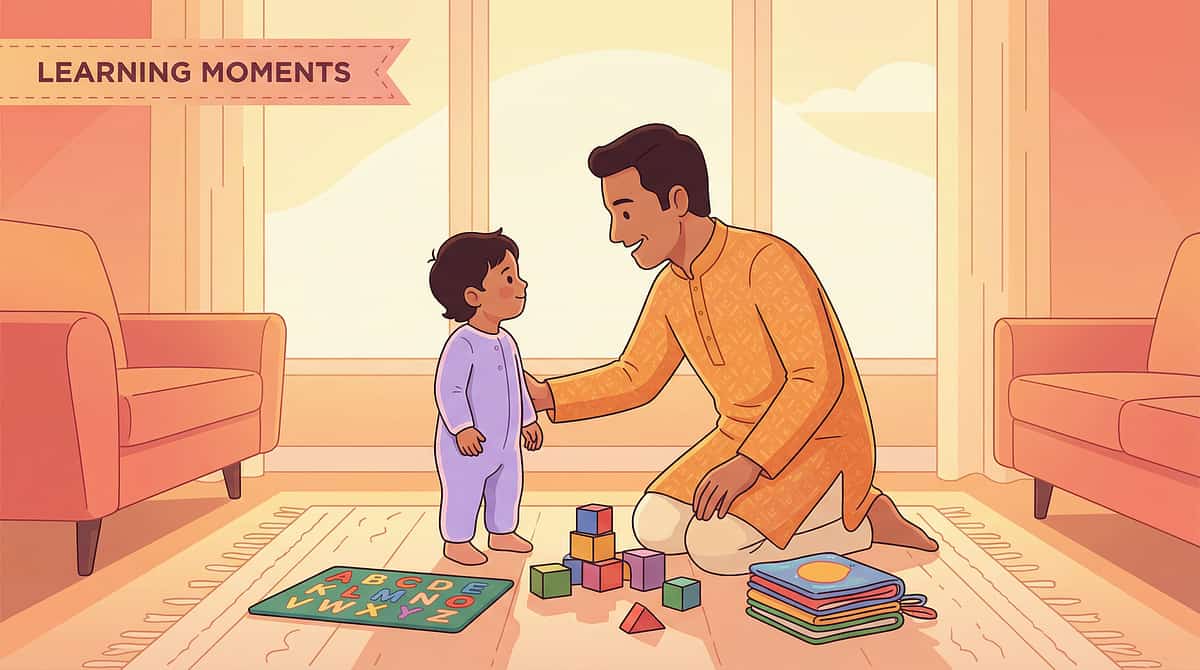
Material 4 of 9
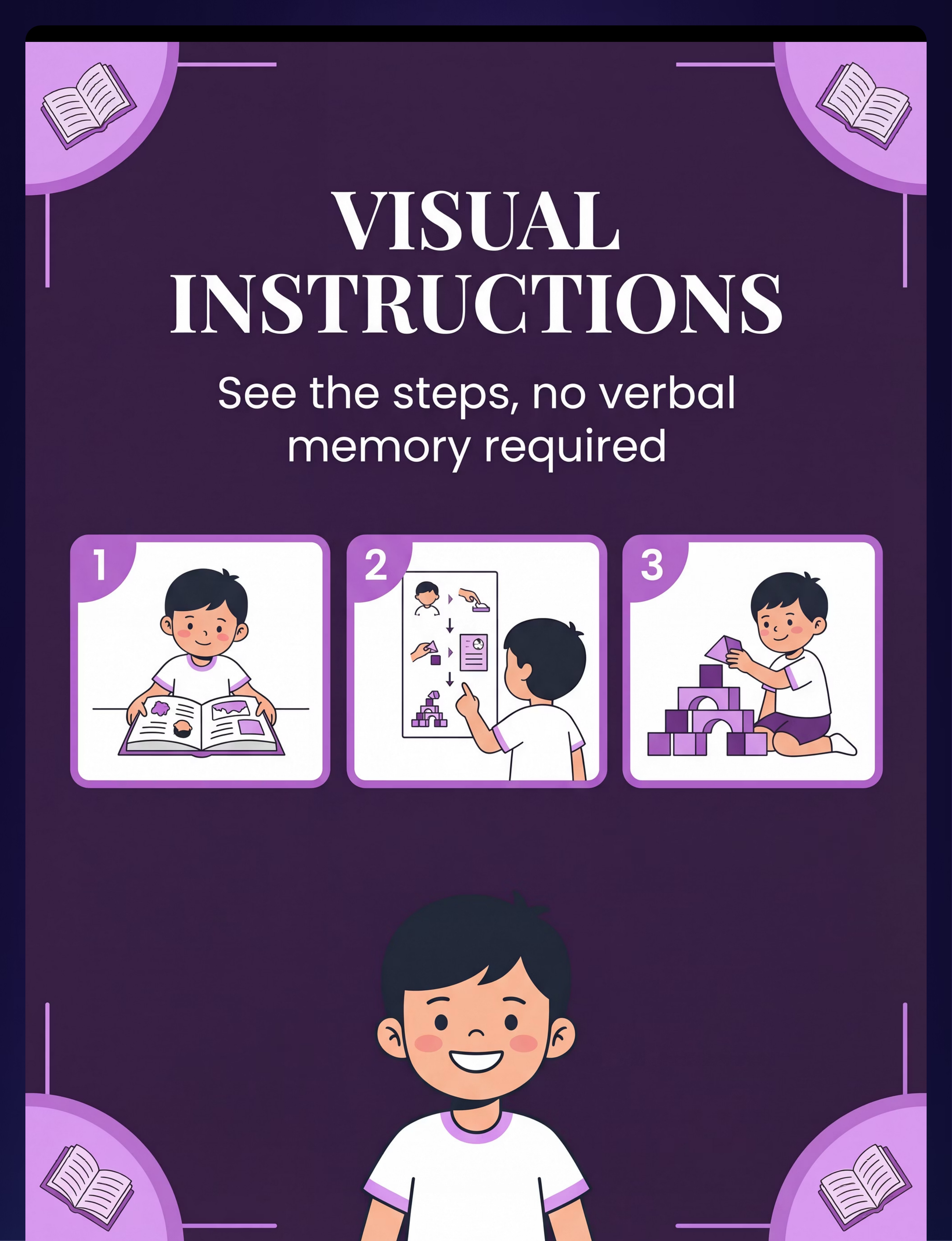
Visual Instruction Cards and Picture-Based Directions
Material Details
📦Canon Category: Problem-Solving Toys / Visual Supports
💰Price Range: ₹200–₹700
🏷Pinnacle Recommends: Step-by-step photo card sets (daily tasks) + laminator
Why This Material Works
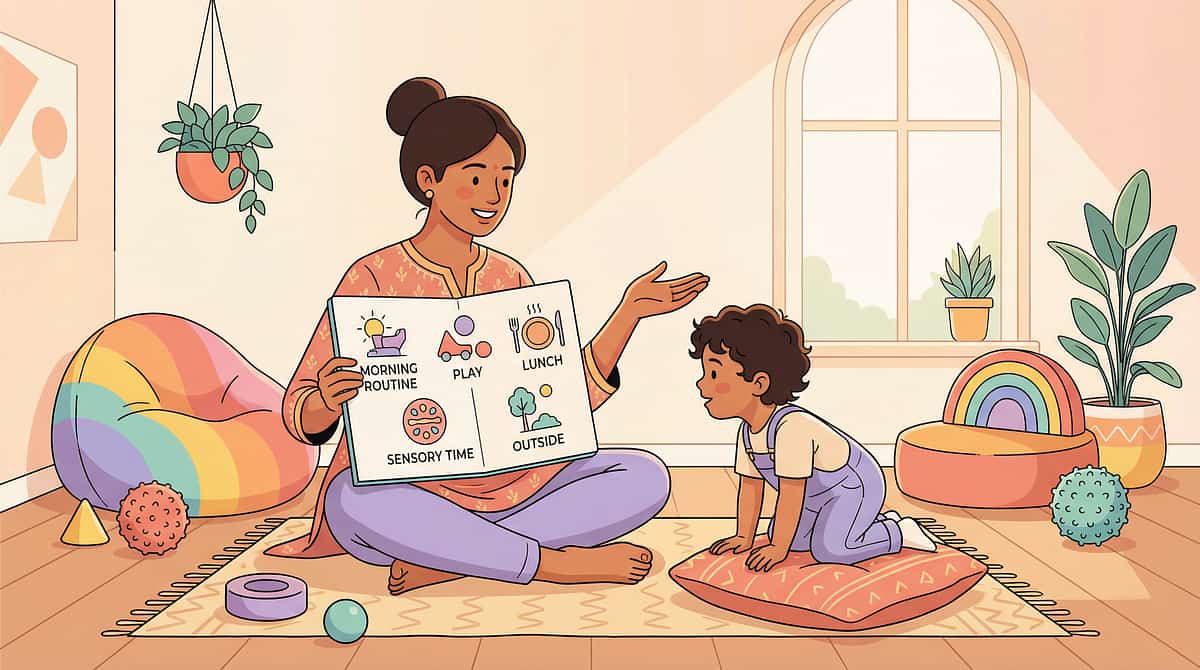
Verbal instructions evaporate. Picture instructions are permanent, reviewable, and require no auditory memory. The card answers "what do I do next?" without adult involvement.
Visual instruction cards shift the locus of instruction from the adult's voice (temporary, unreplayable) to a physical object (permanent, re-readable, always available). A child who has been told three times how to brush their teeth and still struggles will often follow a 5-card photo sequence independently from day one — because the instruction is now in their language.
Material 5 of 9
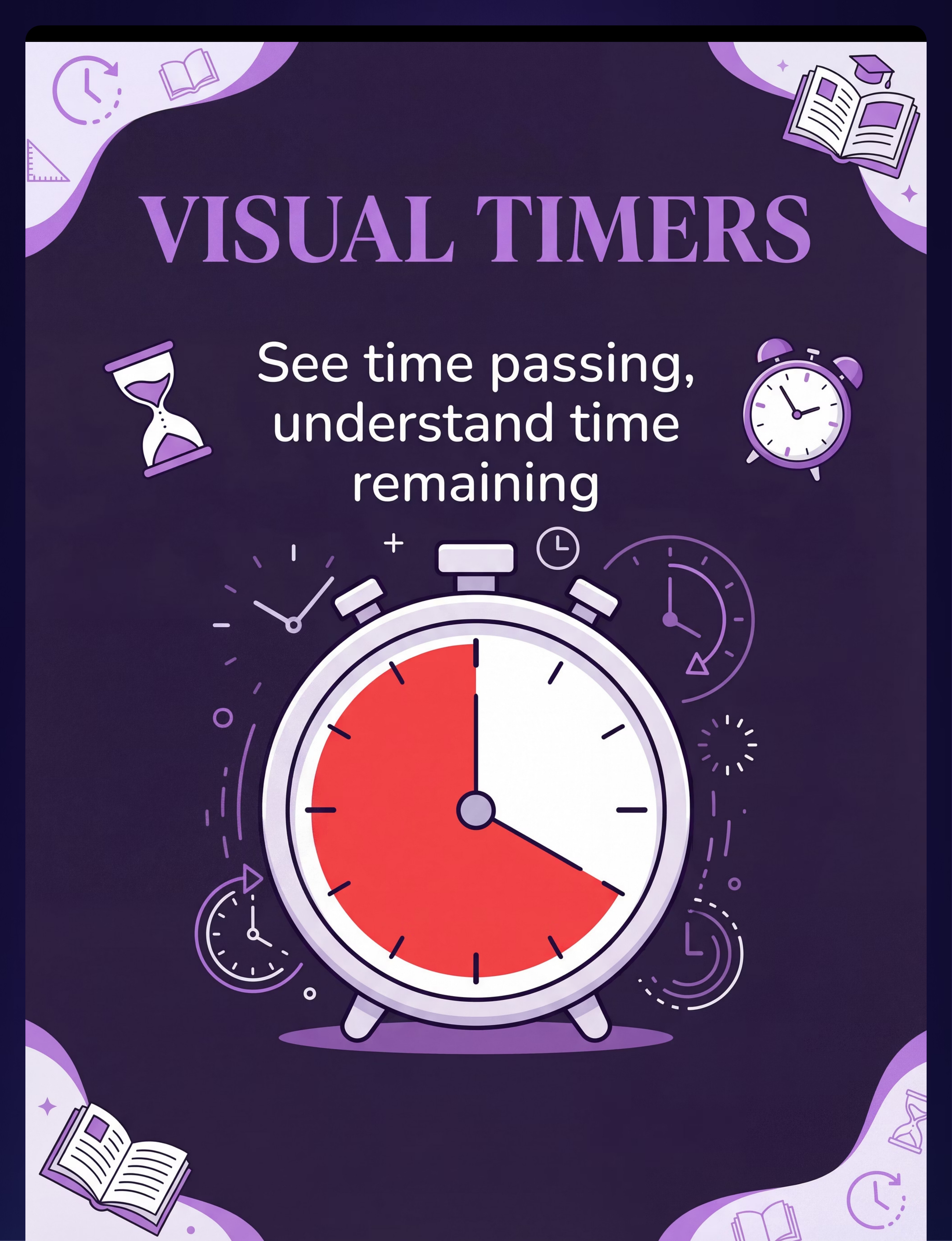
Visual Timer and Time-Awareness Tools
Material Details
📦Canon Category: Visual Timers / Time Supports
💰Price Range: ₹400–₹1,500
🏷Pinnacle Recommends: Time Timer-style visual countdown timer (shrinking colour pie)
Why This Material Works
Time is invisible and abstract — impossible to process visually. Visual timers make time a shrinking colour slice. When the child can see time, they can manage time.
The concept of "5 more minutes" is meaningless to many visual learners because time has no shape or form. A visual timer translates abstract duration into a disappearing wedge of colour. Children who have never been able to self-regulate activity transitions independently learn to watch the timer, anticipate endings, and transition without adult warning — often within one to two weeks of consistent use.
Material 6 of 9
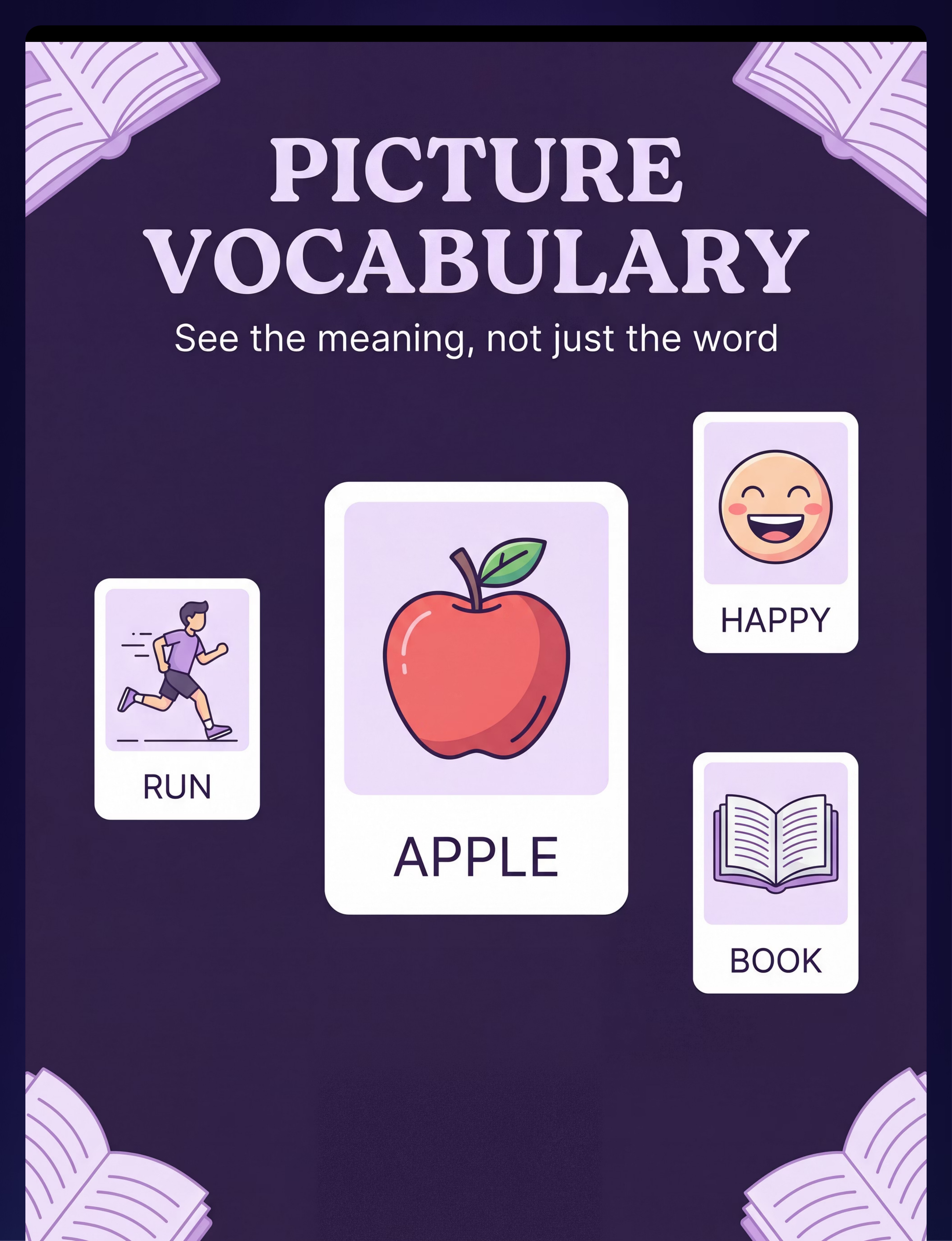
Picture Communication and Visual Vocabulary Systems
Material Details
📦Canon Category: Problem-Solving Toys / Communication Materials
💰Price Range: ₹300–₹1,000
🏷Pinnacle Recommends: Picture vocabulary card sets + personal visual dictionary notebook
Why This Material Works
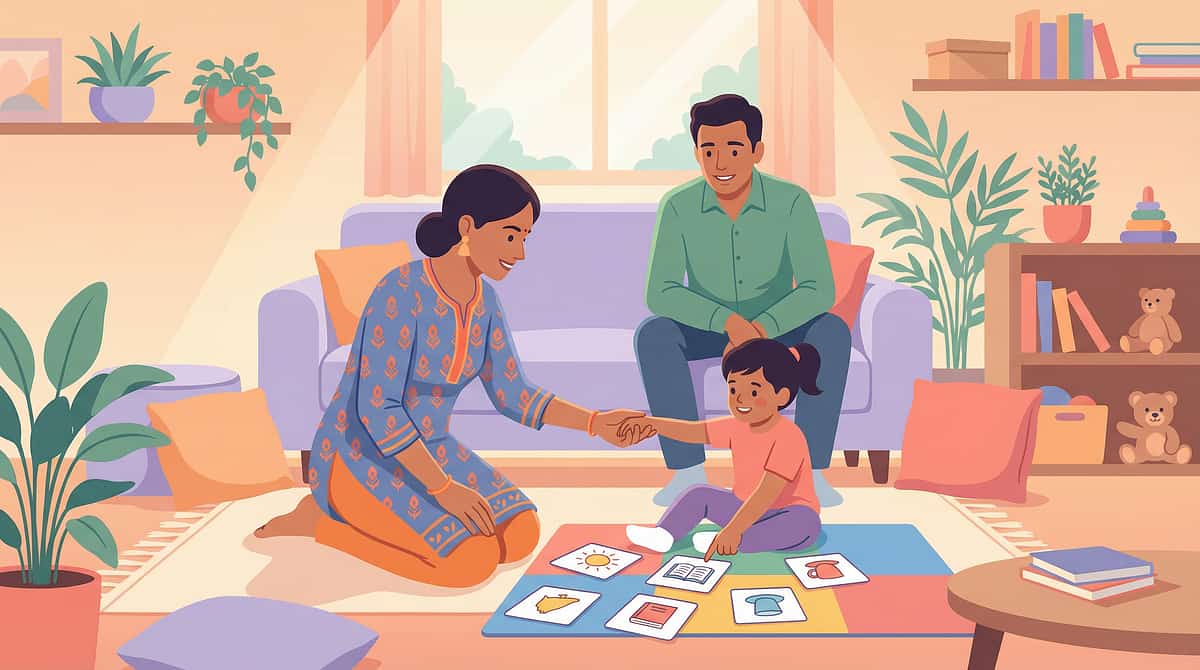
Words are auditory abstractions. Pictures are direct visual meaning. Picture vocabulary systems build word knowledge through the channel that works — bypassing verbal translation entirely.
For pre-verbal children and AAC users, picture vocabulary is not a supplementary tool — it is the primary communication system. For all visual learners, pairing a word with a picture creates a dual-coded memory trace (Paivio, 1971) that is far more durable than either the word or the picture alone. Building a personal visual dictionary is a lifelong skill that transfers to academic vocabulary acquisition.
Material 7 of 9
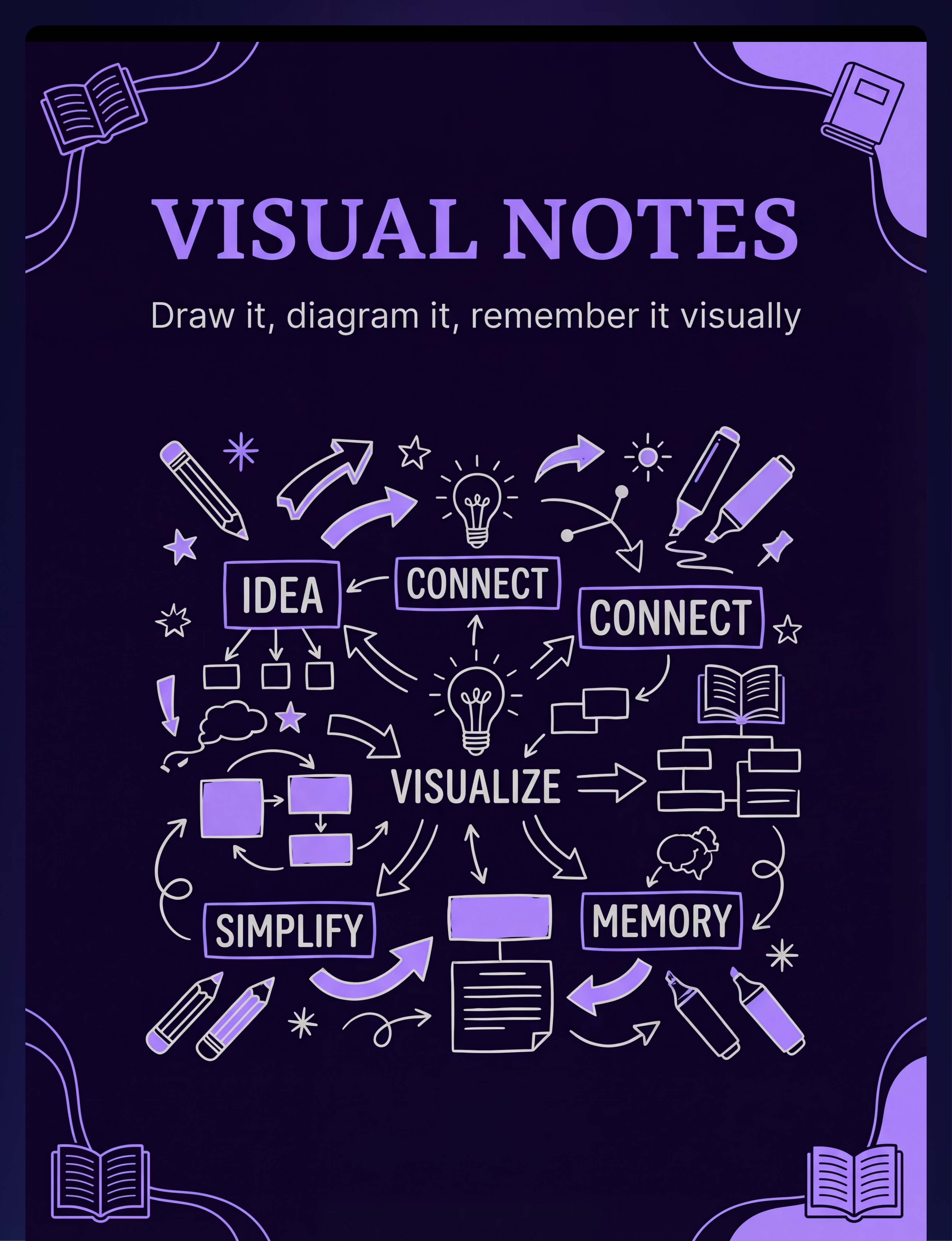
Visual Note-Taking and Sketch-Note Materials
Material Details
📦Canon Category: Learning / Creative / Academic Materials
💰Price Range: ₹200–₹600
🏷Pinnacle Recommends: Unlined A4 sketchbook + 12-colour pen set + symbol reference sheet
Why This Material Works
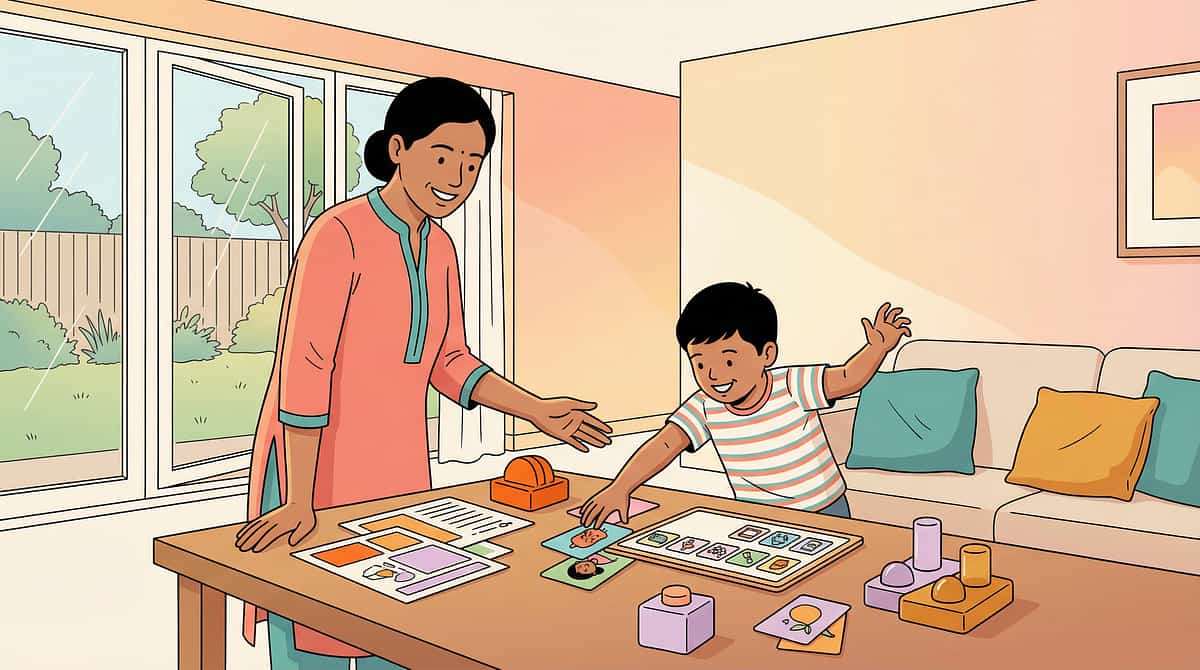
Traditional notes are verbal-to-verbal. Sketch-notes are visual-to-visual. When the child draws their learning, they create visual memory traces that written notes alone cannot create.
The act of drawing a concept is itself a deep processing event. When a child draws a diagram of the water cycle rather than copying a verbal description, they are encoding the information through their dominant channel — creating a personal, memorable, retrievable visual memory. Sketch-noting is not less rigorous than written notes — it is more effective for visual learners. Artistic quality is entirely irrelevant.
Material 8 of 9
Educational Videos and Visual Demonstration Resources
Material Details
📦Canon Category: Cause-Effect Toys / Visual Learning Media
💰Price Range: ₹0–₹500 (subscription services)
🏷Pinnacle Recommends: Curated subject-specific video playlist (Khan Academy Kids, National Geographic Kids, YouTube Education with captions)
Why This Material Works
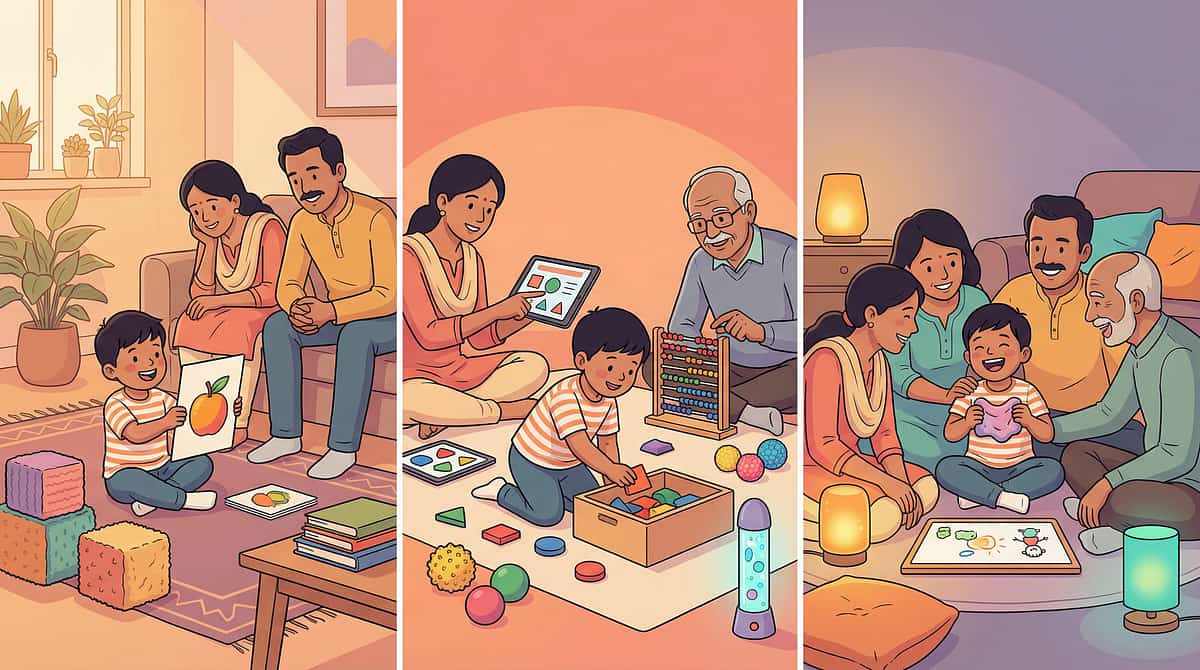
Videos demonstrate rather than explain. They show what verbal instruction only describes. Replay means the child can review the "teacher" as many times as needed — with no social cost.
The key distinction is structured processing: video without active engagement becomes passive entertainment. Pause at 2 key moments and ask "what do you see?" — the child can point, gesture, or draw their response without producing a verbal answer. This transforms video from consumption into evidence-based Video Modelling (NCAEP 2020 classified EBP), one of the most powerful learning modalities for visual learners of all ages.

Material 9 of 9
Visual Models, Manipulatives, and 3D Learning Tools
Material Details
📦Canon Category: Sorting Activities / Manipulatives / Number-Counting Materials
💰Price Range: ₹300–₹1,500
🏷Pinnacle Recommends: Math manipulatives starter set + science model set + globe
Why This Material Works
Some concepts require three dimensions to be understood visually. Fraction tiles show what fractions look like. Molecule models show atomic structure. The visual learner understands it from every angle.
Abstract mathematical and scientific concepts that resist verbal explanation become immediately concrete when held in the hands. A child who has been told that one-half plus one-half equals one whole will understand it the moment they physically place two fraction tiles together. Three-dimensional models transform the abstract into the tangible — into the visual learner's native language of direct sensory experience.
Total Starter Investment: ₹2,050–₹8,400 for complete toolkit. Zero-cost versions available on every material — see the DIY Alternatives card below. 📞9100 181 181 — Ask which materials to start with for your child's age and profile.

Act II — Knowledge Transfer
Every Visual Support Has a Zero-Cost Version. No Excuses Needed.
Per the WHO Nurturing Care Framework and UNICEF equity principles — no child's access to developmental support should be limited by family income. Every material in this protocol has an equally effective household substitute.
Material | Buy Option | Zero-Cost DIY Instructions | |
Visual Schedule | ₹300–1,200 magnetic board | Cut pictures from magazines for each routine step. Arrange on a cardboard strip. Laminate with clear tape. | |
Graphic Organizers | ₹200–800 printed templates | Draw circles, arrows, and boxes freehand on A4 paper. A hand-drawn organiser works identically. | |
Colour-Coding | ₹150–600 highlighters | Assign one colour per subject using available crayons. Use old newspaper to make folders — colour the tab. | |
Visual Instruction Cards | ₹200–700 printed sets | Photograph each step of the routine. Print or show on phone screen. Draw stick figures for steps that can't be photographed. | |
Visual Timer | ₹400–1,500 commercial timer | Fill a clear plastic bottle half with coloured sand. Flip it — the falling sand visually represents passing time. Cost: ₹0. | |
Picture Vocabulary | ₹300–1,000 card sets | Cut pictures of objects and actions from old magazines. Paste on index cards with the word written below. | |
Sketch-Note Materials | ₹200–600 sketchbook + pens | Any unlined surface works. Use pencil. The medium matters less than the practice of drawing learning. | |
Educational Videos | ₹0–500 subscription | Khan Academy Kids, National Geographic Kids, and hundreds of curriculum-aligned channels are free on YouTube. | |
3D Models | ₹300–1,500 manipulative sets | Make fraction models from playdough. Build molecule models with clay balls and toothpicks. Use blocks for maths. |
Why DIY Works: The therapeutic principle is the visual input, not the material's commercial finish. A hand-drawn schedule activates the same neural pathways as a ₹1,200 laminated board. The brain processes what it sees, regardless of the price tag.

Act II — Safety Gate
Before You Begin: Safety Gate
🟢 Green — Proceed
- Child is rested, fed, and in a calm/alert state
- Materials checked for age-appropriateness
- Visual supports are clear and culturally familiar
- Environment is quiet, free of competing distractions
- You have 15–20 minutes without interruption
🟡 Amber — Modify
- Child mildly fatigued → shorten to 5–10 minutes, one material only
- Child shows mild anxiety → start with familiar material they already know
- Child is over-stimulated → use visual timer only (lowest demand)
- Materials unclear or ambiguous → redraw before proceeding
- Colour vision differences suspected → replace red-green with blue-yellow
🔴 Red — Stop
- Child is in meltdown or severe distress
- Child has fever, illness, or pain
- You are anxious, rushed, or distracted
- Visual supports are confusing the child — stop and consult your OT
- Child becomes severely distressed when shown any visual material
Material Safety Notes: Small parts (puzzle pieces, manipulatives): supervise under age 3. Scissors for DIY: adult use only or child-safe scissors under supervision. Phones/screens: preview all video content. Enable restricted mode. Visual timers with sand: ensure bottle is sealed and non-breakable. Highlighters/markers: non-toxic, washable recommended.
The Absolute Red Line:Stop immediately if the child becomes severely distressed, shows signs of self-injury, or begins to dissociate. Visual overload is rare but possible in children with photosensitivity or visual processing disorders. If any visual material consistently provokes distress, consult your OT before reintroducing it.
📞9100 181 181 — If you're unsure whether to proceed, call. Our specialists answer 24×7.
Act II — Environment Setup
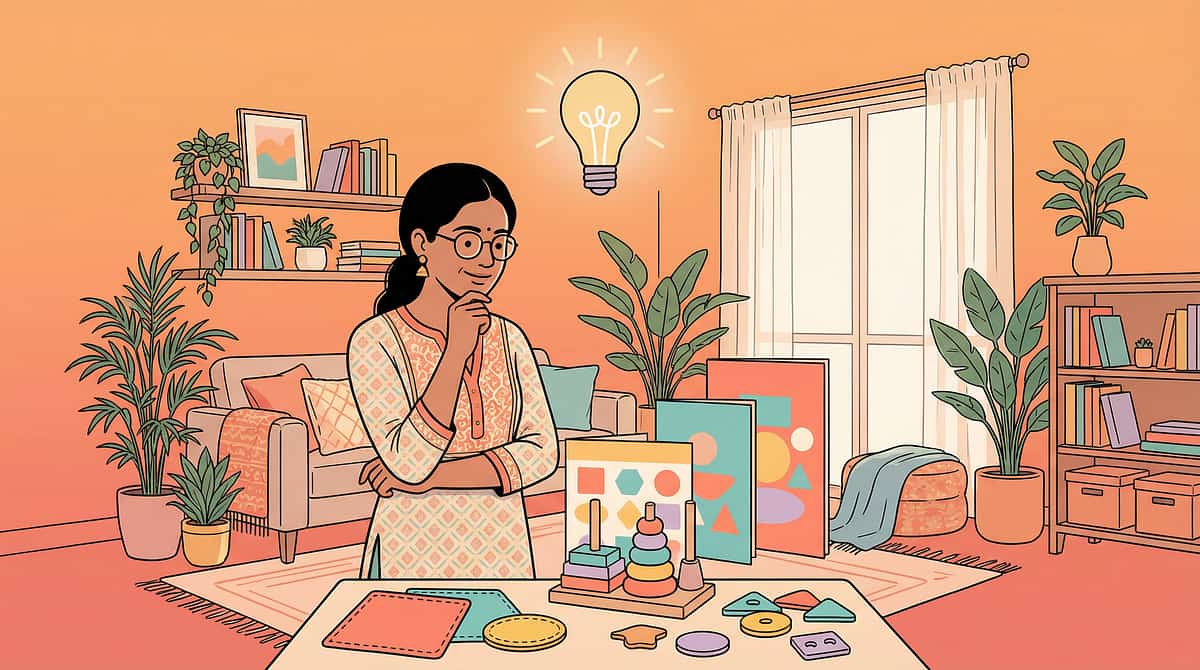
The Visual Learning Environment: 5 Minutes of Setup, Multiplied Learning
Materials Basket
All session materials pre-sorted in a dedicated basket at the child's level. Child should be able to see what's available without searching. Eliminates transition delays.
Parent Position
Sit beside or slightly behind the child — never directly in front (creates confrontational dynamic) and never looming above (creates anxiety). Eye level alignment is essential.
Reference Materials
Visual schedule and relevant instruction cards mounted at child's eye level on the wall within sight of the work space. Not held — mounted. Permanent fixture, not a per-session setup.
Work Space
Clear, uncluttered. Only the active material on the surface. No extra items — the visual brain processes everything in view, and visual clutter competes with instructional visuals.
Lighting & Sound
Natural light from the side (not behind child — creates glare). Avoid flickering fluorescent lighting. Background sound low or silent. Warm LED or natural light preferred.
The Rule of One:Introduce one new visual support at a time. Start with the visual schedule. Add one tool per week. A child overwhelmed by nine new visual systems simultaneously is no better off than a child with none.
Act III — Execution
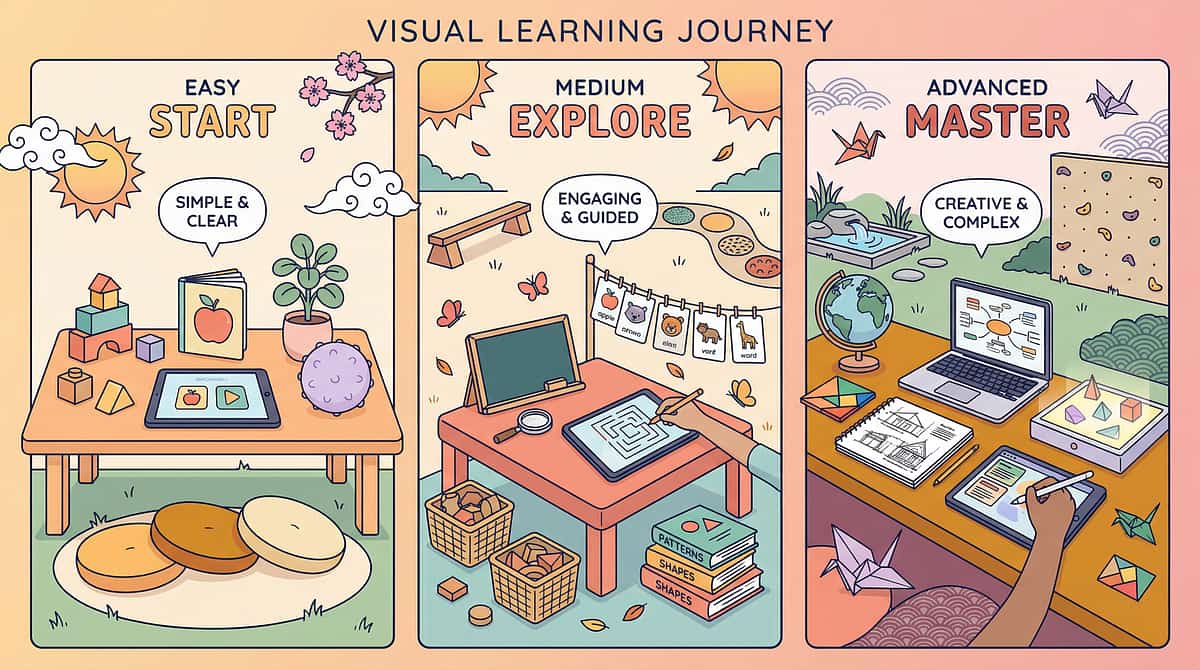
60-Second Pre-Session Check: Green, Amber, or Red?
Before every session, take 60 seconds to assess your child's readiness. This determines whether to proceed fully, modify, or postpone. Correct clinical judgment protects the therapeutic relationship.
Indicator | 🟢 Green → Proceed | 🟡 Amber → Modify | 🔴 Red → Postpone | |
Fed? | Ate in last 2 hours | Mildly hungry | Has not eaten / hypoglycaemic | |
Rested? | Slept well, alert | Slightly tired | Sleep-deprived, drowsy | |
Regulated? | Calm, available | Slightly anxious | In meltdown / fight-or-flight | |
Recent distress? | No incident in 30+ mins | Incident resolved >30 mins ago | Incident in last 30 mins | |
Illness? | No symptoms | Mild cold, low energy | Fever, pain, significant illness | |
Parent state? | Calm, present, not rushed | Slightly stressed | Anxious, rushed, or distracted |
🟢 All Green → Proceed
Full session, full protocol. Use all planned materials.
🟡 Some Amber → Modify
Use only 1–2 materials. Shorten to 10 minutes. Focus on the most familiar visual support. Reduce demand level.
🔴 Any Red → Postpone
Do not push through. A delayed session is not a failed session — it is correct clinical judgment. Offer a comfort activity instead.
Clinical research consistently shows that forced sessions during non-ready states produce negative conditioning. One good session per week is worth more than five forced sessions.

Act III — Step 1 of 6
⏱ 30–60 seconds
Step 1: Begin With an Invitation. Never a Command.
"Hey [child's name] — want to come and do something with me? I have your picture board / timer / cards ready. You can check what we're doing today."
Reading Child Acceptance Cues
✅Accepted: Child moves toward you or the materials. Eye contact (direct or peripheral). Vocalisation or gesture of interest.
⚠️Ambiguous: Child glances but doesn't move. Continue with low-demand engagement. Lay out materials visibly without directing.
❌Resistance: Child moves away, vocalises protest, shows physical tension. Do not proceed. Return to the Readiness Check.
The ABA-OT Integration Point
This is where ABA's pairing procedure meets OT's "just-right challenge" principle. We are not placing a demand yet — we are establishing that this interaction is safe, enjoyable, and worth approaching. No child can benefit from a visual support they've been forced to engage with.
Act III — Step 2 of 6
⏱ 1–3 minutes
Step 2: Now the Material Enters. Watch Their Response.
For Visual Schedule Introduction
"Look — here's what we're doing today. [Point to each picture in sequence]. First this, then this, then this. What do you see first?"
For Graphic Organizer Introduction
"Let me show you something interesting. See this circle in the middle? That's for the main idea. All these bubbles around it? That's for everything connected to it. Want to try?"
For Visual Timer Introduction
"See this red part? That's how long we have. When all the red is gone, we're done. [Set timer for 5 minutes]. Watch what happens to the red."
How to Present the Material
- Place it on the surface within the child's reach — not in their hands unless they reach for it
- Point to the relevant part while speaking — visual + verbal simultaneously (Dual Coding Theory)
- Use minimal language — the visual is the instruction; your words confirm, not replace it
- Speed: slow, deliberate, calm — not rushed
Reading Child Responses
✅Engagement: Child touches, examines, or points to the material. Proceed.
⚠️Tolerance: Child watches but doesn't initiate. Proceed with adult modelling — show the action first.
❌Avoidance: Child looks away or moves away. Use the lowest-demand visual tool (timer only, or just the schedule, without asking the child to interact).
Reinforcement begins here. The moment the child shows any approach behaviour, provide immediate, specific verbal reinforcement: "Yes! You looked at the picture! Good noticing."

Act III — Step 3 of 6
⏱ 5–15 minutes core session
Step 3: The Core Work — Teaching Through the Visual Channel
The active ingredient of Visual Learning Support is the transfer of information through visual formats, with adult modelling of how to use each visual tool. This is not passive looking — it is active visual processing guided by a warm adult coach.
1
Visual Schedules
Adult points to each picture in sequence while narrating. Child then points independently. Repeat 3× until child points without adult prompt. Track: seconds between adult model and independent child action.
2
Graphic Organizers
Adult draws the central concept, then asks: "What else belongs here?" Child contributes content; adult draws or writes it. The child's visual thinking externalises onto the organiser.
3
Colour-Coding
Adult demonstrates the colour assignment system with child present. Child then colours their own set of materials. The physical act of colour-coding is the learning.
4
Visual Instruction Cards
Child follows the card independently, checking off each picture step as completed. Adult observes silently. Intervene only if child is stuck for more than 30 seconds.
5
Visual Timer
Child sets the timer independently (after initial modelling). Child monitors the timer to self-regulate activity duration. Adult does not announce time — the timer does.
6
Picture Vocabulary
Adult shows picture, child names or points to it. Then reverse: adult says word, child finds the picture. 5–10 picture-word pairs per session.
7
Sketch-Notes
During any learning activity, child draws key concepts. No grading on artistic quality. The act of drawing-to-learn is the intervention.
8
Educational Videos
Child watches 3–5 minute content clip. Adult pauses at 2 key moments and asks: "What do you see? What is this showing?" Verbal response not required — child may point, gesture, or use picture vocabulary.
9
3D Models
Child manipulates the model while adult narrates: "This is the half. This is the quarter. What do you see?" Child shows understanding through arrangement, not verbal explanation.
Common Execution Errors:❌Over-verballing: giving more verbal explanation than visual input. Fix: "Show, don't tell" — present the visual, then be silent for 5 seconds before speaking. ❌Rushing: moving faster than the child's visual processing. Fix: match the child's pace. ❌Complexity too early: introducing graphic organizers before the child can use a simple schedule. Fix: adapt to current level.
Act III — Step 4 of 6
⏱ 3–5 minutes
Step 4: 3 Good Repetitions. Not 10 Forced Ones.
3–5
Target Repetitions
Complete, successful uses of the visual support per session
1
Minimum
Independently completed use (even with heavy scaffolding)
∞
Maximum
Child-led — stop when child shows satiation, not at a fixed number
Variation A: Change the Content, Keep the Format
If using visual schedules → change which routine is scheduled, not the schedule format itself. The visual brain learns the format through repetition, then transfers to new content automatically.
Variation B: Change the Complexity Level
Week 1: 3-step picture sequence → Week 2: 4-step sequence → Week 3: 5-step with a branching option. Progressive complexity maintains the "just-right challenge" and prevents boredom.
Variation C: Change the Setting
Same visual schedule, used at school → at grandparents' house → at the therapy centre. Generalisation of visual strategy use across settings is the long-term goal.
Variation D: Child Creates the Visual
Instead of following a pre-made schedule → child draws/photographs their own. Meta-cognitive awareness begins when the child participates in creating the tools.
Session Dosage Reminder:Visual learning is not a discrete therapy session. It is a communication environment. The goal is not "complete 20 minutes of visual support work" — it is "integrate visual supports into all daily routines until they become the natural medium of information transfer in this home."
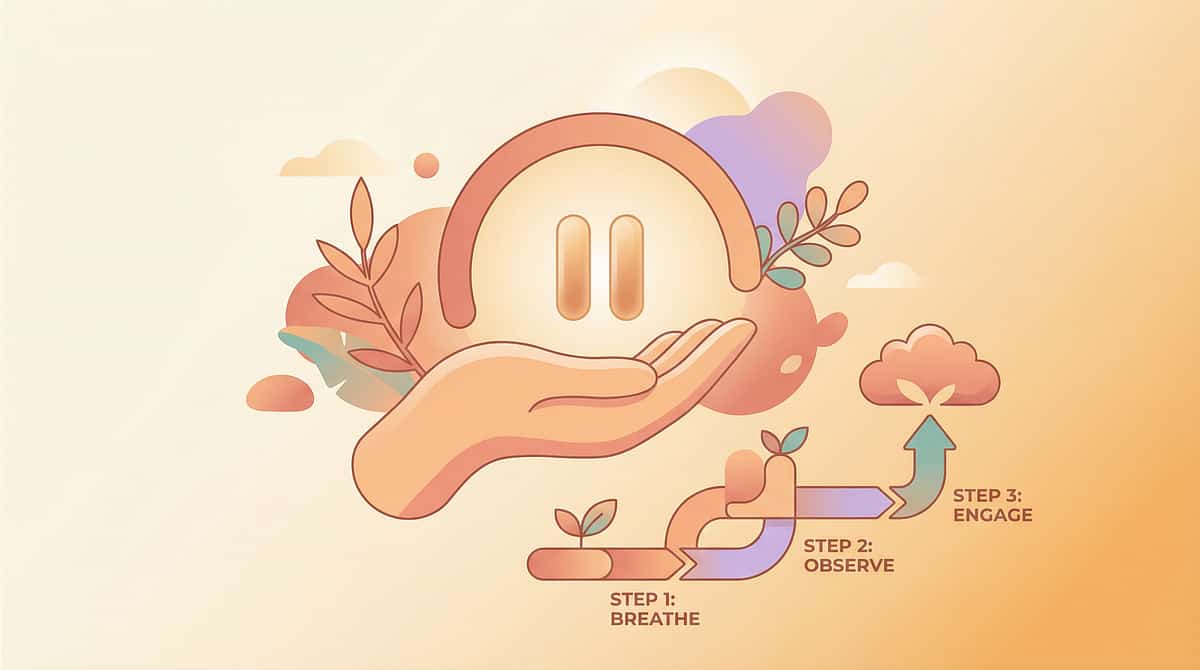
Act III — Step 5 of 6
⏱ Immediately after each success
Step 5: Timing Matters More Than Magnitude. Celebrate the Attempt, Not Just the Success.
The Reinforcement Rule: Within 3 seconds of the target behaviour, deliver specific, genuine, appropriately-scaled reinforcement.
For first-time independent schedule check:
"You checked your schedule BY YOURSELF! That was all you!"
For graphic organiser completion:
"Look at all the thinking you did! I can see your ideas right there on the paper."
For visual timer self-management:
"You watched the timer the whole time. You managed your own time!"
🎉 Social Reinforcement
Specific verbal praise + enthusiastic high five. Always available, always appropriate.
⭐ Token System
Star chart — 5 stars = chosen privilege (extra screen time, preferred activity). Reward Stickers 1800+ — ₹364
🎁 Tangible
Small preferred item. Rosette Reward Jar — ₹589
📱 Activity Reinforcement
5 minutes of preferred play/screen time immediately after successful session.
Reinforcement works because it tells the brain: "That behaviour caused a good outcome." Correct reinforcement does not spoil children; it teaches their brain that learning is worth the effort.
📞9100 181 181 — Ask our BCBA team to help you design a personalised reinforcement system
Act III — Step 6 of 6
⏱ 2–3 minutes
Step 6: No Session Ends Abruptly. This Transition Is Part of the Therapy.
Put-Away Ritual (3–5 steps)
- Child places used cards back in the box / folder
- Adult demonstrates where materials are stored — same place every time
- If timer was used — child presses the stop button / flips the sand timer
- One closing phrase: "Same again tomorrow / next time."
- Transition to next activity: visual schedule now shows what comes next
Visual Supports for the Cool-Down
- A "Finished" card placed at the end of the visual schedule
- A visual timer set for the cool-down duration itself (2-minute timer)
- A "Now we do X" card showing the next activity
If the Child Resists Ending
"I see you want to keep going — that's great! We'll do more tomorrow. Right now it's time for [next scheduled activity]." Point to the visual schedule. The schedule — not you — is making the transition happen. This transfers the "authority" to the visual system, reducing parent-child conflict.
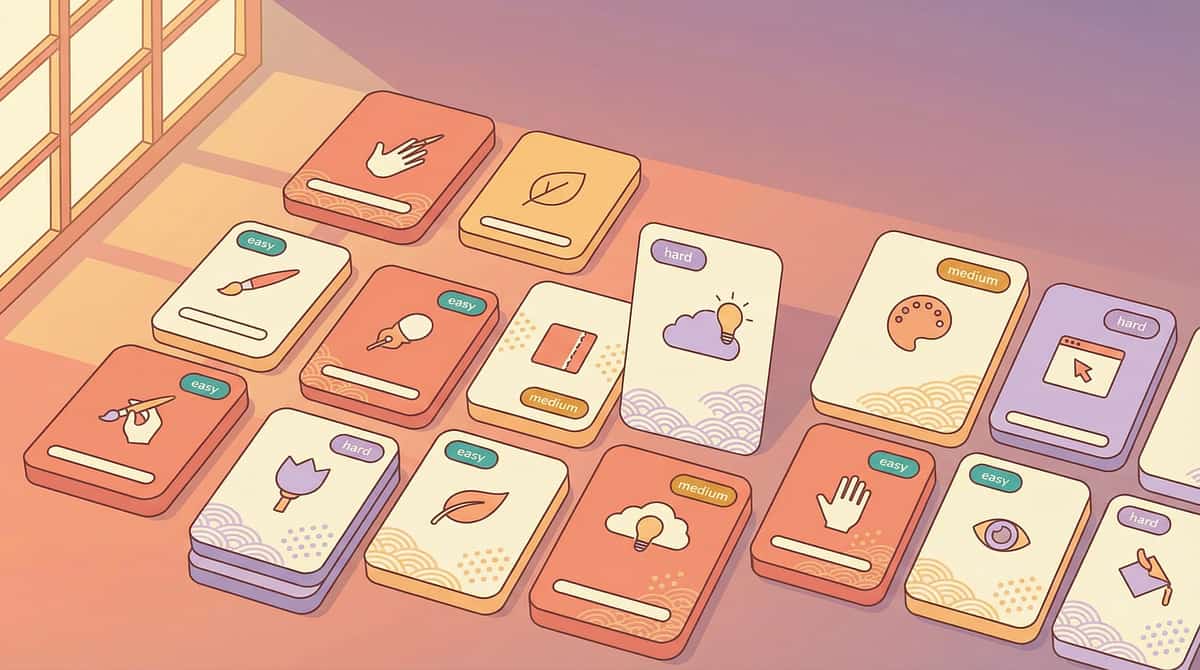
Act III — Data Capture
60 Seconds of Data Now Saves Weeks of Guessing Later
Record these 3 things within 60 seconds of session end. Your observations are the most powerful clinical data available — a therapist sees your child for 60 minutes a week. You see your child for 16 waking hours every day.
1
Material Used Today
Visual Schedule ☐ | Graphic Organiser ☐ | Colour-Coding ☐ | Visual Instruction Cards ☐ | Visual Timer ☐ | Picture Vocabulary ☐ | Sketch-Notes ☐ | Educational Video ☐ | 3D Models ☐
2
Independence Level
1 — Adult-led throughout | 2 — Adult modelled once, child imitated | 3 — Child self-initiated with one prompt | 4 — Child used visual support fully independently
3
One Observable Behaviour Note
One sentence, free text. Example: "Used the schedule to check off bath step without being reminded" | "Needed 3 prompts for the first graphic organiser; 0 prompts for the second"
GPT-OS® Integration: Data entered here feeds the Academic Readiness Index and Learning Efficiency Index in your child's GPT-OS® profile — generating personalised recommendations for which visual supports to intensify, which to consolidate, and what to introduce next. Track at: pinnacleblooms.org/tracker/H-753
"60 seconds of recording gives us 112 hours of clinical insight." — Pinnacle Blooms Consortium, GPT-OS® Data Philosophy
📞9100 181 181 — Our team can help you interpret your tracking data
Act III — Troubleshooting
Session Abandonment Is Not Failure — It Is Data. Here Is What To Do Next.
Child refused to engage with any visual material
What happened: Child may have been over-stimulated, anxious, or below readiness threshold. The approach may have felt demand-like rather than inviting. Next time: Return to Step 1 — the Invitation. Begin with the child's most preferred, most familiar visual (usually the daily schedule they already know). No new materials on a refusal day.
Child engaged briefly then walked away
What happened: Session was too long, material complexity too high, or satiation arrived early. Next time: Cut session to 5 minutes. Use only 1 visual support. Build session length gradually once engagement pattern is established.
Visual schedule made child MORE anxious
What happened: For some children, knowing what's next in a stressful sequence increases anticipatory anxiety. Next time: Use a "first-then" board only (next 2 steps, not the whole day). Consult your OT about this specific anxiety pattern.
Child used the material incorrectly
What happened: The child is in exploratory mode — they have not yet learned the functional use of the material. Next time: This is fine at Week 1. Model the correct use 3 times in a row with enthusiasm, then offer the child the material again. Do not correct if used "wrong" initially.
Colour-coding system collapsed
What happened: The colour-assignment system was not consistently reinforced across settings. Next time: Simplify to 2 colours only. Add colours one at a time as the first 2 are reliably used. Post the colour key visually in the study space.
Educational video led to passive watching with no learning transfer
What happened: Video without structured processing becomes passive entertainment. Next time: Pause the video every 2 minutes. Ask: "Show me what you saw." Child can draw, point, gesture, or use picture vocabulary — verbal answer not required.
You had to end the session early because of your own stress
What happened: This is the most common and least-discussed session failure mode. Your regulatory state is the child's regulatory environment. Next time: Practise a 2-minute self-regulation technique before beginning. Even one slow breath cycle lowers cortisol measurably. Your calm is the most powerful therapeutic tool in this toolkit.
Act III — Personalisation
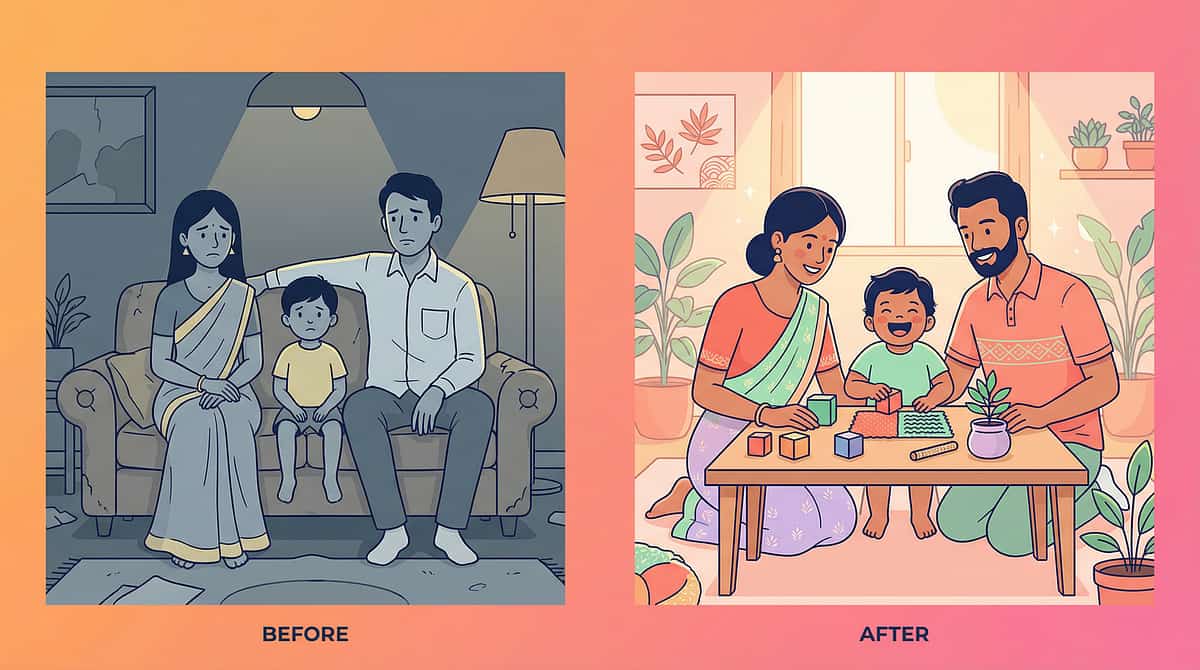
No Two Children Are Identical. Here Is How to Tune This for Yours.
Visual learner + Low verbal output (including many children with autism, AAC users)
Prioritise: Picture vocabulary + Visual schedules + Visual instruction cards
De-prioritise: Sketch-notes (requires some written language awareness)
Adaptation: All materials use photographs of real objects/people (not clipart) — real photos generalise better
Visual learner + ADHD / High activity
Prioritise: Visual timers + Colour-coding + Short schedule strips (2–3 steps max)
De-prioritise: Long graphic organizers (too static for high-energy learners)
Adaptation: Make visual supports portable — on index cards that travel with child
Visual learner + High anxiety / Rigidity
Prioritise: Predictable visual schedule (exactly the same format every day)
De-prioritise: Vary the content initially — add variation very slowly
Adaptation: Let child control the schedule (child places cards, child moves completed items)
Visual learner + Advanced academic profile
Prioritise: Graphic organizers + Sketch-notes + Complex 3D models
De-prioritise: Basic picture vocabulary (may feel babyish at age 12+)
Adaptation: Visual note-taking apps for tablet — more age-appropriate format
Age | Recommended Start | Complexity | |
4–5 years | Visual schedule (photos) + Visual timer | 3-step max, photographic only | |
6–8 years | Add graphic organizers + Colour-coding | Simple concept maps, 3 colours | |
9–11 years | Add sketch-notes + Educational videos with structured processing | 8 map types, topic-specific | |
12–14 years | Full toolkit + Self-directed creation + Digital formats | Child designs own system |
Act IV — Progress Arc
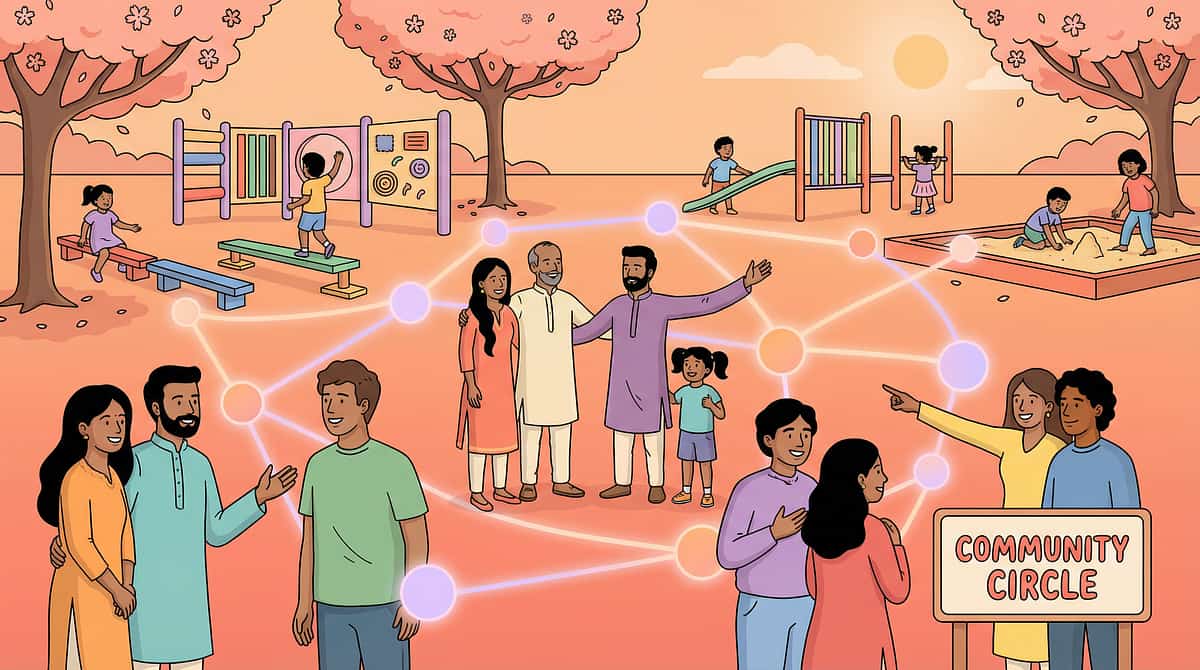
Weeks 1–2: Tolerance Is Progress. Don't Wait for Mastery.
Foundation Phase — 15% Progress
Observable Indicators to Watch For:
- ✅ Child tolerates the visual material being present without distress
- ✅ Child glances at the visual schedule at least once per routine
- ✅ Child follows one picture step independently when adult points to it
- ✅ Child accepts the visual timer being set without protest
- ✅ Child does not dismantle or throw the visual materials (habituation achieved)
What Is NOT Progress Yet
- ❌ Independent schedule-checking without prompting (that's Week 3–4)
- ❌ Child creating their own visual notes (that's Week 8+)
- ❌ Academic improvement measurable at school (that's 6–8 weeks of consistent use)
- ❌ Perfect use of all 9 materials (introduce one at a time)
What To Do This Week
- Install the visual schedule on the wall — don't ask child to use it yet, just let it exist
- Use the visual timer for ONE routine only (bath time or homework)
- Watch how the child interacts with each material without directing
"If your child today can tolerate the visual schedule on the wall without removing it — and last week they took it down immediately — that is real, measurable progress. The nervous system is learning. The visual environment is becoming safe. This is the foundation being laid."
Parent Emotional Preparation: Weeks 1–2 are the highest-effort, lowest-visible-outcome phase. This is clinically expected. Parents who push through this phase consistently see dramatic change in weeks 5–8. Parents who stop in week 2 rarely see it.

Act IV — Progress Arc
Weeks 3–4: The Brain Is Building Pathways. Watch for These Signs.
✅ Anticipation
Child approaches the visual schedule independently before being prompted — they've integrated it into their expectation of the morning routine.
✅ Preference
Child chooses the graphic organiser or sketch-note approach when given a choice of "how would you like to do this?"
✅ Reduced Anxiety
Transitions become calmer when the visual schedule is present — the child protests less when the schedule shows what's coming.
✅ Transfer
Child spontaneously uses a colour-coding strategy learned at home in their school notebook (early generalisation seed).
✅ Participation in Creation
Child adds their own picture to the visual schedule or draws something in the graphic organiser without being asked.
"The synapse fires repeatedly along the same path. The myelin sheath thickens. The signal speeds up. The action becomes automatic. This is what's happening in your child's brain in weeks 3–4 — you are watching neuroscience happen in your kitchen."
Parent Milestone:You may notice that you have become more confident too. The sessions feel more natural. You no longer need to read the script. Parental confidence is clinically measured as the strongest predictor of continued home-based intervention implementation.
Act IV — Progress Arc
Weeks 5–8: Mastery Unlocked. This Is the Payoff.
🏆 Visual Schedules — Mastery
Child checks the schedule independently without adult prompting for 5 consecutive days. Child uses the schedule at both home AND at least one other setting (school, grandparents, therapy).
🏆 Graphic Organizers — Mastery
Child selects the appropriate graphic organiser type for a given task without adult guidance. Child completes a full organiser independently and uses it to guide written work.
🏆 Colour-Coding — Mastery
Child consistently applies the colour system to new materials without reminders. Child can explain the colour assignment to another person (teacher, sibling).
🏆 Visual Instruction Cards — Mastery
Child completes a 6-step daily routine from beginning to end without any adult verbal prompting — cards only.
🏆 Visual Timer — Mastery
Child independently sets the timer for assigned activities, self-monitors time, and transitions without adult warning when the timer ends.
Generalisation Check — Has the Skill Left the Home?
- Does the child request visual supports at school?
- Does the child use their colour-coded organisation system without being reminded?
- Does the child reference their graphic organiser notes when studying?
📚 PMC10955541 (Measurable outcomes 5–8 week timeline) | BACB Mastery Criteria Standards | GPT-OS® Academic Readiness Index

Act IV — Celebrate
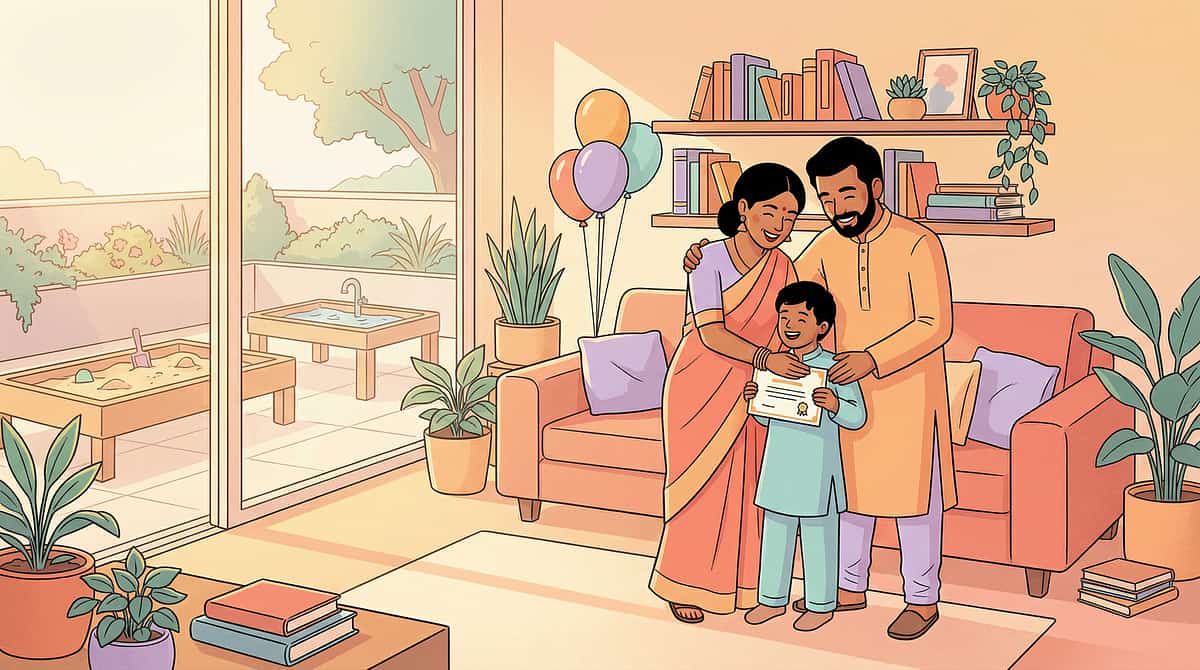
You Did This. Your Child Grew Because You Showed Up Every Day.
You gave your child a language. The language of pictures.
And now they are using it — at home, at school, with their family. Not because they changed. Because you unlocked the door.
Visual Schedule Installed
Your home now speaks in pictures, not only words
Routine Independence
Your child can navigate at least one daily routine independently
Thinking Made Visible
Graphic organisers that show what your child's mind can do
Colour System at School
A colour-coding system that travels to the classroom
Growing Visual Vocabulary
A visual vocabulary that grows every week
Parental self-efficacy — the confidence that your actions make a difference — is the strongest single predictor of continued home-based intervention implementation. Tonight, your self-efficacy score just increased. And your child's developmental trajectory changed because of it.
📸Photo Prompt:Photograph your child using their visual schedule or graphic organiser independently. This image is clinical evidence of developmental progress. Keep it. Share it with your therapist.

Act IV — Red Flags
Trust Your Instincts. If Something Feels Wrong, Pause and Ask.
🔴 Visual material causes consistent severe distress
Child becomes highly agitated or distressed every time a specific visual support is introduced — even after 2 weeks of gentle exposure. Why it matters: May indicate visual processing difficulties needing OT assessment (e.g., visual sensory hypersensitivity, Irlen syndrome).
🔴 No progress after 8 weeks of consistent implementation
Child shows no signs of using visual supports more independently than at Week 1. Why it matters: May indicate that a different visual format is needed, or that an underlying processing difficulty needs formal assessment.
🔴 Academic performance declines despite visual supports
Visual supports at home have improved but school performance is worsening. Why it matters: May indicate the school environment is not implementing complementary visual supports — this requires a school consultation and potentially a formal accommodation plan.
🔴 Child develops rigid visual routines that interfere with daily life
Child refuses to proceed with any routine if any visual card is missing or out of order — to a distressing degree. Why it matters: Visual schedules should reduce anxiety, not become the source of it. This pattern requires ABA and OT joint review.
🔴 Vision-related concerns emerge
Child holds visual materials very close to face, squints at pictures, or avoids looking at fine-detail visuals. Why it matters: Rule out correctable vision problems before attributing all visual learning difficulties to processing style.
Escalation Pathway: Self-resolve (adjust the material) → Teleconsultation with Pinnacle OT → In-person clinic visit → Full learning assessment
📞9100 181 181 — 24×7 | Our team will help you determine next steps
Act IV — Related Techniques
More Tools in Your Visual Learning Toolkit
Technique | Code | Level | Primary Material | Materials Overlap | |
Understanding Learning Styles | H-751 | 🟢 Intro | Assessment tools | Foundation | |
Multi-Sensory Learning Approaches | H-752 | 🟢 Intro | Multi-material | Foundation | |
Auditory Learning Supports | H-754 | 🟡 Core | Audio tools | ✅ Visual timer (already have) | |
Kinesthetic Learning Supports | H-755 | 🟡 Core | Manipulatives | ✅ 3D models (already have) | |
Study Skills for Different Learners | H-760 | 🔴 Advanced | Cross-modal | ✅ Graphic organisers (already have) | |
Digital Visual Learning Tools | H-756 | 🟡 Core | Digital devices | ✅ Colour-coding system (already have) |
All techniques above sit within: Learning Styles & Academic Supports | 70+ techniques in this domain. Browse Full Domain →
Act V — Community
From Frustration to Mastery. Real Families. Real Change.
Arjun, 8 years — Hyderabad
Before: His teacher said he "wasn't paying attention" in class. At home, his mother would give three instructions and he would do only the first, or none. He avoided homework to the point of tears every evening. He was labelled "difficult." His mother knew he wasn't — she had watched him follow a 50-step LEGO instruction manual with perfect accuracy at age 6.
After 6 weeks: After OT assessment confirmed strong visual-spatial processing with auditory processing challenges, the family introduced visual instruction cards for homework, a colour-coded subject system, and a graphic organiser for writing. Within 6 weeks, homework tears dropped to zero. His teacher began providing written instructions alongside verbal ones. Arjun's academic performance normalised. He now creates his own study organisers.
"He was never the problem. The instruction method was." — Arjun's mother, Hyderabad
Priya, 6 years — Bengaluru (ASD diagnosis)
Before: Pre-verbal, AAC user. Morning routines took 45–60 minutes with significant distress — she couldn't follow verbal prompts and her parent couldn't find a way to communicate the sequence. Every morning was a negotiation between parent and child, neither speaking the other's language.
After 4 weeks: Visual schedule introduced with real photographs of Priya herself performing each morning step. First-then board for immediate transitions. Visual timer set to 3 minutes per step. Morning routine completed independently in 18 minutes, with no meltdowns. Priya's mother watched her daughter navigate a routine without distress for the first time.
"The pictures speak in her language. We finally learned hers." — Priya's mother, Bengaluru
"What I see again and again is that parents already know their child is a visual learner — they've known it for years. What they needed was the clinical validation, the material prescription, and the implementation support. The visual schedule doesn't teach the child anything new — it reveals what the child was always capable of, without the barrier of verbal instruction." — Occupational Therapist, Pinnacle Blooms Network®
Illustrative cases based on aggregated clinical outcomes. Individual results vary by child profile, intervention consistency, and underlying developmental factors.

Act V — Professional Support
Home + Clinic = Maximum Impact
Therapist Matching for H-753
This technique's primary discipline is Occupational Therapy + Special Education. Book a specialist who can:
- Conduct a formal Learning Style and Visual Processing Assessment
- Provide a personalised Visual Support Prescription
- Generate school accommodation documentation
- Monitor your Academic Readiness Index via GPT-OS®
What Home + Clinic Achieves Together
🏠Home: Daily visual support integration (the dose that matters)
🏥Clinic: Precision assessment, formal documentation, therapist-guided protocol refinement
✨Together: The fastest, most measurable path to academic readiness
School Consultation Pathway
Pinnacle specialists can generate formal Educational Accommodation Plans with clinical documentation of your child's visual learning profile — the document your child's school needs to implement visual supports in the classroom.
→ Request School Accommodation Documentation: 📞 9100 181 181
Preview of 9 materials that help with visual learning supports Therapy Material
Below is a visual preview of 9 materials that help with visual learning supports therapy material. The pages shown help educators, therapists, and caregivers understand the structure and content of the resource before use. Materials should be used under appropriate professional guidance.






Link copied!

Act V — Share
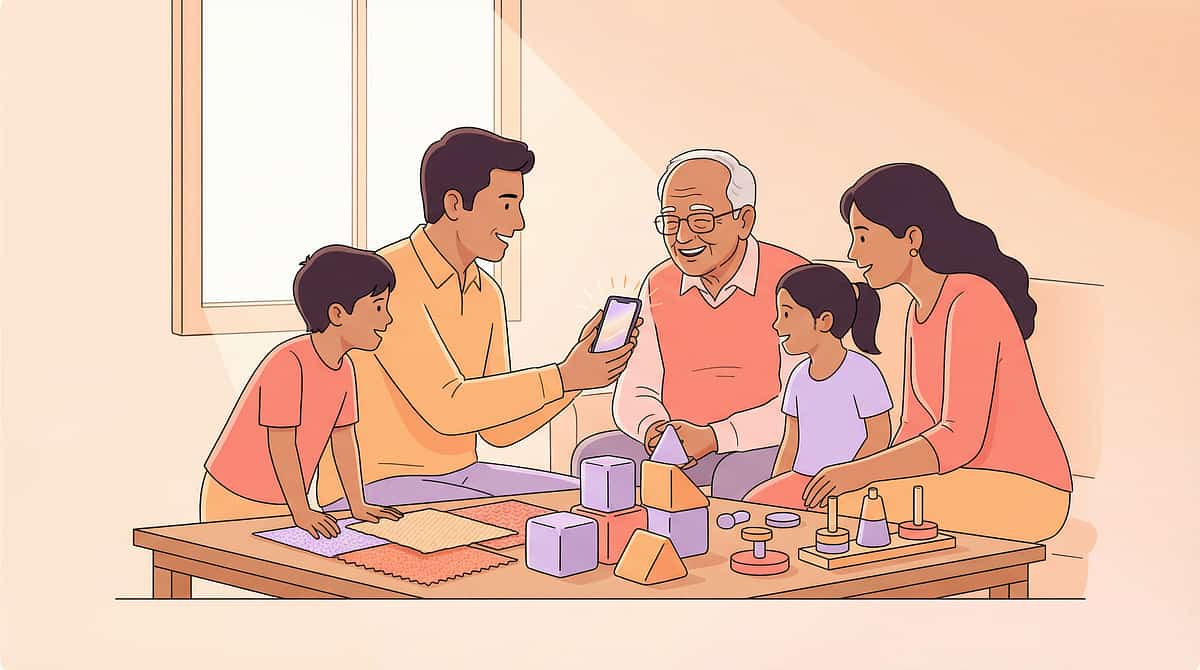
Consistency Across Caregivers Multiplies Impact
"If only one caregiver uses visual supports, the child has a 6-hour window of visual accommodation per day. When all caregivers use visual supports consistently, the child has a 14-hour window — more than doubling the therapeutic dose without any additional sessions." — Pinnacle Blooms Consortium, FusionModule™ Implementation Guide
The Grandparent Version (WhatsApp-ready)
Hi [Grandparent name], [Child's name] learns best through pictures, not words. When you're with them:
- Show them a picture of what's next — don't just tell them
- Use their visual schedule (on the fridge) to show routines
- Give them written instructions alongside verbal ones
- Let them draw their thinking instead of writing words
You don't need to be a therapist. You just need to show, not just tell.
(Full details: techniques.pinnacleblooms.org/learning-supports/visual-learning-supports-H-753)
Teacher Communication Template
Dear [Teacher Name], We have been working with [Child's name]'s OT on visual learning supports, with significant progress at home. We request the following classroom accommodations:
- Written instructions alongside verbal (on board or individual card)
- Graphic organisers for writing and reading tasks
- Visual schedule posted in classroom
- Permission to use colour-coded notebooks
- Allow sketch-noting during instruction
Clinical documentation available from Pinnacle Blooms Network® upon request. 📞 9100 181 181