
Your child has so much to say. The world just needs the right tools to hear them.
9 evidence-based materials that turn "can't" into "can" — from ₹200 to the most advanced devices on Earth. Authored by the Pinnacle Blooms Consortium: SLP • OT • ABA • SpEd • NeuroDev • WHO-Aligned

ACT I — Understand
The Recognition Moment
It's evening. Your daughter is pointing frantically at something — arm outstretched, eyes urgent, making sounds that no one around her can decode. The frustration builds. She knocks over her cup. You've been told it's "behaviour." But you know — you know — there is a whole world inside her that has no bridge to the outside.
You've heard the words "assistive technology" and "AAC devices" but they sound expensive, complicated, and foreign. You don't know where to start. And every week that passes feels like a week she couldn't speak.
Your child is not failing to communicate. The world is failing to provide the right tools. That changes today.
Technique H-752
9 Materials That Help With Assistive Technology — a WHO/UNICEF-grade, consortium-authored, PubMed-referenced resource.
Who Authored This
Validated across 21M+ therapy sessions | 70+ centres | 70+ countries by Pediatric SLP, OT, ABA/BCBA, SpEd, and NeuroDev Pediatricians.
Research Foundation
WHO Nurturing Care Framework (2018) — early identification and caregiver awareness directly impacts long-term outcomes.
ACT I — The Numbers
Millions of families are navigating this exact challenge right now.
You are among tens of millions of families worldwide who wake up every morning working out how to help their child communicate, learn, and participate in life. You are not rare. You are not failing. You are navigating one of the most complex challenges any parent faces — and you found this page.
1 in 36
Children in the USA
diagnosed with ASD — the majority experiencing communication challenges that assistive technology directly addresses. CDC Autism Prevalence Report, 2023
1 in 8
Children Globally
experience some form of developmental disability requiring accessible communication or learning supports. WHO Global Report on Disability, 2023
13–17M
Children in India
live with developmental disabilities — and fewer than 2% have ever accessed formal assistive technology. NCERT + WHO India Country Data
Research References: WHO Global Report on Disability 2023 | CDC ADDM Network 2023 | PMC11506176 | PMC10955541 | DOI: 10.12998/wjcc.v12.i7.1260

ACT I — Neuroscience
This is not stubbornness. This is neuroscience.
The Translation Gap
Your child's brain may be generating rich, complex thoughts, language, and ideas — but the pathways that translate those thoughts into spoken words, written text, or physical actions may not be functioning as expected.
In children with autism, cerebral palsy, or other developmental and neuromotor conditions, the gap between what a child knows and what a child can show is caused by differences in motor planning, neural signal transmission, and sensory integration.
What Assistive Technology Does
AT builds an alternative bridge. Instead of repairing the affected pathway, it creates a new route — allowing the child's existing intelligence, language, and ideas to travel to the outside world through a different channel.
- Motor planning pathways — dyspraxia, where the brain can't sequence muscle movements needed for speech or fine motor tasks
- Neural signal transmission — the message travels differently between brain and mouth, hand, or body
- Sensory integration — incoming information is processed in ways that make standard outputs unreliable
"The child was never silent. The world was never listening in the right language." — Pinnacle SLP Consortium
Research Reference: Frontiers in Integrative Neuroscience (2020) — Neurological basis for assistive technology and alternative communication pathways in ASD. DOI: 10.3389/fnint.2020.556660

ACT I — Development
Assistive technology is not a last resort. It is a first-line access tool.
Many families are told to "wait and see if speech develops before starting AAC." Research is unequivocal: AAC does not inhibit speech development. It supports it. Every month of delay is a month of communication, learning, and connection lost.
0–2 Years
Pre-verbal. Earliest AT entry point — no prerequisites, no waiting. Low-tech AAC begins here.
2–5 Years
Emerging communication. Communication boards, symbol systems, visual schedules introduced.
5–8 Years
School access. Educational AT, adaptive learning, text support technology enters.
8–12 Years
Academic AT. Complex AAC, computer access solutions, curriculum modification tools.
12–18 Years
Transition and vocational AT. Self-advocacy, technology competence, independent living skills.
Common co-occurring profiles that need AT: Autism Spectrum Disorder • Cerebral Palsy • Apraxia of Speech (CAS) • Dysgraphia • Dyslexia • Intellectual Disability • Rare Genetic Syndromes • Acquired Brain Injury
Research References: WHO Care for Child Development Package 2023 | PMC9978394 | UNICEF MICS Indicators 2023 | ASHA AAC Position Statement 2023
ACT I — Evidence
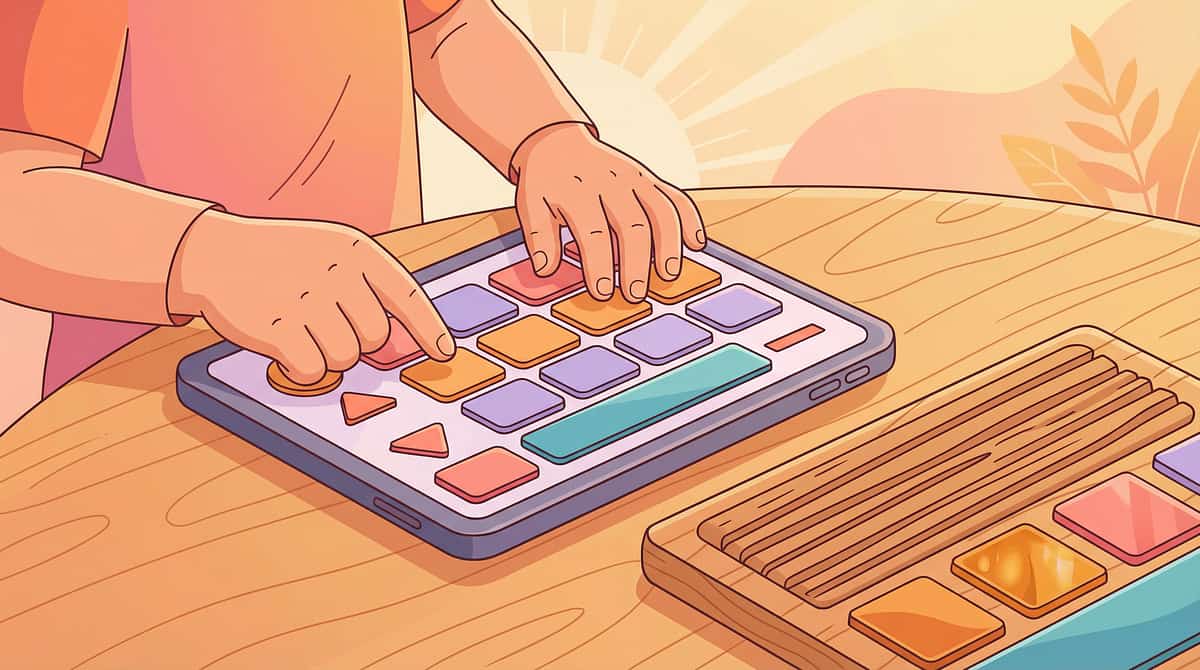
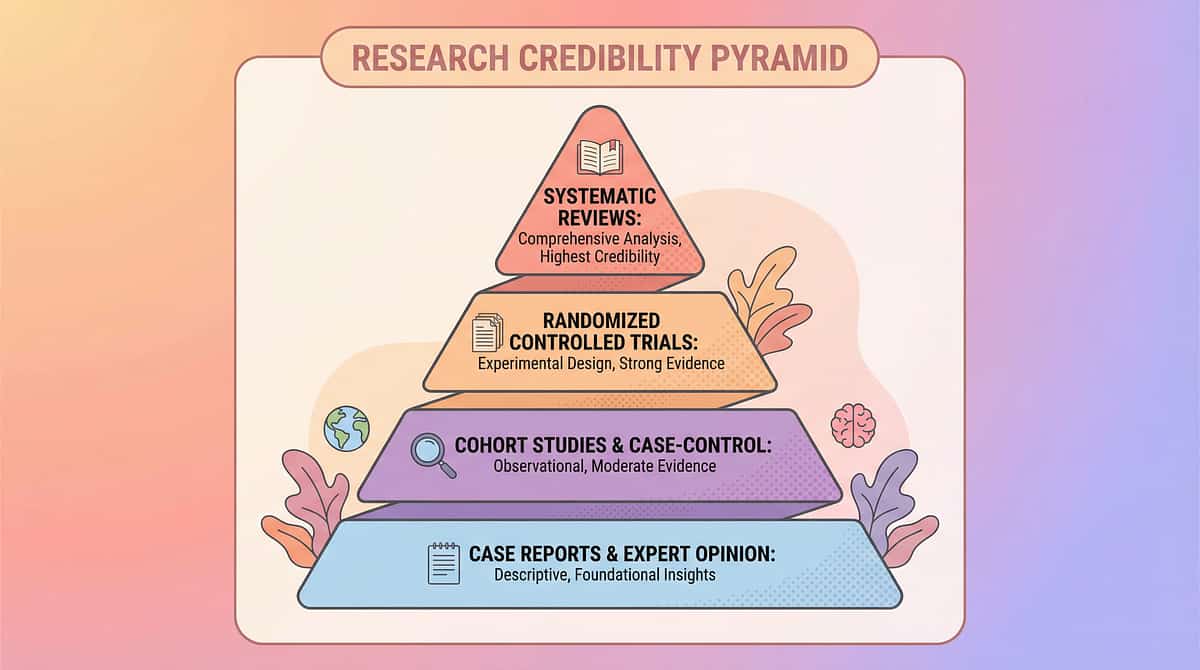
This is not hope. This is a 50-year evidence base.
Evidence Grade: Level I
Systematic Reviews + RCTs + Meta-analyses + International Clinical Consensus. The strongest tier of evidence in medicine.
AAC & Speech-Generating Devices
ASHA classifies AAC as evidence-based practice. 25+ systematic reviews confirm AAC supports — not inhibits — speech development. ASHA Position Statement | Cochrane Reviews 2022
Visual Supports for Autism
NCAEP (2020) classifies visual supports as established EBP across 27 randomised studies. NCAEP Evidence-Based Practices Report, 2020
AT in Education
IDEA (USA) mandates AT for every IEP. Indian RPwD Act 2016 guarantees the right to AT for education. QIAT Consortium | RPwD Act 2016 India
Switch Access
RESNA standards guide AT assessment. Evidence base spans 40+ years of clinical implementation. RESNA Position Papers + AT Outcome Research
Indian RCT Evidence
Home-based AT interventions with parent-as-implementor show significant functional gains in Indian paediatric populations. Padmanabha et al., Indian Journal of Pediatrics, 2019. DOI: 10.1007/s12098-018-2747-4
Consortium Confidence
"Clinically validated. Home-applicable. Parent-proven. The evidence for assistive technology is among the strongest in all of paediatric rehabilitation." — Pinnacle CRO Division
Research References: PMC11506176 | PMC10955541 | PMC9978394 | WHO NCF 2018 | NCAEP 2020 | Padmanabha Indian J Pediatr 2019

ACT I — What It Is
9 Materials That Help With Assistive Technology
The Access Toolkit — technology that builds bridges between ability and participation
Formal Definition: Assistive Technology (AT) refers to any device, equipment, software, or system that helps individuals with disabilities perform functions that might otherwise be difficult or impossible. This encompasses AAC for expression, adaptive computer access tools, environmental control systems, reading and writing support technologies, visual scheduling systems, and adaptive learning platforms.
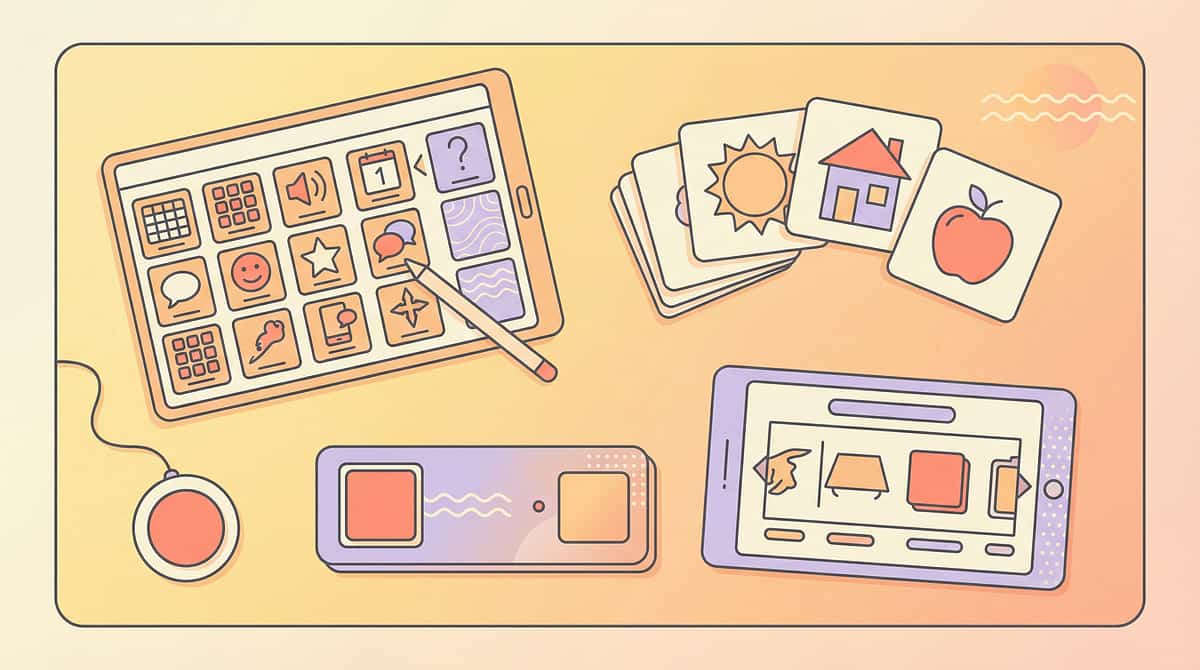
AT exists on a spectrum: from no-tech (gestures, sign) → low-tech (picture boards, paper schedules) → mid-tech (simple electronic devices, reading pens) → high-tech (speech-generating devices, eye-gaze technology, smart home systems).
The goal is never the technology itself — it is what the technology makes possible: a child who can say what they think, learn what they want to know, control their environment, and participate fully in their own life.
Domain
AT + AAC + Adaptive Access
Age Range
3–18 years
Frequency
Continuous — always, everywhere
Setting
Home + School + Community

ACT I — Who Uses This
Assistive technology crosses every therapy boundary — because participation crosses every boundary.
Pediatric SLP — Primary Lead
Conducts AAC assessment and implementation, recommends systems from low-tech to high-tech, programmes vocabulary, trains communication partners, and monitors outcomes. Every non-speaking child deserves an SLP-guided AAC evaluation.
Pediatric OT
Leads access assessment and positioning. Determines how a child will physically operate AT — touch, switch, head tracking, or eye gaze. Also leads adaptive computer access and environmental control assessments.
Pediatric SpEd
Leads educational AT implementation. Ensures AT is embedded in IEP goals, coordinates with school teams, advocates for AT in classroom environments, manages curriculum modification tools.
ABA / BCBA
Applies behavioural principles to AT learning. Reinforcement schedules to build AT use, functional communication training (FCT) using AAC, data collection on AT outcomes, and generalisation programming.
NeuroDev Pediatrics
Provides diagnostic clarity and co-occurrence profiling that guides AT matching. Rules out conditions affecting AT use (hearing, vision, motor). Medical supervision of AT implementation for complex presentations.
"The brain doesn't organise by therapy type. It organises by function. Assistive technology is inherently multi-disciplinary because communication, access, and learning are all connected." — Pinnacle FusionModule™ Consortium Principle
ACT II — Material 1
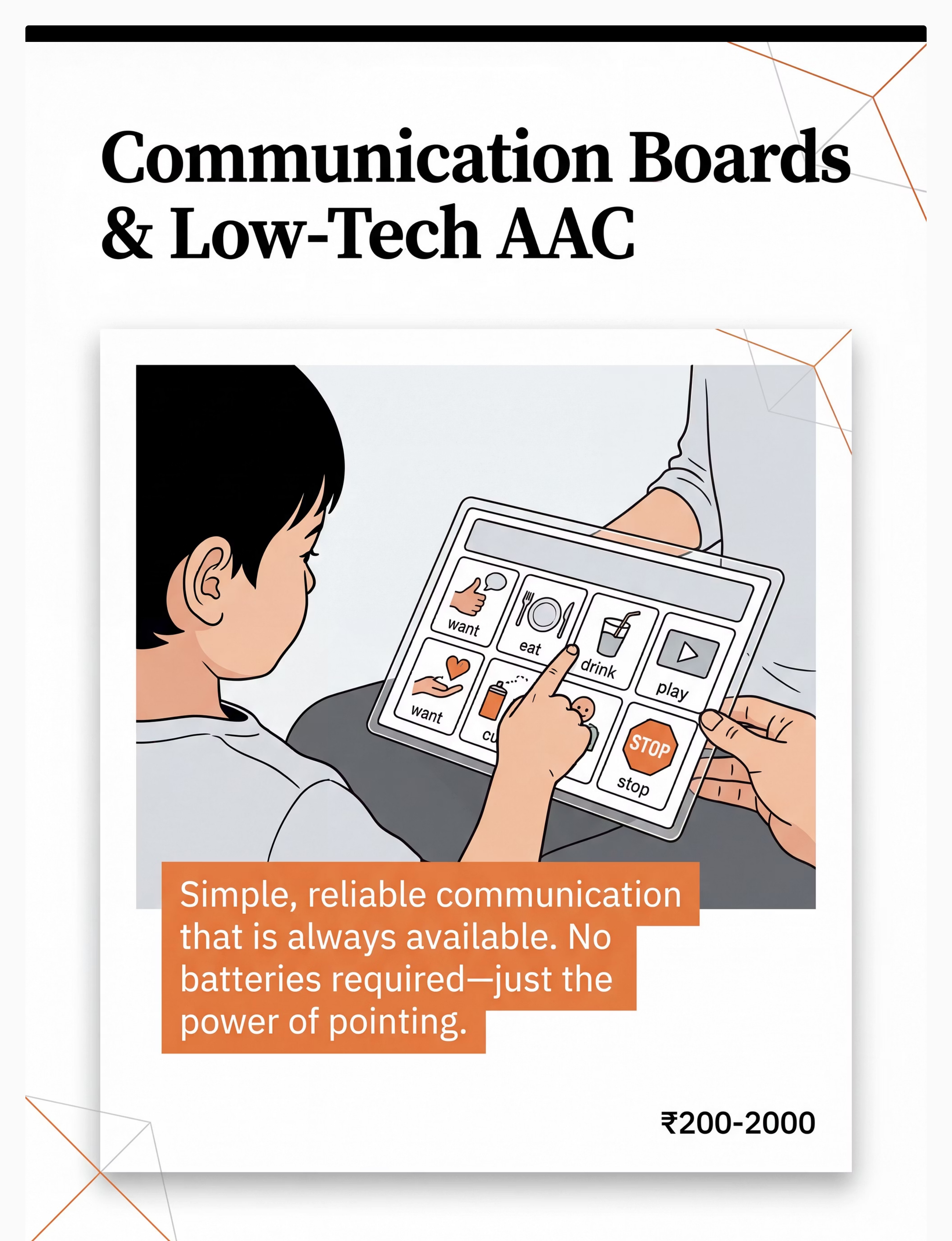
Material 1: Communication Boards & Low-Tech AAC Systems
Why This Material
The foundation of alternative communication — no batteries, always available, immediately usable. Core vocabulary boards, topic boards, and PECS systems give children a tangible, reliable channel for expression from day one.
Canon Category: AAC / Communication Supports
Price Range: ₹200–2,000
DIY Possible:✅ YES
Price Range: ₹200–2,000
DIY Possible:✅ YES
How to Get It
DIY Version
Print free symbols from Boardmaker Community or Google Images. Laminate with self-adhesive plastic from a stationery store. Total cost: ₹50–100. Fully effective — the therapeutic principle is identical to a printed commercial system.
Clinical Note
Start with 4–8 high-frequency, high-motivation symbols: want, more, stop, help, go, done. Expand as the child demonstrates mastery.

ACT II — Material 2
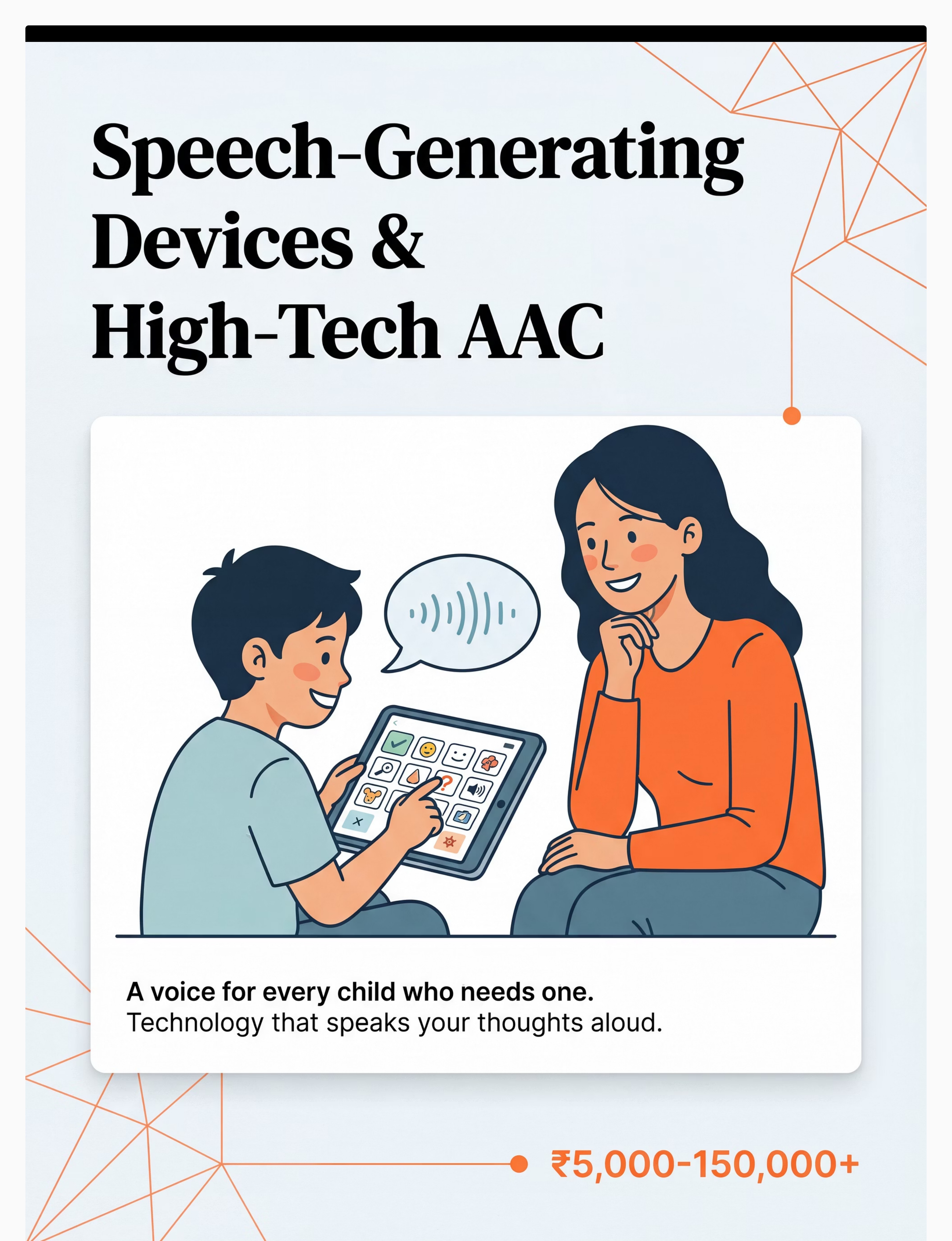
Material 2: Speech-Generating Devices (SGDs) & High-Tech AAC Apps
Why This Material
Gives children a literal voice. From tablet apps to dedicated devices, SGDs allow a child to press a symbol and have the device speak their words aloud — creating a voice that can be heard across a room, a school, a family dinner.
Canon Category: AAC / Speech Output Devices
Price Range: ₹0 (free apps) to ₹1,50,000+ (dedicated devices)
DIY Possible:✅ Partial
Price Range: ₹0 (free apps) to ₹1,50,000+ (dedicated devices)
DIY Possible:✅ Partial
Free High-Quality Options
- LetMeTalk — Android, completely free, full AAC functionality
- Cboard — Free, web-based and app, open source
- CommunicoTot — Free for basic use
- Avaz AAC — avazapp.com, India-specific vocabulary
Where to Get Hardware
Clinical Note
Free apps are genuine high-quality options — for many children they meet all AAC needs. Do not purchase a dedicated device without a professional SLP trial.

ACT II — Material 3
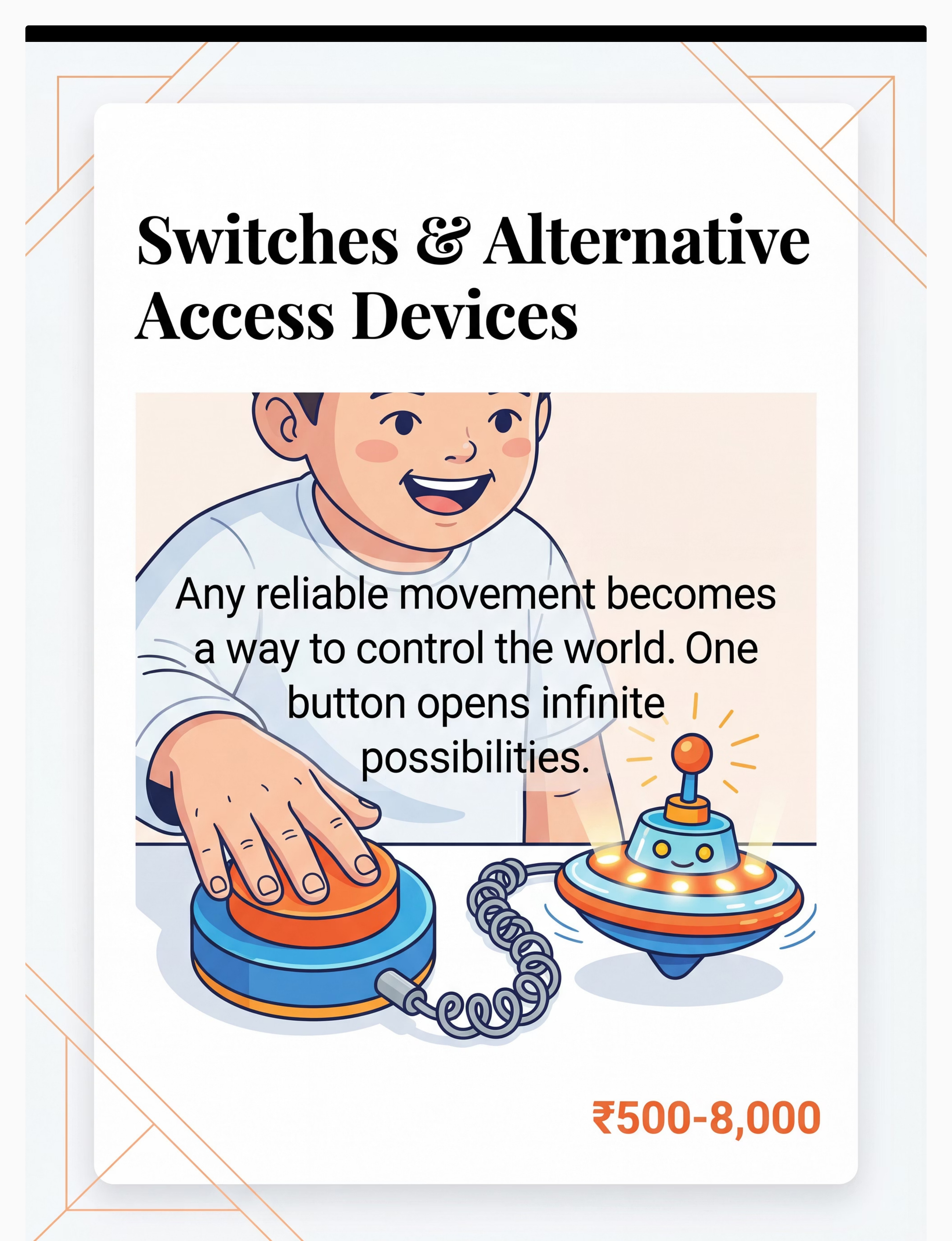
Material 3: Switches & Alternative Access Devices
Why This Material
Any reliable body movement becomes a way to control the world. A child who cannot use their hands can use a knee, an elbow, a cheek, or a puff of breath. One switch opens a universe of communication, play, and education.
Canon Category: Adaptive Access / Switch Access
Price Range: ₹500–8,000
DIY Possible:✅ Partial
Price Range: ₹500–8,000
DIY Possible:✅ Partial
Where to Get It
How Switches Work
A switch is any device that closes a circuit with a body movement. It can be connected to a toy, a computer, a communication device, or an environmental control system. The child's reliable movement — however small — becomes agency.
OT Assessment is Critical
Inexpensive switches are available and effective. However, professional OT positioning guidance is essential. Switch placement at the wrong site causes strain, fatigue, and reinforces unhelpful movement patterns. Get OT input before purchasing high-tech switch setups.
ACT II — Material 4
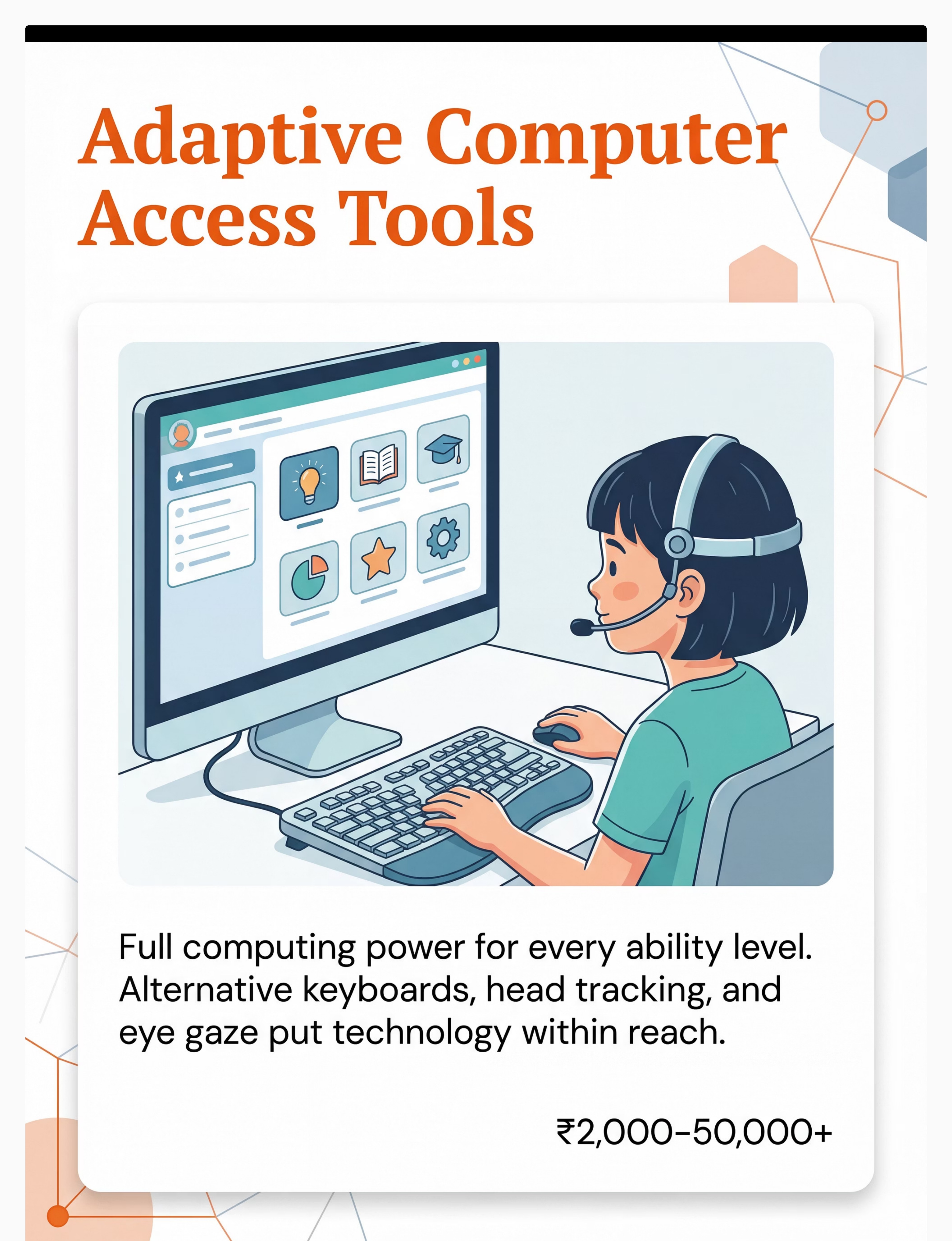
Material 4: Adaptive Computer Access Tools
Why This Material
Standard keyboards and mice exclude many children with motor difficulties. Alternative keyboards, trackballs, on-screen keyboards, head-tracking, and eye-gaze systems give full computing access — opening education, communication, and independence.
Canon Category: Computer Access / Adaptive Technology
Price Range: ₹2,000–50,000+
DIY Possible:✅ YES
Price Range: ₹2,000–50,000+
DIY Possible:✅ YES
Free Built-In Options (Start Here)
- iOS: Settings → Accessibility → Switch Control / AssistiveTouch / Pointer Control
- Android: Settings → Accessibility → Switch Access
- Windows: Settings → Ease of Access → On-Screen Keyboard, Eye Control, Mouse Keys
- macOS: System Preferences → Accessibility → Switch Control
Built-in OS accessibility features are free, powerful, and often sufficient before purchasing hardware.
Hardware Options

ACT II — Material 5
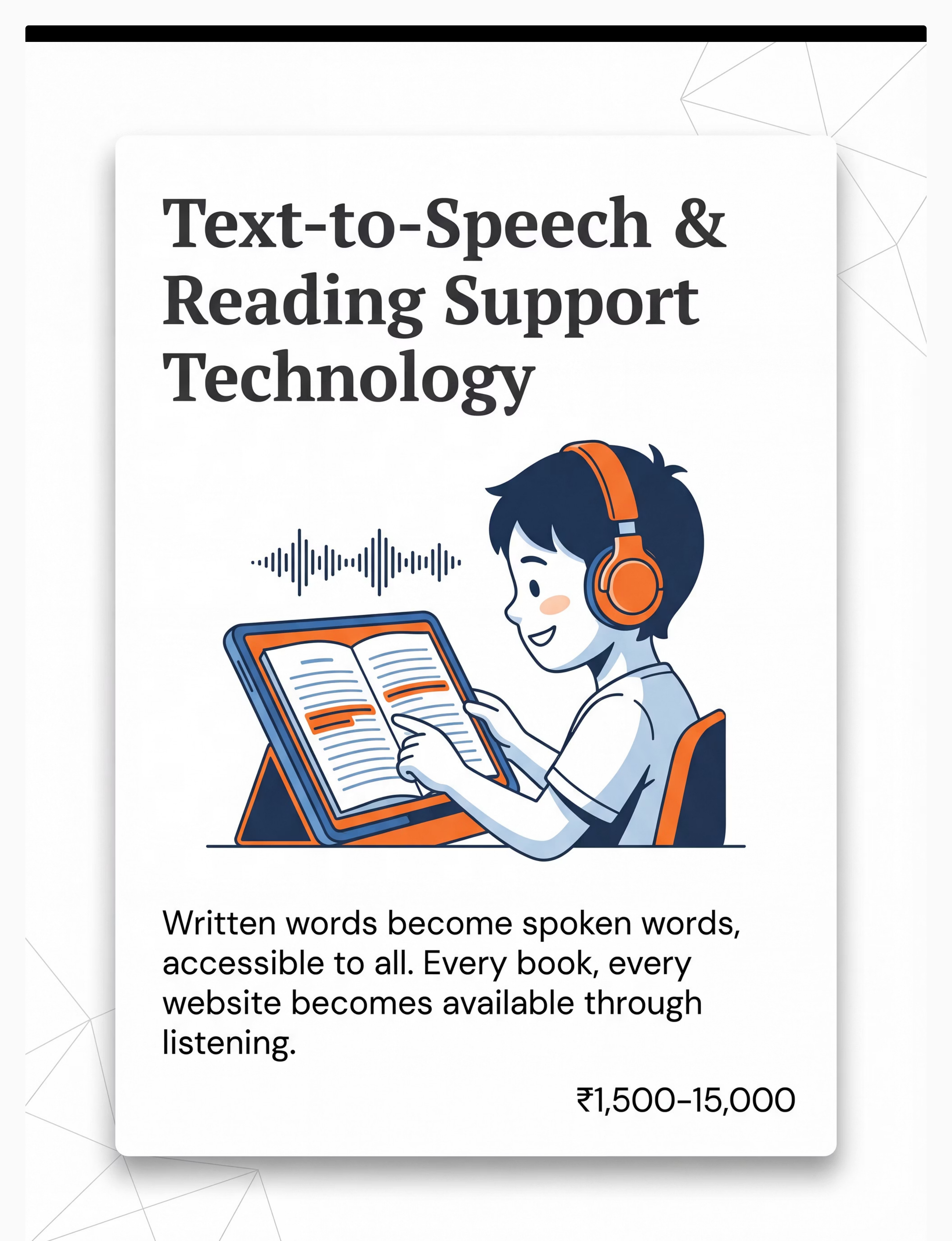
Material 5: Text-to-Speech & Reading Support Technology
Why This Material
Every book, website, and document becomes accessible through listening. Reading disabilities, visual processing differences, and visual impairments are all supported. Text-to-speech removes the access barrier from written content — making learning available to every child, regardless of reading ability.
Canon Category: Reading Access / Learning Accommodations
Price Range: ₹0 (built-in) to ₹15,000 (reading pens)
DIY Possible:✅ YES
Price Range: ₹0 (built-in) to ₹15,000 (reading pens)
DIY Possible:✅ YES
Free Options — Already on Your Device
- iOS: Settings → Accessibility → Spoken Content → Speak Screen (FREE)
- Android: Settings → Accessibility → Select to Speak (FREE)
- Windows: Narrator (FREE, built-in)
- Chrome: Select + right-click → "Read Aloud" extensions (FREE)
Hardware: Reading Pens
For children who need point-and-read physical support:
Search Amazon.in: "reading pen text to speech scanner"
Search Amazon.in: "reading pen text to speech scanner"

ACT II — Material 6
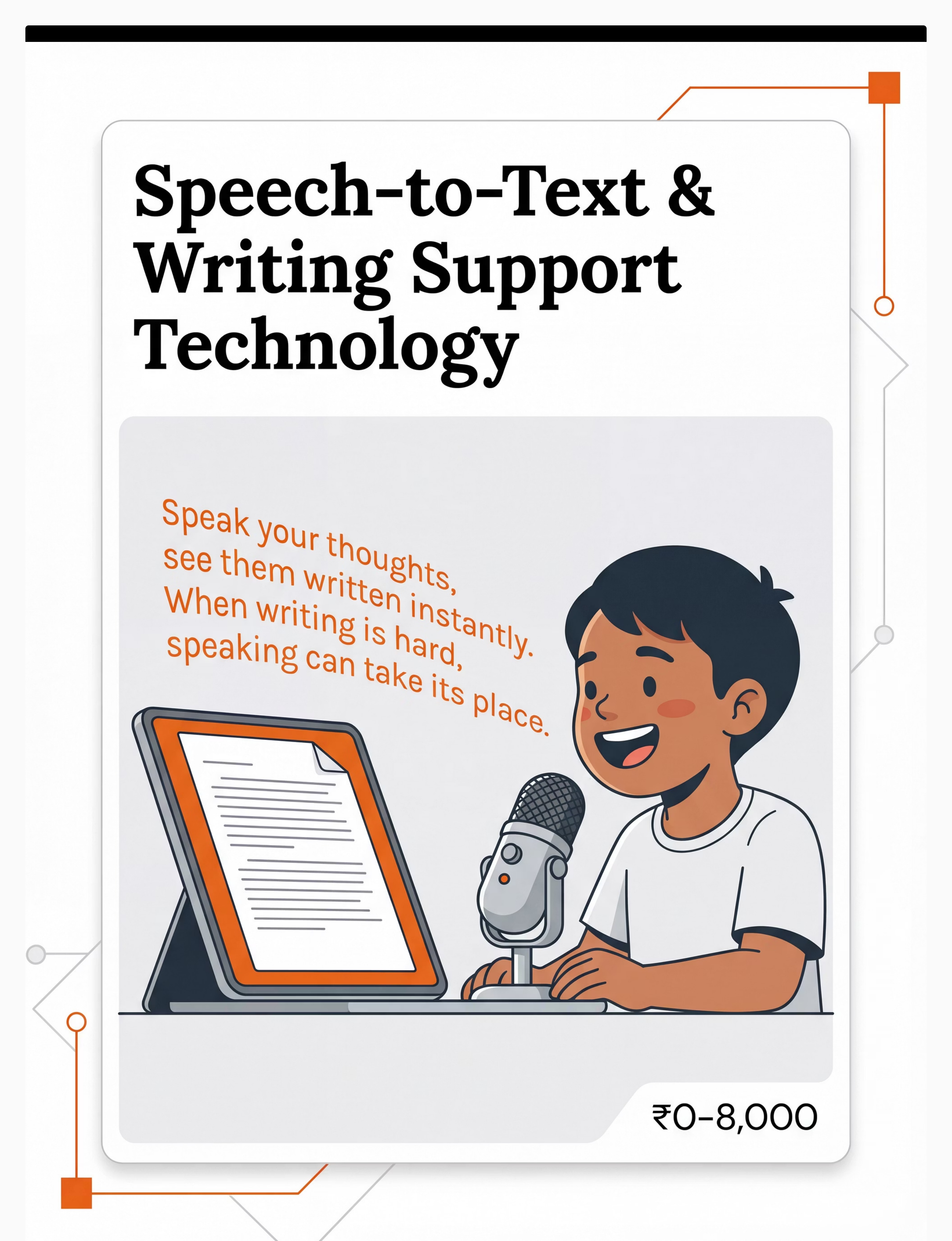
Material 6: Speech-to-Text & Writing Support Technology
Why This Material
When handwriting and typing are barriers, voice becomes the pen. Children with dysgraphia, motor difficulties, or fine motor challenges can express their full intelligence when their spoken words transform instantly into written text. Ideas flow freely when the access barrier to writing is removed.
Canon Category: Writing Access / Expression Technology
Price Range: ₹0 (free tools) to ₹8,000
DIY Possible:✅ YES
Price Range: ₹0 (free tools) to ₹8,000
DIY Possible:✅ YES
Free Options — Available Now
- Google Docs Voice Typing: Tools → Voice Typing (FREE — supports multiple Indian languages)
- iOS Dictation: Built-in keyboard microphone button (FREE)
- Android: Google Keyboard microphone (FREE)
- Windows: Win + H → Voice Typing (FREE)
Paid Options
For schoolwork, Google Docs voice typing is fully adequate for most children.
ACT II — Material 7
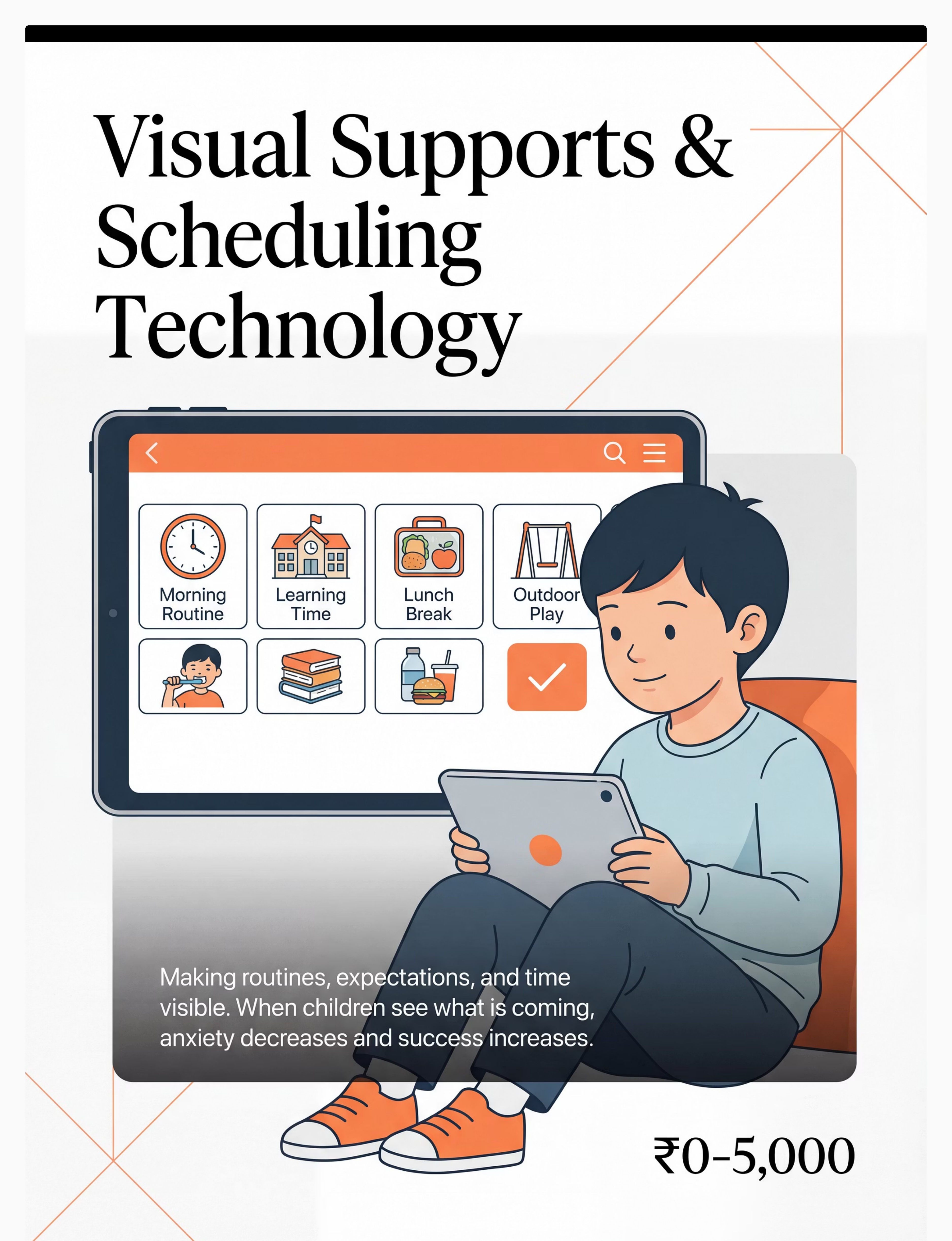
Material 7: Visual Supports & Scheduling Technology
Why This Material
When children can see what's coming, anxiety decreases and success increases. Predictability is not a luxury for children with developmental differences — it is a neurological necessity. Visual schedules, first-then boards, and visual timers make the invisible (time, sequence, expectation) visible and manageable.
Canon Category: Visual Supports / Behavioural Regulation
Price Range: ₹0 (printed) to ₹5,000
DIY Possible:✅ YES
Price Range: ₹0 (printed) to ₹5,000
DIY Possible:✅ YES
Digital Apps
- First Then Visual Schedule — simple, effective, widely used
- Choiceworks — comprehensive visual schedule and regulation tool
- Tiimo — visual planner for older children and teens
DIY Version
Print schedule pictures, mount on cardboard with Velcro dots (₹50–80 from stationery store). Same visual principle. Identical effectiveness. The therapeutic mechanism does not require an app.
Hardware

ACT II — Material 8
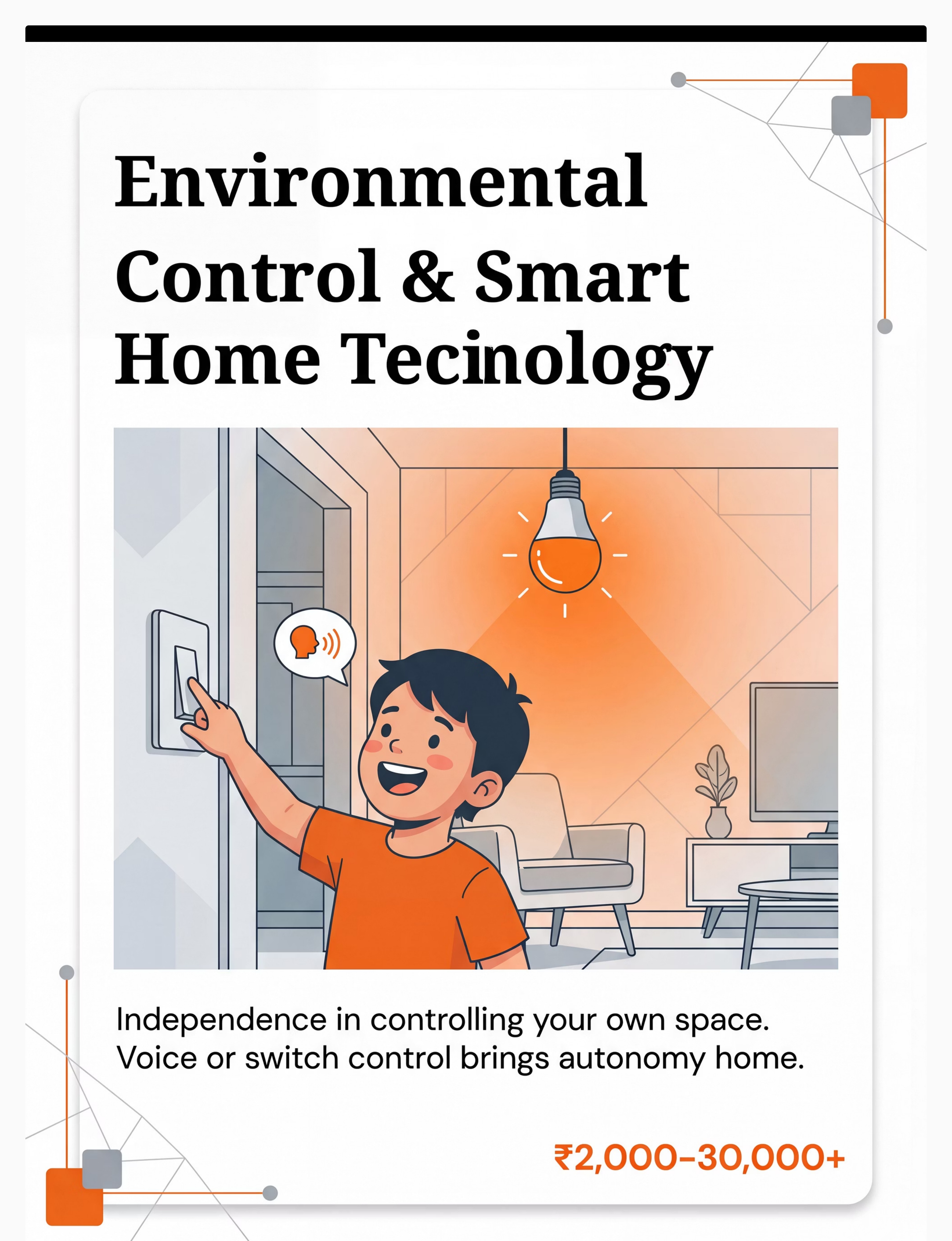
Material 8: Environmental Control & Smart Home Technology
Why This Material
Every child deserves to control their own space. For children with physical limitations, speech differences, or significant motor challenges, environmental control transforms passive existence into active agency. Smart speakers, smart plugs, and switch-controlled devices give children autonomy over lights, entertainment, and environment — often for the first time.
Canon Category: Environmental Control / Independence Technology
Price Range: ₹2,000–30,000+
DIY Possible:✅ YES
Price Range: ₹2,000–30,000+
DIY Possible:✅ YES
Where to Get It
DIY Version
Repurpose an old Android phone with Google Assistant as a free voice-control hub for smart plugs (₹600–800 each). Smart speakers with voice control are remarkably affordable at ₹2,000–4,000 — this is genuinely entry-level independence technology.
Clinical Note
Start with one environmental control action your child values: turning on morning music, their bedside lamp, their favourite show. One action. Total independence. Enormous dignity.
ACT II — Material 9
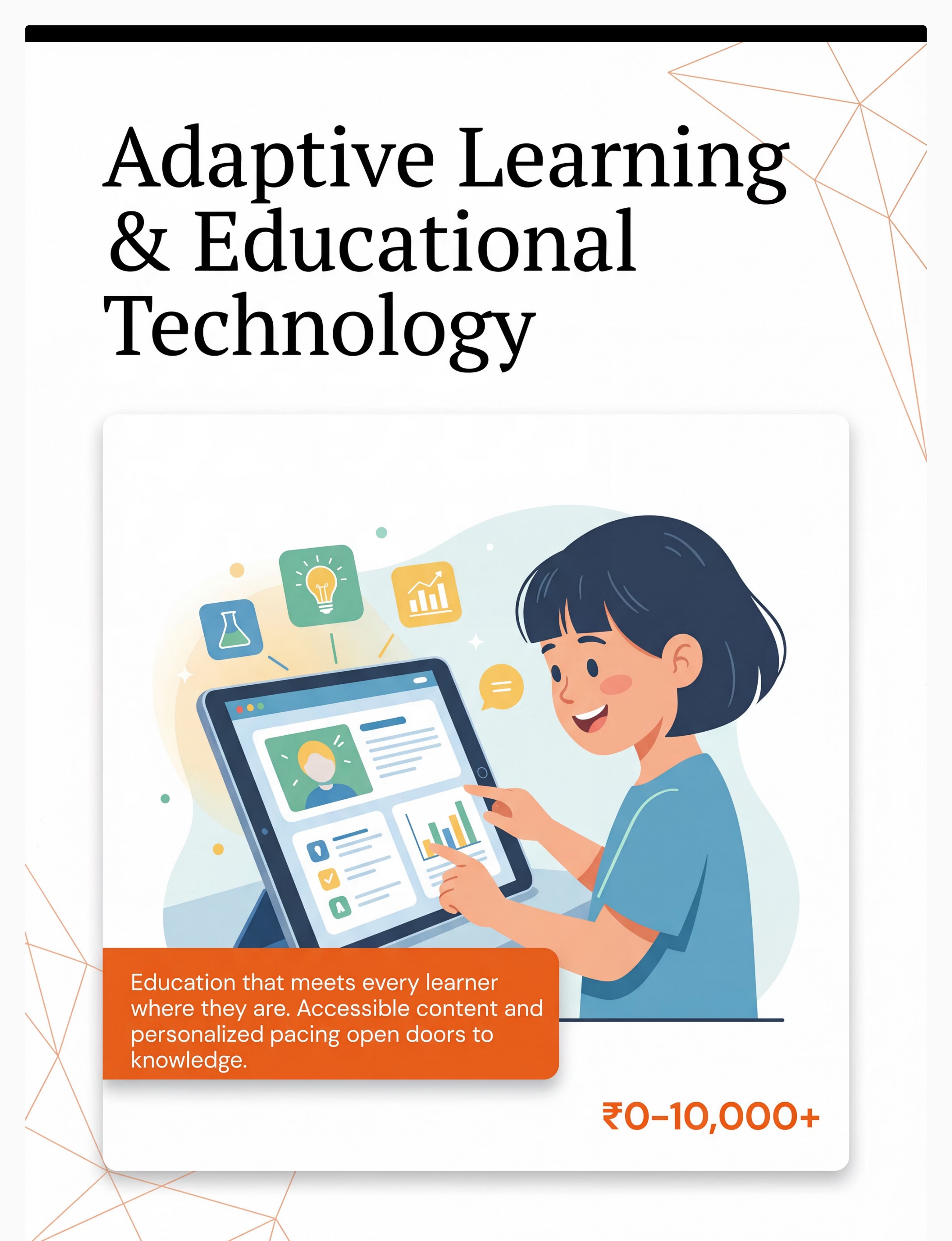
Material 9: Adaptive Learning & Educational Technology
Why This Material
Education that meets every learner where they are. Accessible textbooks, multi-sensory learning apps, and IEP-aligned technology ensure learning is never blocked by access barriers. Every child has a right to curriculum content — adaptive learning technology makes that right a reality.
Canon Category: Educational Technology / Curriculum Access
Price Range: ₹0 (Khan Academy, free apps) to ₹10,000+
DIY Possible:✅ YES
Price Range: ₹0 (Khan Academy, free apps) to ₹10,000+
DIY Possible:✅ YES
Free High-Quality Resources
- Bookshare — free for qualifying students; largest accessible library in the world
- Khan Academy — free, comprehensive, works across all abilities
- Otsimo — autism-specific learning app with structured curriculum
- NCERT Digital Library — free government educational resources
Hardware
Pinnacle Recommends: Professional AT/AAC assessment before investing in high-tech options. Many families over-spend on mismatched technology when a proper assessment would identify the right tool — often simpler and less expensive than expected. Call 9100 181 181 for guidance.

ACT II — DIY Options
Every family can start today. Zero cost does not mean zero impact.
This is the WHO/UNICEF equity principle in action: effective intervention is not the privilege of families with resources. It is the right of every child.
Material | Purchased Version | DIY / Zero-Cost Version | |
Communication Board | Printed PECS system ₹1,500–2,000 | Print free symbols from Boardmaker Community / Google Images. Laminate with self-adhesive plastic. Total: ₹50–100. | |
AAC System | Dedicated SGD ₹50,000+ | LetMeTalk (Android, FREE), Cboard (FREE), or CommunicoTot (FREE). Full AAC functionality at zero cost. | |
Visual Schedule | Choiceworks app ₹1,500/yr | Print schedule pictures, mount on cardboard with Velcro dots (₹50–80). Same visual principle, identical effectiveness. | |
Text-to-Speech | NaturalReader Premium ₹2,000/yr | iOS: Settings → Spoken Content. Android: Select to Speak. Both FREE and built-in. | |
Speech-to-Text | Dragon NaturallySpeaking ₹8,000 | Google Docs → Tools → Voice Typing. iOS Dictation. Both FREE. Fully adequate for schoolwork. | |
Switch Access | Commercial switch ₹500–3,000 | Doorbell button (₹150–200, hardware store) wired to simple interface. OT guidance needed for positioning. | |
Environmental Control | Smart home hub ₹3,000–10,000 | Old Android phone + Google Assistant as free voice-control hub for smart plugs (₹600–800 each). | |
Adaptive Learning | Specialised apps ₹2,000–5,000 | Khan Academy (free) + YouTube educational content + NCERT digital library cover most needs adequately. | |
Reading Pen | C-Pen ₹12,000–15,000 | Google Lens (FREE) — photograph text with any phone camera; it reads aloud or converts to editable text. |
The therapeutic principle is the same whether the material costs ₹50 or ₹50,000. A child pointing to a laminated picture communicates the same message as a child using a ₹1,50,000 device. The right starting point depends on the child's needs — not the family's budget.

ACT II — Safety
Assistive technology is safe — when matched correctly. Here's what to know before starting.
🟢 Green — Safe to Proceed
Any family can begin with low-tech AT (communication boards, visual schedules) without professional assessment. Free digital tools (speech-to-text, text-to-speech) are safe for all children. Smart speakers and printed visual schedules can be introduced by any caregiver immediately.
🟡 Amber — Proceed With Professional Guidance
Switch access: OT positioning assessment required. High-tech AAC: SLP assessment recommended — purchasing without assessment risks expensive mismatch. Eye-gaze technology: OT and AT specialist assessment needed. Adaptive computer access: OT recommended for ergonomic setup.
🔴 Red — Stop and Consult First
Child has undiagnosed seizure activity. Child has significant unassessed visual impairment. Child has significant unassessed hearing loss. Any AT causing distress, self-injurious behaviour, or physical discomfort — pause and consult immediately.
Critical Safety Principle: AT should increase a child's control and autonomy — never decrease it. If any piece of technology is being used to restrict, contain, or control a child rather than empower them, that is a clinical ethics concern. Contact Pinnacle Helpline: 9100 181 181.
Research Reference: DOI: 10.1007/s12098-018-2747-4 (Padmanabha, Indian J Pediatr, 2019 — safety protocols for parent-administered AT sessions)

ACT II — Setup
The right environment doubles the effectiveness of assistive technology.
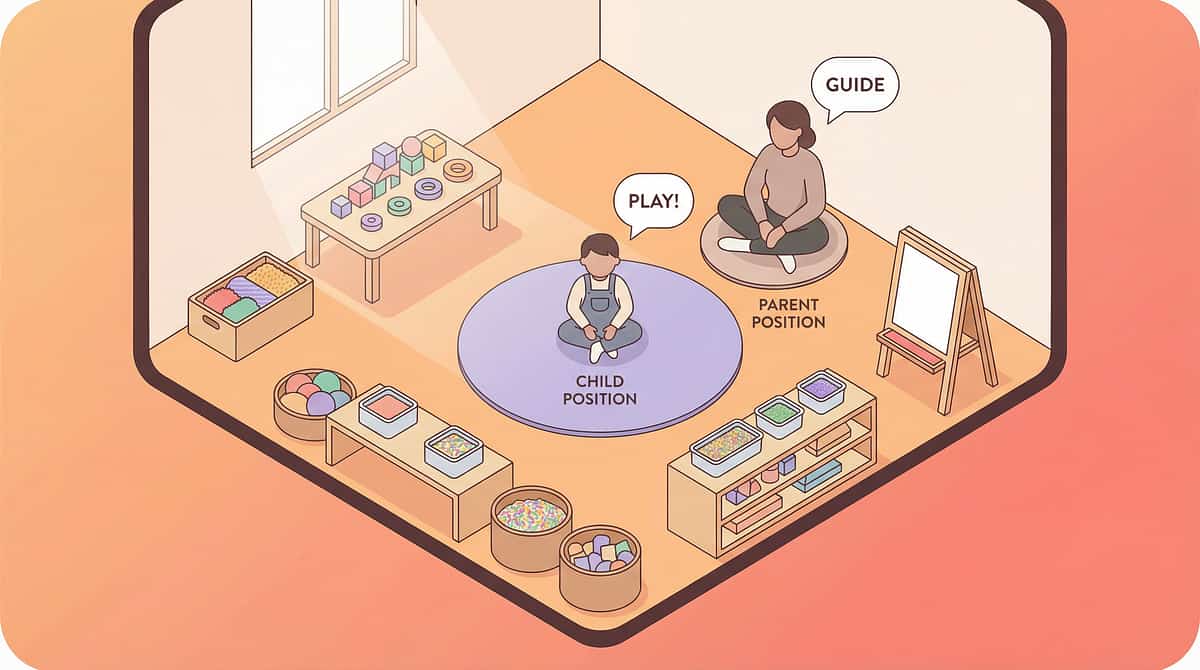
Parent Positioning
Sit beside the child — not opposite. Beside creates "we're in this together." At eye level. Within arm's reach of the AT device so you can model its use. Relaxed posture — children read parental tension instantly.
Space Preparation
Remove competing visual/auditory distractions (TV off, other screens away). Reduce ambient noise. Ensure adequate lighting for screen visibility and communication board clarity. Temperature comfortable — discomfort disrupts engagement.
Child Positioning
Child seated with proper trunk support (consult OT for significant postural needs). Child's reaching hand or preferred access point free and comfortable. Not hungry, not overly tired, not coming off a stressful activity.
AT Device Placement
Communication board or device at child's mid-line (prevents neck rotation fatigue). Eye-gaze device calibrated before session begins. Switch positioned at child's most reliable movement site. Screen brightness adjusted appropriately.
Communication Environment
YOU are also using the AT — model by pointing to the communication board or pressing the SGD yourself when you speak. Have preferred items available as natural motivation. No demands to "perform" — AT is always available, never used as a reward.
The Single Most Important Setup Rule: The AT device must be available to the child AT ALL TIMES, in ALL environments. An AAC device locked in a bag is a child without a voice.

ACT II — Readiness
60 seconds before you start. The best AT session begins with the right conditions.
Indicator | ✅ GO | ⚠️ Modify | 🛑 Postpone | |
Physical state | Fed, rested, no apparent illness | Mild fatigue — shorten planned session | Sick, very hungry, or just woke from sleep | |
Emotional regulation | Calm or mildly alert | Slightly elevated — begin with preferred activity first | Dysregulated, mid-meltdown, or post-major stress | |
Recent activity | Neutral or positive preceding activity | High-energy — allow 5 min calming first | Just experienced major sensory overload | |
Environment | Setup complete (Card 12 done) | Minor distractions — proceed but monitor | Setup incomplete or major disruption | |
Your state | Calm, unhurried | Mildly stressed — take 3 breaths first | Significantly stressed or rushed — postpone | |
AT device status | Charged, working, accessible | Low battery — plug in during session | Device not working — fix before starting |
🟢 4+ GO Checks
Begin as planned.
🟡 2–3 GO Checks
Shorten to 5–8 min. Increase reinforcement. Lower demand level. Keep it positive.
🔴 Fewer Than 2
Postpone. A 3-minute successful session is infinitely more valuable than a 20-minute forced one.
ACT III — Step 1
Step 1 of 6 — The Invitation
⏱ 30–60 seconds | Every session begins with an invitation, never a command.
What You Do
Approach the child with the AT device or communication board visible but not pushed toward them. Adopt a relaxed, curious posture. Begin with something the child enjoys — a preferred object, activity mention, or natural conversation moment.
What Acceptance Looks Like
- Child looks toward the device
- Child moves toward it or reaches for it
- Child remains calm when device is present
- Any orienting response (turning head, pausing current activity)
What to Say
"Hey, I've got your [communication board / talker / tablet]. Want to show me what you're thinking about?"
"Let's see what we're doing today. Here's our plan."
"This button does something cool. Want to see?"
Critical Principle — Modelling
You point to the communication board when you speak. You press the AAC device yourself. You use the visual schedule first. Model, model, model. Children learn AAC the same way they learn spoken language — by seeing others use it constantly.
If the child shows distress — use Card 22's postpone protocol. Put the device in view but not touching the child. Model using it yourself. Respect turns away and pushes. Do not force engagement.
ACT III — Step 2
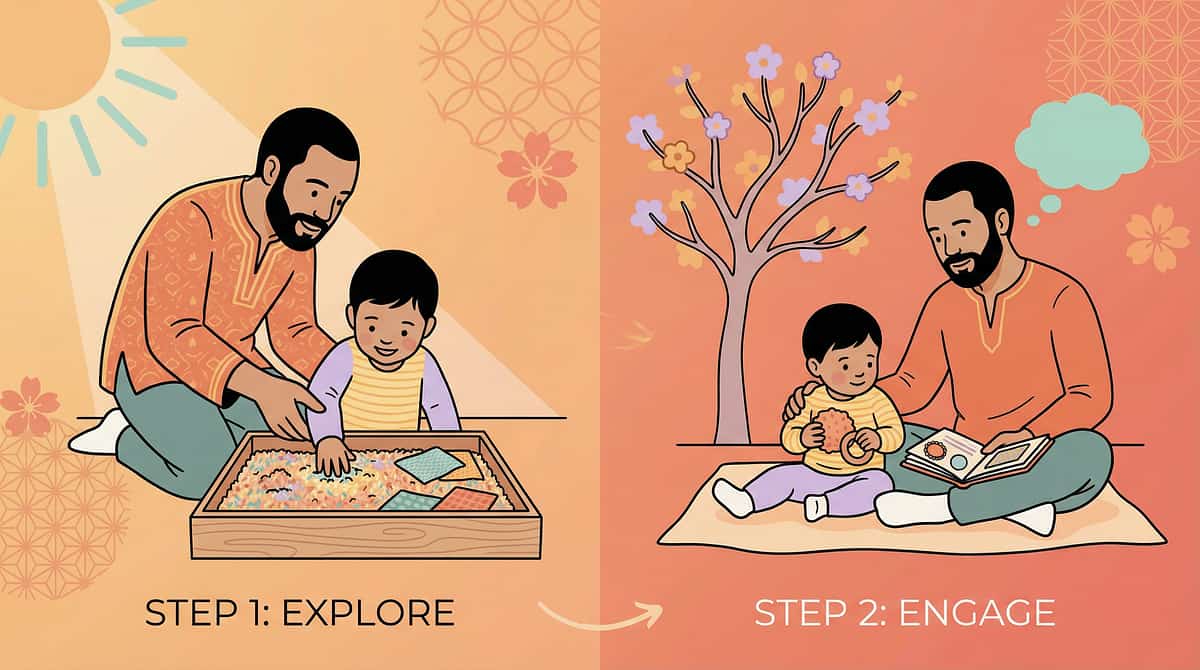
Step 2 of 6 — The Engagement
⏱ 1–3 minutes | The child is present. Now you deepen the connection.
The child has oriented toward the AT. Now introduce the first opportunity to use it — within a natural, low-demand context. Start with vocabulary or functions the child already knows and enjoys.
Communication Board / AAC
"What do you want? Show me." Point to the 'want' symbol yourself first, then wait expectantly.
Speech-to-Text
"Let's write a story about [favourite character]. You talk, the tablet writes it."
Visual Schedule
"First we do [activity], then [preferred activity]. Which one first?"
Switch Access
Activate the switch yourself to show effect — toy moves, music plays. Then: "Your turn!"
Text-to-Speech
"Let's hear what this says." Activate TTS on a short, interesting text the child will find engaging.
Child's Response | Interpretation | Your Response | |
Engages spontaneously | Full engagement — excellent | Follow their lead, expand vocabulary | |
Watches but doesn't touch | Observational learning — normal | Continue modelling; no pressure | |
Touches briefly | Initial exploration | Reinforce immediately: "Yes! You did it!" | |
Uses AT to request | Functional communication — celebrate | Fulfil request immediately; reinforce enthusiastically | |
Becomes frustrated | Demand too high or unfamiliar | Reduce demand; return to preferred topic |
ACT III — Step 3
Step 3 of 6 — The Therapeutic Action
⏱ 5–15 minutes | This is the active ingredient. Consistent, supported, natural AT use.
Create multiple natural communication or access opportunities throughout a preferred activity, where AT is the means to participate. Every opportunity should be: genuinely motivated (the child wants something or is curious), AT-mediated (using the specific system being developed), and partner-supported (you model, respond, and reinforce every attempt).
Communication Board / Low-Tech AAC
Create 3–5 opportunities where the child can point to a symbol to make a choice, request, or comment. Set up situations where symbols are meaningful — snack time (want, eat, more, stop), play time (want, go, help, no), transition (done, next, all done). After each successful symbol use: respond naturally AND label verbally: "You said 'more'! Here's more!"
Speech-Generating Device (SGD / AAC App)
Ensure the device's core page has at minimum: want, more, stop, go, help, no, like, not, I, you. Model first by pressing the device yourself as you speak. Wait expectantly after modelling. Respond to ALL communication attempts — even accidental activations.
Switch Access
For early switch users: cause-effect activities (switch activates music, toy, fan). For more experienced: scanning through a choice menu. Switch always positioned at child's most reliable, fatigue-free movement site.
Text-to-Speech
Support the child in selecting a text to hear (favourite book, recipe, news story about their interest). Activate TTS together. Encourage following along. For homework: read assignment questions aloud using TTS before attempting answers.
Speech-to-Text
Child dictates one sentence, one story segment, or answers one question aloud while watching it appear on screen. Celebrate: "Look — you wrote that with your voice!" Correct together if needed — editing teaches, it doesn't undermine.
Visual Schedule
Walk through the visual schedule together at the start of each day and before each transition. Child checks off completed items. Use First-Then format: "First shoes, then iPad." Child controls the schedule — they do the crossing off.
Environmental Control
Create a daily routine where the child uses their smart speaker or switch to control one aspect of their environment independently (turn on morning music, turn on bedside lamp, start their favourite show). Celebrate each independent action.
Adaptive Learning
Sit alongside the child using their adaptive learning app. Let them lead the pace. Your role: make connections to real life, reinforce effort, help with access if needed. Follow their curiosity.
Research Reference: PMC10955541 — structured AT sessions 40 min max in clinic; 10–20 min for home-based practice is optimum.
ACT III — Step 4
Step 4 of 6 — Repeat & Vary
⏱ 3–5 minutes | Repetition builds the pathway. Variety keeps the journey alive.
AT is not learned in one session. It is learned through hundreds of consistent, supported, meaningful interactions. Your daily consistency is more powerful than any single clinic session.
AT Type | Target Per Day | Key Principle | |
AAC / Communication Board | 20–50 modelled opportunities | Every time you speak, also use the board | |
Switch Access | 10–20 activations | Quality over quantity — full activation each time | |
Speech-to-Text | 1–3 dictation activities | Start short, build to longer outputs | |
Text-to-Speech | Whenever encountering text | Make it the default for reading | |
Visual Schedule | At every transition (4–8 times) | Consistency across the day IS the intervention | |
Environmental Control | 2–5 independent control actions | Let the child do it — resist helping unless asked | |
Adaptive Learning | 15–30 min integrated with homework | Match app difficulty to child's current level |
Variation to Prevent Boredom
- Change the vocabulary topic (today: food choices; tomorrow: emotions; next day: activities)
- Change the activity context (same AT, different routine: mealtime → playtime → bath time)
- Add one new symbol/function each week as mastery builds
- Use AT in community settings (restaurant menus, shopping trips) — not just at home
"3 highly motivated, meaningful AT interactions are worth more than 30 forced, meaningless ones. Always prioritise quality of communication over quantity of activations." — Pinnacle SLP Consortium

ACT III — Step 5
Step 5 of 6 — Reinforce & Celebrate
⏱ Immediately after each AT use | Timing matters more than magnitude. Celebrate the attempt, not just the success.
In ABA, reinforcement delivered within 3 seconds of a behaviour increases the likelihood of that behaviour recurring. Every time the child uses their communication board, device, switch, or visual schedule — acknowledge it IMMEDIATELY and SPECIFICALLY.
What the Child Does | What You Say | Additional Response | |
Points to symbol on board | "You said [word]! Yes!" | Fulfil the request immediately | |
Presses SGD button | "I heard you! You said [output]!" | Respond naturally to the communication | |
Activates switch | "You did it! Look what you made happen!" | Allow extended cause-effect experience | |
Dictates text via STT | "You wrote that with your voice!" | Read it back together | |
Follows visual schedule step | "You checked the schedule and you did it!" | Natural positive attention | |
Controls environment independently | "You turned on the light all by yourself!" | Let the success land — don't minimise it |
⭐ Verbal Praise
Most important — always specific, always immediate.
🎉 Physical Celebration
High five, fist bump — if the child enjoys physical celebration.
🏆 Token Economy
Sticker chart — visible progress builds intrinsic motivation.
⏱ Preferred Access
Extra time on preferred app/video — natural for tech-savvy children.
Critical: Celebrate the Attempt. Accept ALL communication attempts — including non-conventional ones. If a child bangs the communication board with a fist, that is communication behaviour. Shape it, don't extinguish it. The message must be: "Using this device gets me heard."
ACT III — Step 6
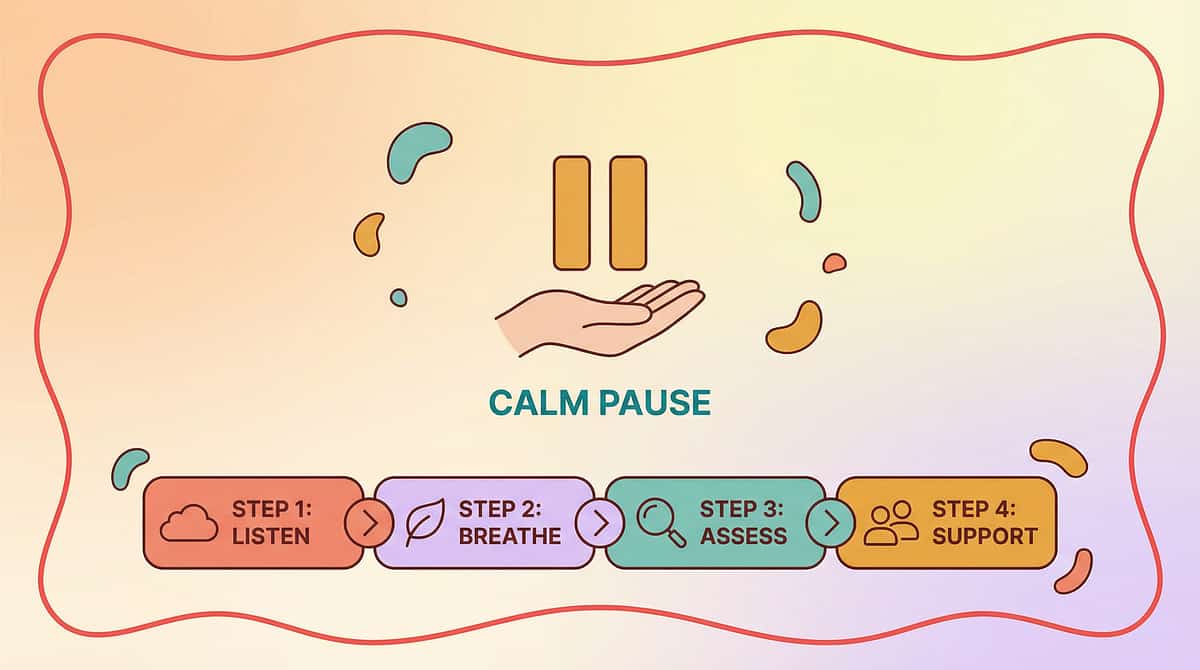
Step 6 of 6 — The Cool-Down
⏱ 1–2 minutes | No session ends abruptly. The cool-down is as therapeutic as the session itself.
Abrupt session endings cause post-session dysregulation — the child's nervous system has been engaged and needs a transition back to baseline. A consistent cool-down ritual prevents meltdowns after AT sessions and teaches self-regulation.
1
2 Minutes Before Ending
Give a visual/verbal warning: "Two more, then all done." Hold up 2 fingers. Set a visual timer if available.
2
1 Minute Before Ending
"One more. What do you want to say one more time?" Allow a final meaningful AT use — ending on success.
3
Ending Signal
"All done [activity name]." Use the "all done" symbol on the communication board. Child participates in putting materials away — this builds ownership.
4
Transition to Next
Reference the visual schedule: "What's next? Let's check." Child checks the schedule. Continuity reduces transition anxiety.
Important — AT Is Never "Taken Away": The communication board, AAC device, or visual schedule must remain accessible to the child at all times. "Session ending" means the structured activity ends — the AT stays available. The device is never a reward or punishment — it is a communication tool.
Research Reference: NCAEP 2020 — Visual supports and transition protocols as evidence-based practice for autism
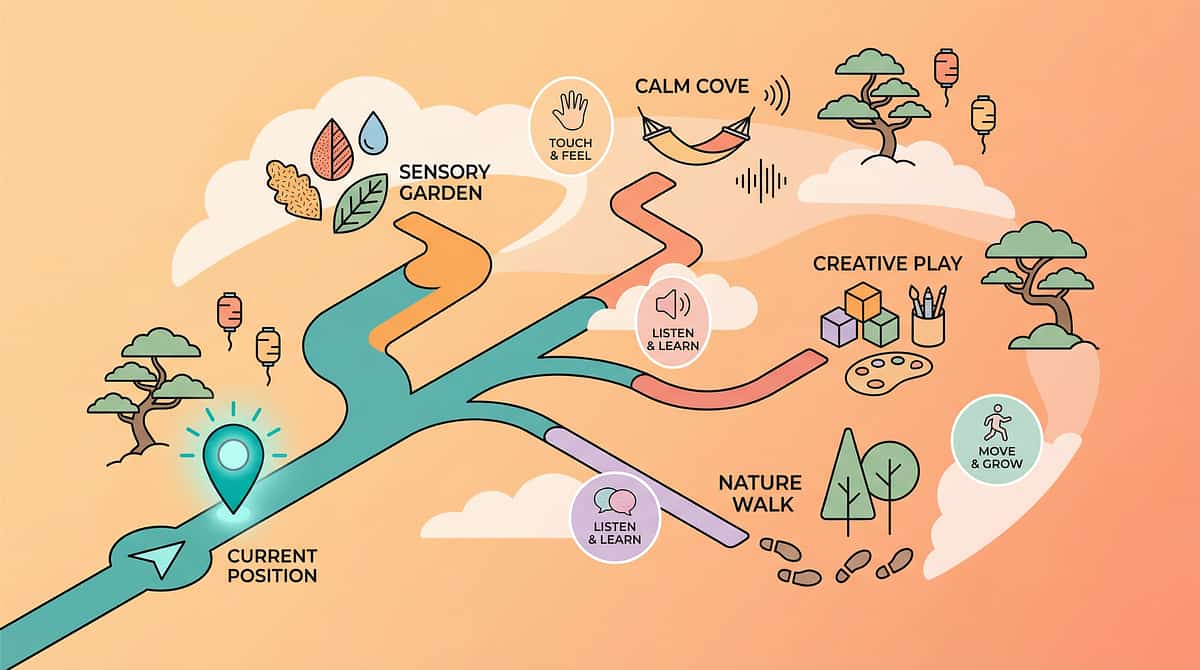
ACT III — Data
60 seconds of data now saves hours of guessing later.
1
How Many Times?
How many times did the child independently use AT today? Count deliberate activations, symbol selections, schedule checks, voice commands, dictation uses.
Tally: 0 | 1–2 | 3–5 | 6–10 | 10+
Tally: 0 | 1–2 | 3–5 | 6–10 | 10+
2
Spontaneous or Prompted?
Was AT use initiated by the child (spontaneous) or by you (prompted)? Record % Spontaneous vs % Prompted. Goal over time: increasing % spontaneous.
3
One Observation
One thing that was new, surprising, or concerning. Example: "First time used [symbol] without prompting" / "Seemed frustrated with [device]" / "Used AT in a new environment today."
"Data is not bureaucracy. Data is how we know your child is growing. Data is how we advocate for your child in school. Data is how we know when to level up — and when to troubleshoot." — Pinnacle CRO Division
In the Pinnacle GPT-OS® platform, data from this card automatically feeds into the Communication Readiness Index, Educational Access Readiness Index, and Independence Readiness Index for your child's longitudinal profile.
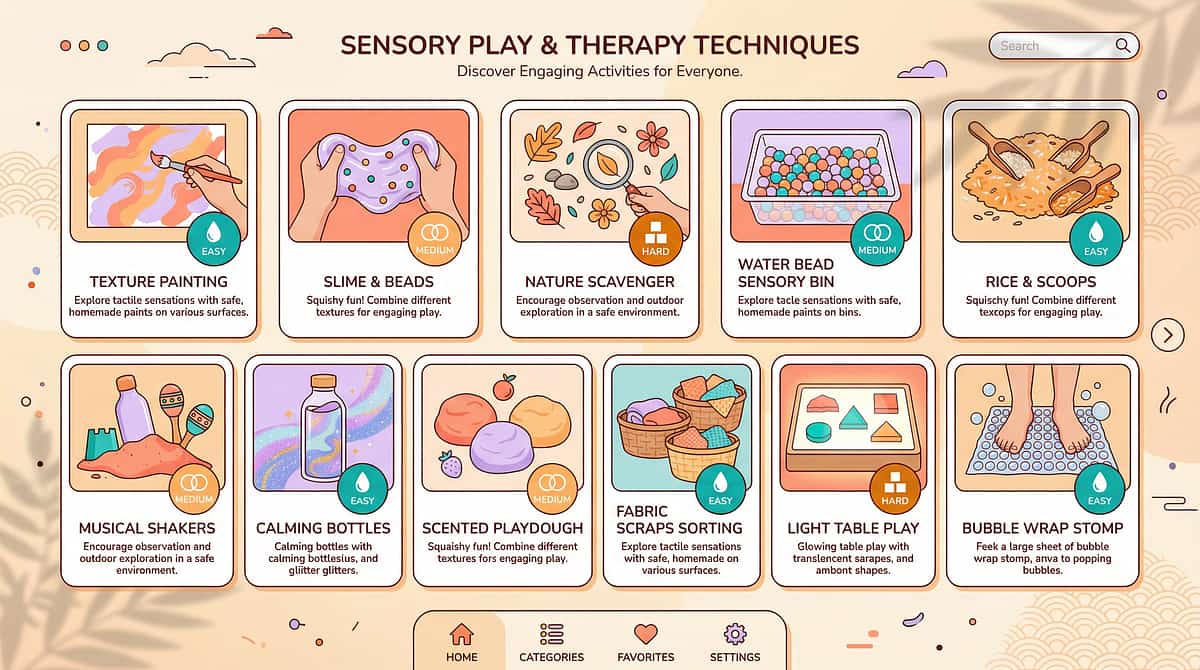
ACT III — Troubleshooting
Session abandonment is not failure. It is data.
Child refuses to touch the AT device at all
Why: AT is unfamiliar; the child doesn't yet associate it with meaningful outcomes; or the device was previously used in a demanding context.
Fix: Don't bring the device to the child — put it in the room and use it yourself throughout the day. Model constantly. It may take 2–4 weeks of exposure. This is normal.
Fix: Don't bring the device to the child — put it in the room and use it yourself throughout the day. Model constantly. It may take 2–4 weeks of exposure. This is normal.
Child uses AT only to request preferred items
Why: This is actually excellent early AAC use — requesting is the first communicative function. But vocabulary may be too limited.
Fix: Add "comment" vocabulary (wow, look, funny, ugh) alongside request vocabulary. Create situations where commenting is natural: watching a funny video together.
Fix: Add "comment" vocabulary (wow, look, funny, ugh) alongside request vocabulary. Create situations where commenting is natural: watching a funny video together.
Child presses AAC device buttons randomly
Why: The device may have become stimulatory, OR the child is exploring — all exploration is valid.
Fix: Respond to every activation as if intentional: "Oh, you said [output]! Interesting! Do you want [that]?" This teaches the connection between pressing and meaning.
Fix: Respond to every activation as if intentional: "Oh, you said [output]! Interesting! Do you want [that]?" This teaches the connection between pressing and meaning.
Visual schedule works at home but not at school
Why: Inconsistency across environments — format or vocabulary differs at school.
Fix: Meet with the school team. Provide identical schedule format and vocabulary. Consistency across environments is THE critical variable.
Fix: Meet with the school team. Provide identical schedule format and vocabulary. Consistency across environments is THE critical variable.
Child used AAC for 2 weeks then stopped
Why: Novelty wore off; communication partners stopped modelling; OR device was not available consistently.
Fix: Audit honestly: Is the device available ALL DAY? Are you still modelling? Is vocabulary still relevant? Refresh vocabulary and recommit to 100% modelling.
Fix: Audit honestly: Is the device available ALL DAY? Are you still modelling? Is vocabulary still relevant? Refresh vocabulary and recommit to 100% modelling.
Speech-to-text doesn't recognise the child's speech
Why: The child's speech is significantly atypical, accented, or volume-inconsistent.
Fix: Train the recognition system. Try different apps. For very atypical speech, SGD with symbol-based input may be more effective than voice-based STT.
Fix: Train the recognition system. Try different apps. For very atypical speech, SGD with symbol-based input may be more effective than voice-based STT.
Other family members or teachers don't use AT consistently
Why: They haven't been trained; they don't believe in it; they find it inconvenient.
Fix: This is the most common and most critical barrier. See Card 37 (Share This With Your Family) and Card 33 (School Advocacy) for guidance.
Fix: This is the most common and most critical barrier. See Card 37 (Share This With Your Family) and Card 33 (School Advocacy) for guidance.
Emergency Protocol: If the child became severely distressed during AT use — pause immediately. Conduct a Pinnacle teleconsultation to assess what triggered distress. Modify before reintroducing. Call 9100 181 181.
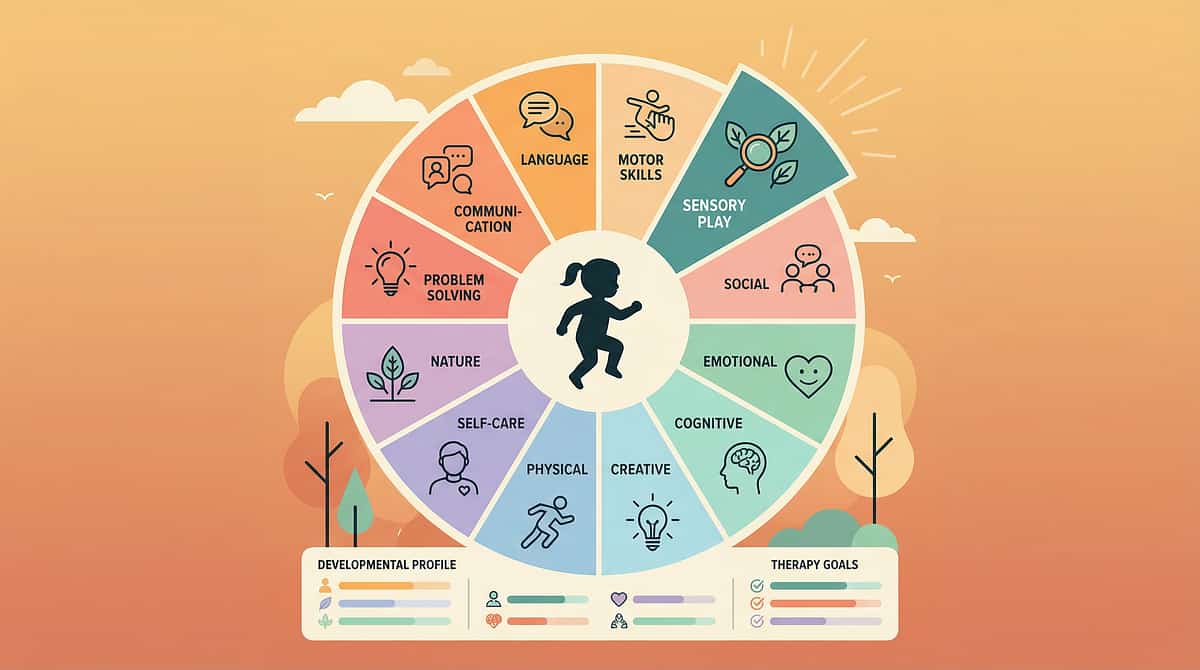
ACT III — Adapt
No two children need identical AT. Here is how to calibrate.
Sensory Seeker
Use AT with clear tactile feedback (switch presses with click, textured communication board). Incorporate movement into AT use. Stand at a communication board mounted on the wall. Embed AT in physical activities.
Sensory Avoider
Reduce auditory volume on SGD if it startles. Quieter, lower-stimulation AT environments. Laminate communication board with matte finish to reduce glare. Dim screen brightness on tablets.
Significant Motor Limitations
OT assessment BEFORE choosing access method (touch vs. switch vs. eye gaze). Don't assume standard touchscreen. A child who can't reliably touch a target needs a different access method. Positioning matters enormously.
Strong Visual Processing
Lean into visual schedule systems and AAC with visual organisation. Use colour-coding systematically across all AT. Add visual highlighting to text-to-speech features.
Age-Based Modifications
Ages 3–5
4–8 symbols maximum. Cause-effect switches. Simple 2-step schedule. High reinforcement density.
Ages 6–10
Core + fringe vocabulary. Beginning literacy-based AAC if appropriate. Multi-step schedule. Expanding environmental control.
Ages 11–18
Full robust AAC. Literacy-based options. Self-advocacy skills. Transition-focused AT goals. Vocational readiness.
Research Reference: Individual AT matching principles (RESNA, ASHA, OT clinical guidelines) | Pinnacle GPT-OS® child profile-based adaptation protocols
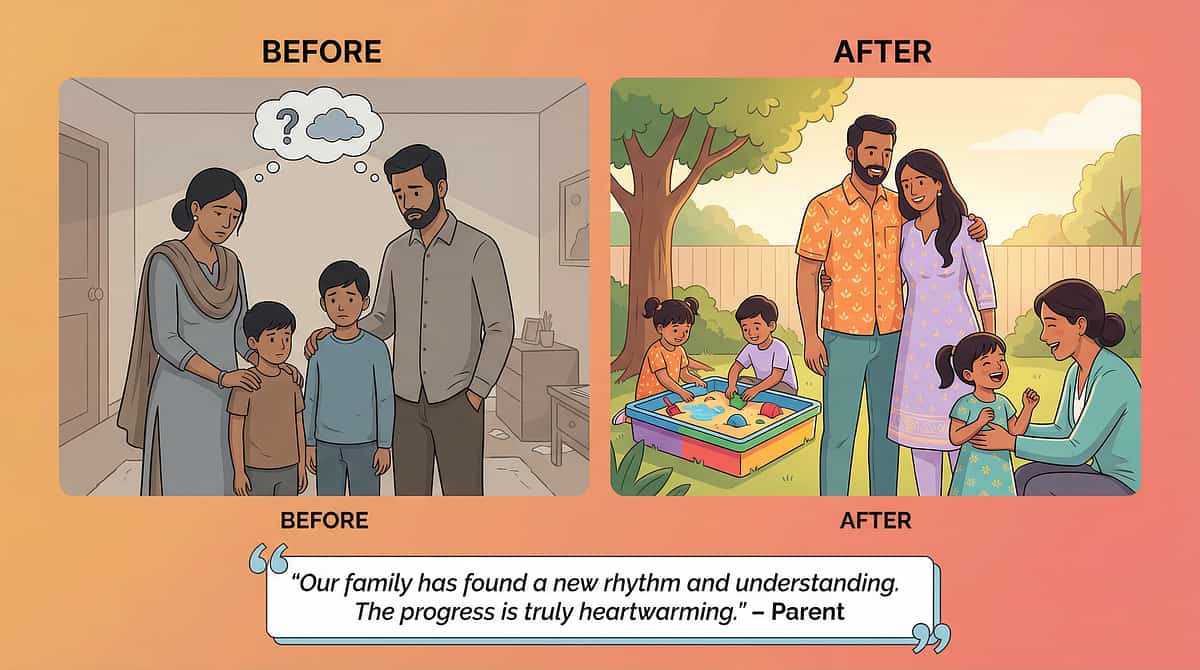
ACT IV — Progress
Weeks 1–2: Exposure, Not Mastery. Expect Curiosity, Not Fluency.
✅ Child Looks At / Touches Device
This is the beginning. Neural association between device and positive experience is forming. Mark this moment.
✅ 1–3 Intentional AT Uses
Early meaningful uses per session. Even accidental activations that produce meaningful responses count. Every intentional use is a win.
✅ Some Rejection or Indifference
Normal. The device is new. Continue modelling without pressure. Consistency of exposure is the intervention.
✅ You Feeling Uncertain
Also normal. You are learning a new way of communicating alongside your child. Your fluency will build.
If your child tolerates the AT device being present and engages with it even once per session — that is real, meaningful progress. You are building the foundation of a communication system that may serve your child for life. Celebrate every moment of engagement.
Patience Metric: Children typically need 2–4 weeks of consistent exposure before showing reliable AT use. Children with significant communication differences may need 4–12 weeks. Do not abandon AT in the first two weeks.
Research Reference: PMC11506176 | General AAC implementation timeline research — typical emerging phase 2–12 weeks

ACT IV — Progress
Weeks 3–4: Something Is Shifting. These Are the Signs.
🧠 Child Reaches for the Device Without Prompting
The first time this happens, mark it. It means the child has internalised that the AT is their tool for getting something they want. This is the neural pathway opening.
🧠 Child Uses AT to Communicate Something Unexpected
Unexpected vocabulary use signals that the child is thinking beyond immediate requests. This is generative language development — not just communication, but creativity.
🧠 Transitions Become Slightly Smoother
The visual schedule is becoming a regulatory tool. Anxiety around transitions begins to decrease as predictability is established.
🧠 Child Seems Less Frustrated Overall
Communication pressure decreases when a reliable channel exists. Behavioural incidents related to communication failure often decrease in weeks 3–4.
🧠 You Are More Fluent in Modelling
Your communication partner skills improve week by week. Your comfort level directly affects the child's AT learning. Your shift is as important as theirs.
"You may notice that you're starting to think differently about communication — seeing more opportunities to model, more moments where the AT could help. This is your communication partner skills developing. That shift in you is as important as the shift in your child." — Pinnacle Consortium
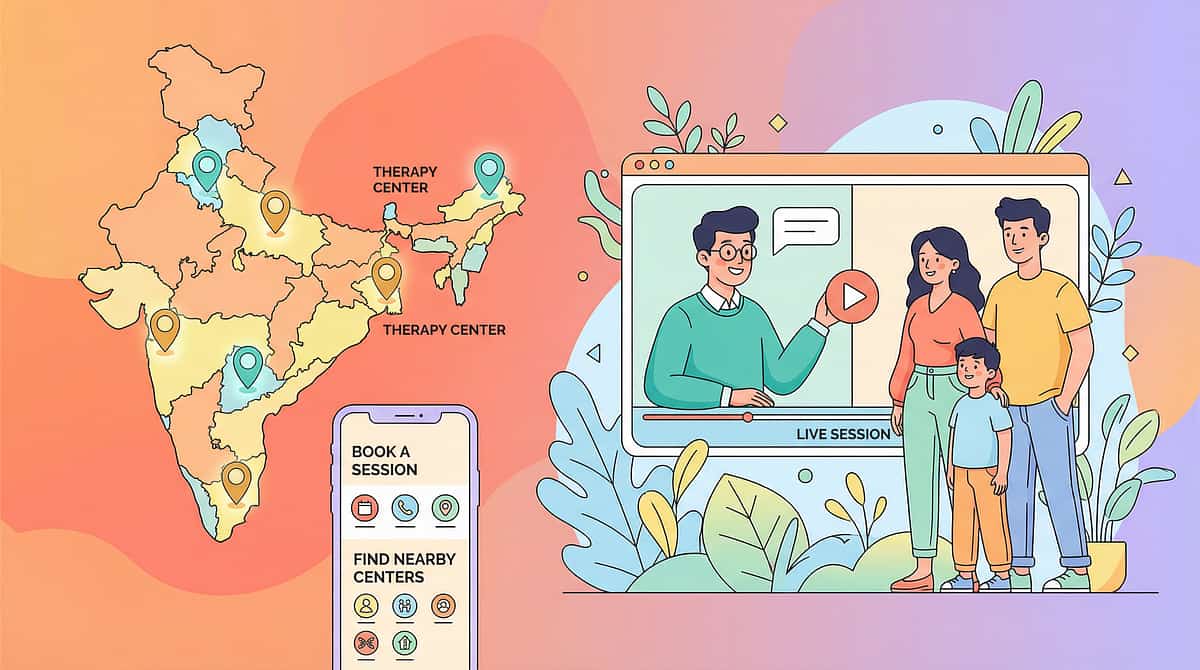
ACT IV — Mastery
Weeks 5–8: This Is What Mastery of Assistive Technology Looks Like.
Indicator | Description | Observable Behaviour | |
Spontaneous Initiation | Child independently initiates AT use without any prompt | Reaches for device, points to schedule, or controls environment without adult cue | |
Cross-Environment Generalisation | AT use appears in at least 2 different settings | Same symbols used at home AND school, OR schedule followed in home and community | |
Expanding Vocabulary | Child uses AT beyond original trained vocabulary | Novel symbol combinations, or environmental control of new devices | |
Communication Partner | Child shows others how to use their AT | Demonstrates device to sibling, shows grandparent how to read the board | |
Regulation Function | Child uses AT for self-regulation independently | Independently checks schedule before becoming anxious during transitions |
When to Move Forward
Child consistently demonstrates 3+ mastery indicators for 2+ weeks → Ready for H-753 (AAC Implementation Strategies) or the next level of their AT system.
When to Stay and Strengthen
AT use is functional in 1 environment but not yet generalised → Spend additional 4–8 weeks on generalisation before advancing.
Research Reference: PMC10955541 | BACB mastery criteria standards | ASHA AAC outcome measurement frameworks
ACT IV — Celebrate
You Did This. Your Child Has a Voice Because You Showed Up, Every Day.
You arrived at this page with a question: Is there technology that can help my child? You now know: Yes. Definitively, scientifically, practically — yes.
But more than that: you have spent weeks building something that cannot be bought. You have become your child's most important communication partner, their most skilled AT model, and the architect of their access to the world.
Every time you pointed to the communication board. Every time you activated the device first and waited. Every time you respected the no-go readiness check and postponed. Every time you tracked the data when you were tired. That is not caregiving. That is clinical-grade therapeutic support. And your child is growing because of it.
📸 Document It
Take a photo or video of your child using their AT independently today. In 6 months, you will watch it and understand how far you have both come.
📓 Write One Sentence
In a journal: what did you see your child do with AT today that they couldn't do 8 weeks ago? Name it, honour it.
🎉 Family Celebration
Choose one thing your child communicated this week using AT that was new. Let your child see how much it means to you. Specific, genuine celebration is the most powerful reinforcement available.
ACT IV — Red Flags
Trust your instincts. If something feels wrong, pause and ask.
🚨 Child Becomes Self-Injurious During AT Sessions
What it looks like: Head-banging, biting self, or hitting self consistently during or after AT sessions.
Why: Could signal that the AT approach is creating demand-related distress.
What to do: Pause; consult Pinnacle SLP + ABA team; functional assessment needed.
Why: Could signal that the AT approach is creating demand-related distress.
What to do: Pause; consult Pinnacle SLP + ABA team; functional assessment needed.
🚨 AT Use Increases, But Behavioural Incidents Also Increase
Why: May indicate vocabulary mismatch — child can say "want" but not "stop this" or "I'm overwhelmed."
What to do: Expand emotional vocabulary immediately; consult SLP for vocabulary audit.
What to do: Expand emotional vocabulary immediately; consult SLP for vocabulary audit.
🚨 Child Stops Using AT After a Period of Good Use
Why: Device breakdown, vocabulary no longer relevant, environmental change, or loss of communication partner consistency.
What to do: Investigate all four causes; consult SLP; vocabulary refresh usually effective.
What to do: Investigate all four causes; consult SLP; vocabulary refresh usually effective.
🚨 Physical Signs of Strain During Switch or Computer Access
What it looks like: Child rubbing neck, hand, or arm after AT sessions; grimacing during use.
What to do: Pause switch/computer use; consult OT for positioning reassessment immediately.
What to do: Pause switch/computer use; consult OT for positioning reassessment immediately.
🚨 School Tells You to "Stop Using AAC at Home"
Why it matters: This advice contradicts 50 years of evidence. AAC does not inhibit speech — it supports it.
What to do: Request the clinical evidence for this instruction. Contact Pinnacle Helpline for advocacy support: 9100 181 181.
What to do: Request the clinical evidence for this instruction. Contact Pinnacle Helpline for advocacy support: 9100 181 181.
🚨 Child Uses AT to Indicate Pain or Distress You Hadn't Known About
Why it matters: This is the AT working — the child is now able to communicate things previously unexpressible. Take these communications extremely seriously.
What to do: Respond, investigate, and act on what the child is communicating.
What to do: Respond, investigate, and act on what the child is communicating.
Escalation Pathway: Self-monitor → Pinnacle teleconsultation (9100 181 181) → Centre visit → Emergency if distress is acute.
ACT IV — Related Techniques
Explore the Full Assistive Technology Ecosystem
techniques.pinnacleblooms.org — 70,000+ evidence-based techniques across all paediatric therapy domains
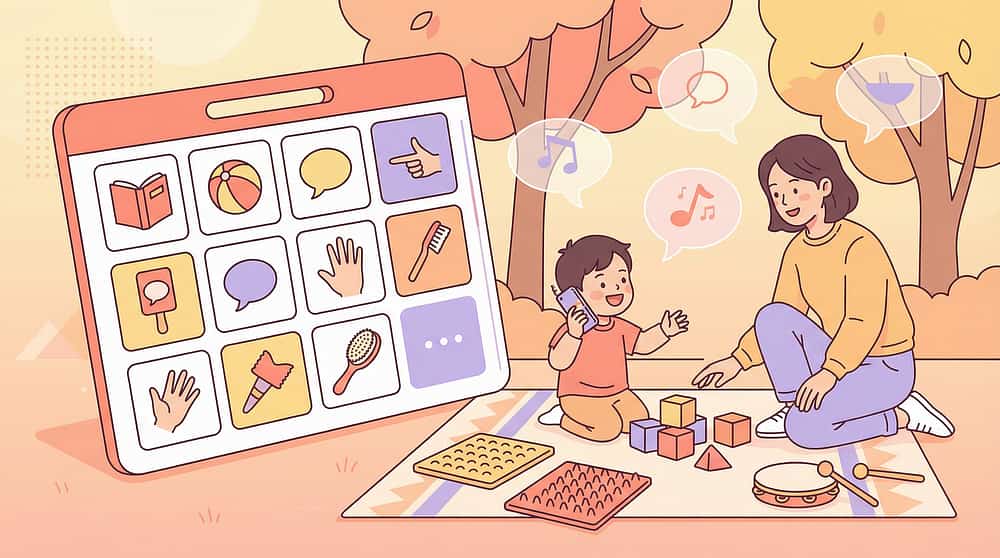
🟢 H-750: Introduction to Assistive Technology
What AT is, who it's for, how to access it. Materials: Low-tech AAC boards.
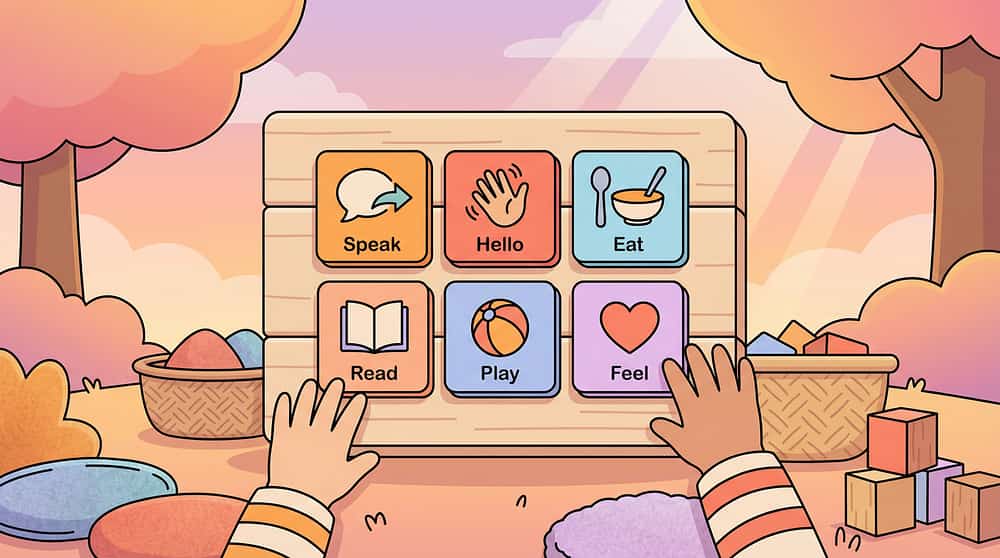
🟢 H-751: AAC Fundamentals
Core vocabulary, communication partner training, basic AAC principles. Materials: Communication board, symbol library.

🔵 H-753: AAC Implementation Strategies
Building communication systems, partner training, vocabulary programming. Materials: SGD, AAC app, vocabulary system.
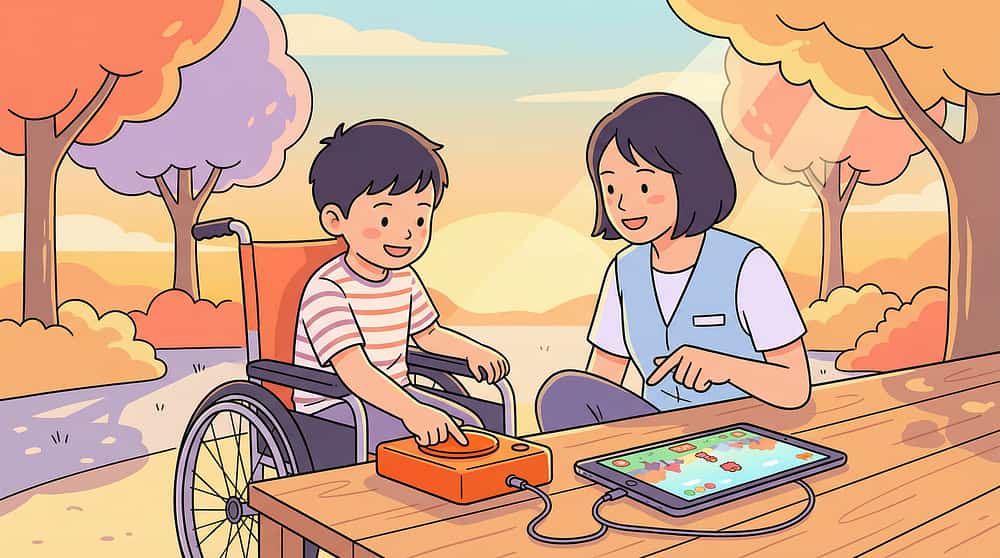
🔵 H-754: Computer Access Solutions
Switch access, eye-gaze, head-tracking, alternative keyboards. Materials: Switches, adaptive input devices.

🔴 H-760: Advocacy for AT Access in Schools
Rights, IEP language, school AT assessment requests. Materials: Documentation templates.
ACT V — Community
Real Families. Real Outcomes. This is What Happens When the Right Tool Meets the Right Child.
Priya, 7 Years | Autism + Minimal Speech | Hyderabad
Before: Priya communicated primarily through grabbing, screaming, and leading adults by the hand. Teachers assumed severe intellectual disability. Her parents knew differently — her eyes, her understanding, her problem-solving said something entirely different.
The Intervention: An SLP conducted an AAC assessment. Priya was matched with a tablet-based AAC app. The family was trained on modelling. Within 3 weeks, Priya used "want" + "music" unprompted for the first time.
After: Eight months later, Priya uses a 200-symbol AAC system across home, school, and community. She is now in a mainstream classroom with AT support. Her school team completely revised their assessment of her cognitive abilities.
"Before the AAC device, people talked about her as if she wasn't in the room. Now she tells them herself what she wants. The device didn't give her a voice. It gave the world ears." — Priya's mother
Arjun, 11 Years | Cerebral Palsy + Significant Motor Limitations | Delhi
Before: Arjun had no reliable speech and limited hand control. He used a wheelchair. His mother had been told he would never be academically capable. At age 9, he still had no formal AT assessment.
The Intervention: OT assessment identified eye gaze as Arjun's reliable access point. An eye-gaze enabled AAC system was trialled. Within weeks, Arjun was operating a computer with his eyes — navigating curriculum software, typing at grade level, communicating in complete sentences.
After: Arjun passed his Class 5 examinations — with AT accommodation — with above-average scores. He now advocates for other children with physical disabilities to receive AT assessments.
"My son had always been learning. The school system just never gave him a way to show it." — Arjun's mother
Outcomes represent individual cases. Results vary by child profile, AT matching quality, and implementation consistency.
ACT V — Community
Isolation is the enemy of adherence. Your village changes everything.
📱 WhatsApp Community
Pinnacle AT & AAC Parent Support Group — 2,400+ families across India navigating AT implementation. Share wins, ask questions, troubleshoot together in your language.
💻 Online Forum
Pinnacle Parent Forum — AT & AAC section. Searchable archive of thousands of parent questions and therapist responses. Find answers to exactly your question.
🤝 Peer Mentoring
Connect with an experienced AT-using parent who has navigated exactly what you're navigating. Pinnacle's peer mentor programme matches families by child profile and AT type.
📍 Local Parent Meetups
Pinnacle centres host monthly parent AT knowledge-sharing sessions across 70+ centre cities. Meet other families in your city who understand your journey.
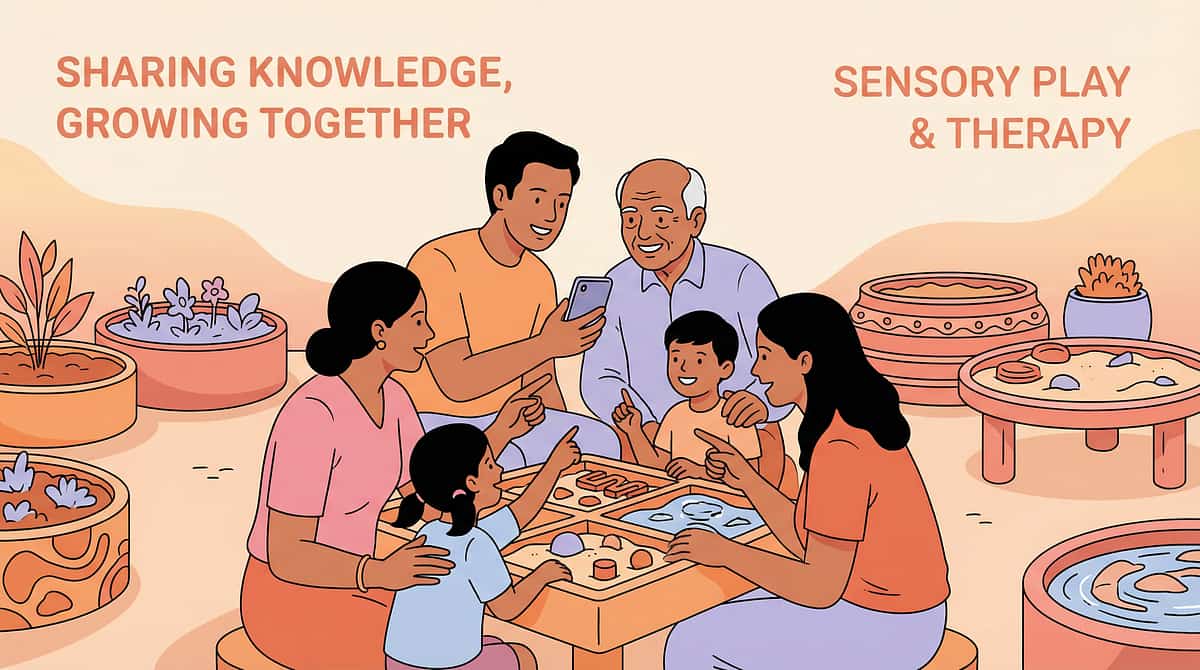
"Your experience is data that helps other families. If you've navigated AT, AAC, or switch access — consider sharing what you've learned. The family that comes after you will be grateful."
🆘 FREE National Autism Helpline: 9100 181 181 | 24x7 | 16 Languages | Specialists in AT & AAC guidance
ACT V — Watch the Reel
Watch This Technique in Action. See How Therapists Present These 9 Materials.
Reel ID: H-752
9 Materials That Help With Assistive Technology
Series
Assistive Technology & AAC — Episode 752
Duration
75–85 seconds
Therapist Lead
Pinnacle SLP Consortium
What the Reel Covers: The 9-material visual guide presented by a Pinnacle SLP — showing each material, demonstrating how it works, and giving the 5-second clinical key insight for each. Designed to be the "first touchpoint" that brings families to this technique page.
← H-751
9 Materials That Help With AAC Fundamentals
→ H-753
9 Materials That Help With AAC Implementation
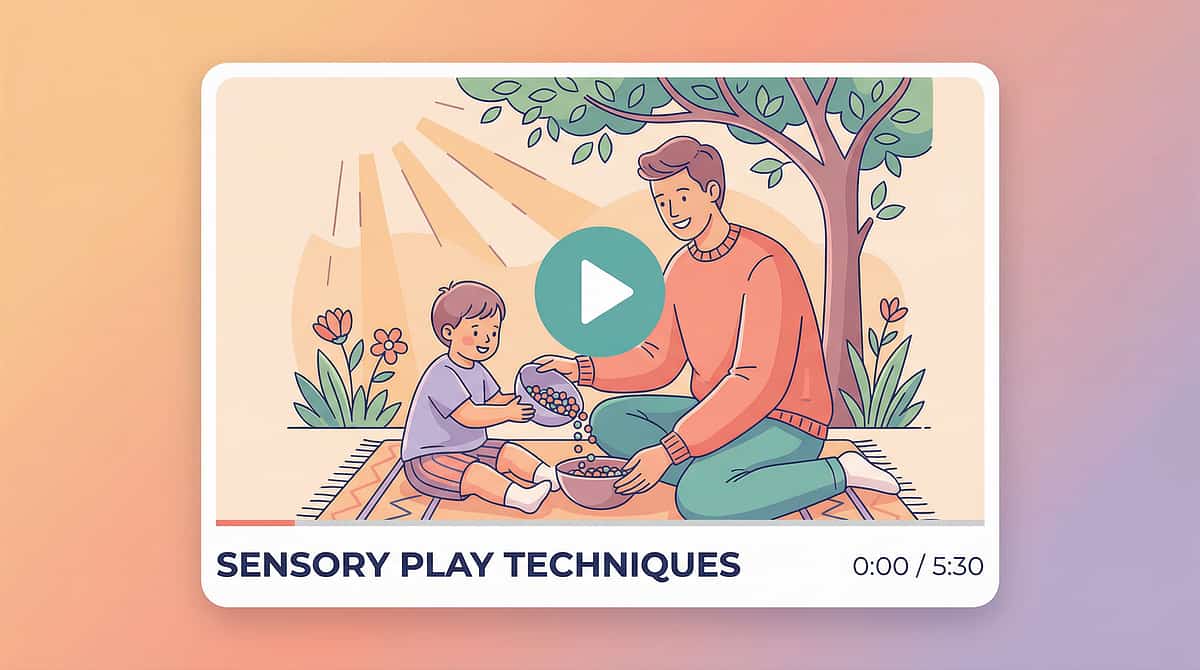
Multi-Modal Learning: Research confirms parents who watch a demonstration video AND read the protocol text have significantly higher implementation fidelity. You have done both. You are statistically more likely to implement this well. NCAEP 2020 — Video modelling as established EBP for autism.
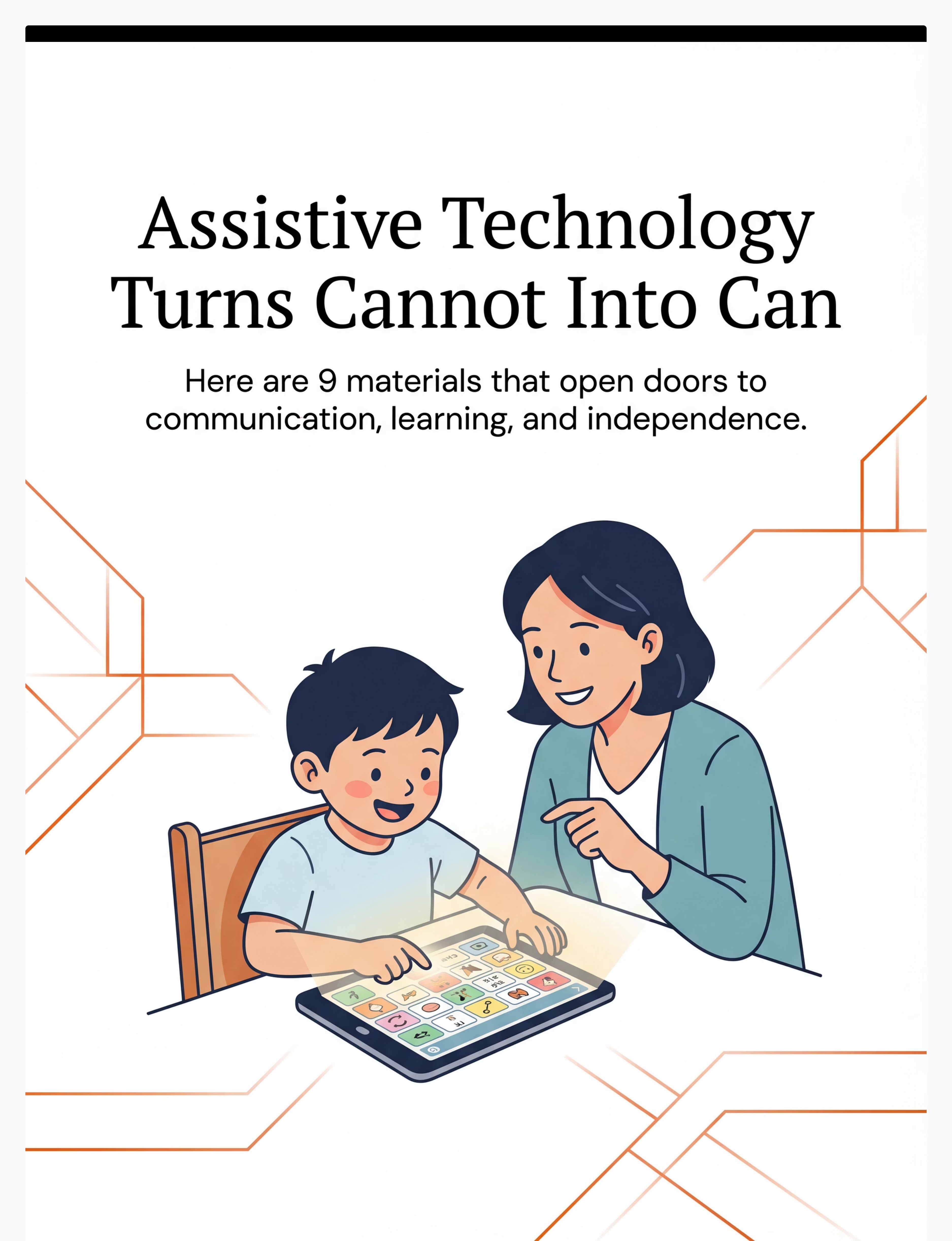
Preview of 9 materials that help with assistive technology Therapy Material
Below is a visual preview of 9 materials that help with assistive technology therapy material. The pages shown help educators, therapists, and caregivers understand the structure and content of the resource before use. Materials should be used under appropriate professional guidance.


Link copied!
Pinnacle Blooms Network®
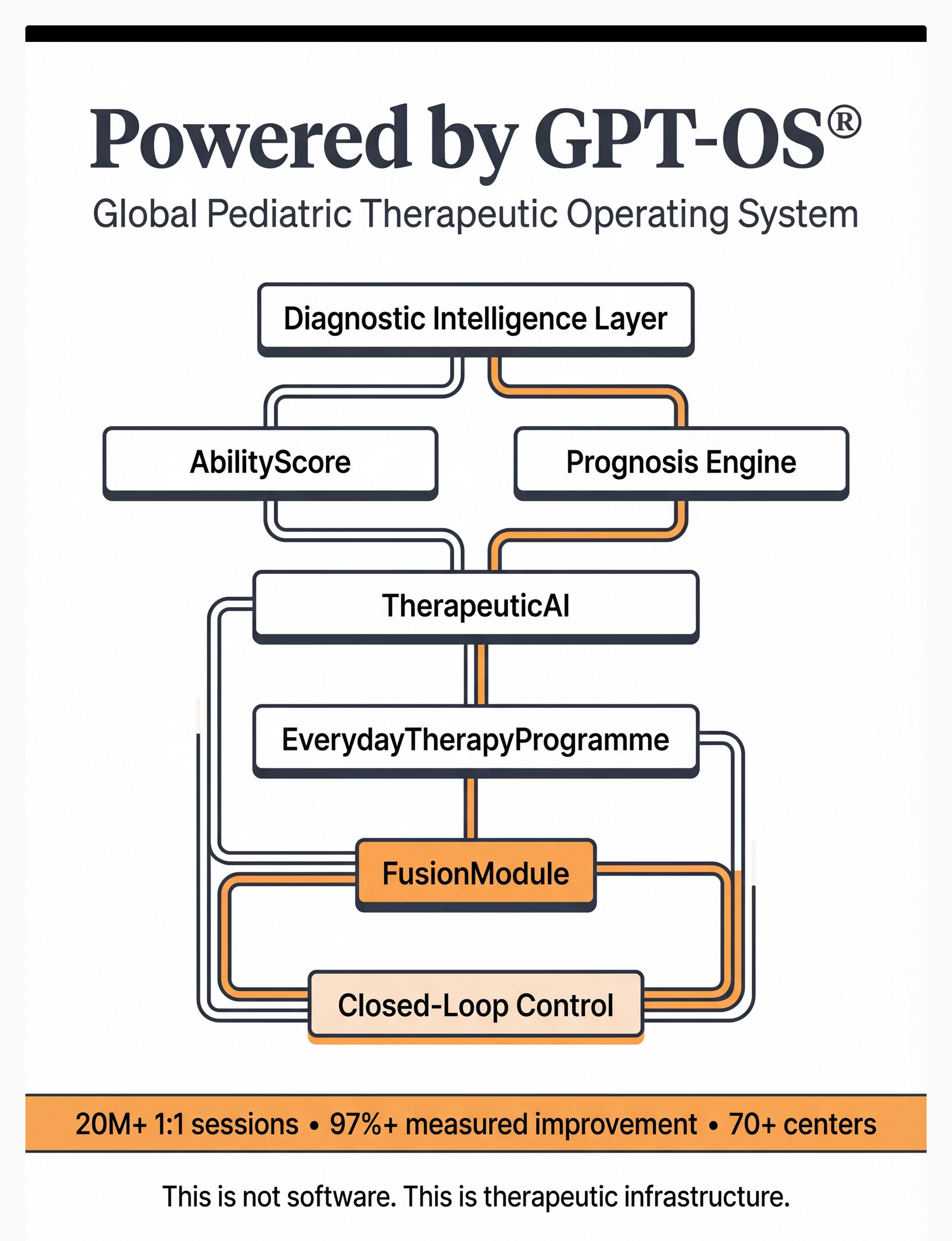
Built by Mothers. Engineered as a System. | GPT-OS® | Global Paediatric Therapeutic Operating System
"From fear to mastery. One technique at a time. Every child deserves access to communication, learning, and participation — regardless of their diagnosis, location, or family income. This is what we exist to provide."
1
🗣 Pediatric SLP
AAC assessment, communication systems, vocabulary programming, partner training
2
✋ Pediatric OT
Switch access, positioning, adaptive computer access, environmental control
3
🎯 ABA / BCBA
Reinforcement for AT, FCT, data collection, generalisation programming
4
📚 Special Education
IEP goals, classroom AT, curriculum modification, educational access
5
🧠 NeuroDev Pediatrics
Diagnostic clarity, medical co-occurrence, contraindication assessment
6
🔬 Clinical Research
PubMed-referenced, WHO/UNICEF-aligned, 21M+ sessions validated
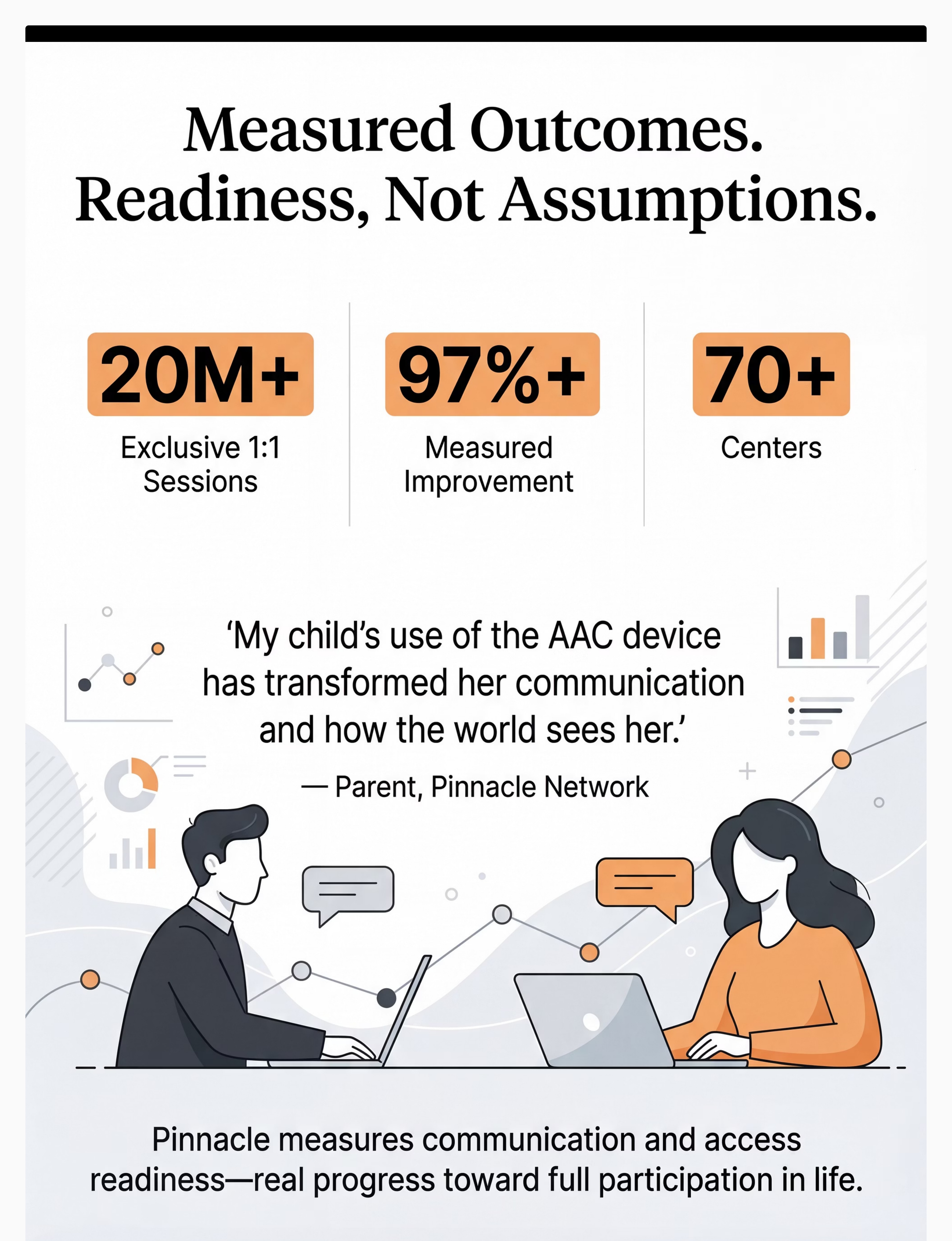
21M+ therapy sessions | 97%+ measured improvement | 70+ centres | 70+ countries
← Previous: H-751: AAC Fundamentals | → Next Recommended: H-753: AAC Implementation Strategies
Medical Disclaimer: This content is educational. It does not replace professional assistive technology assessment. Proper AT matching requires evaluation by qualified professionals (SLPs, OTs, AT specialists). Outcomes vary based on individual needs, appropriate matching, training, and support. School-based AT may be available through special education services under RPwD Act 2016 (India). Individual results may vary. Statistics represent aggregate outcomes across the Pinnacle Blooms Network. This page does not constitute medical, legal, or educational advice.
CIN: U74999TG2016PTC113063 | DPIIT: DIPP8651 | MSME: Udyog Aadhaar TS20F0009606 | GSTIN: 36AAGCB9722P1Z2
© 2025–2026 Pinnacle Blooms Network®, unit of Bharath Healthcare Laboratories Pvt. Ltd. All rights reserved. Technique H-752. GPT-OS® Content Engine v2.1.0.